
Always-on visitor engagement
Clara engages website visitors, in-app users, or outbound prospects in live conversation so teams can respond when buying intent is highest.

Clara is an AI SDR platform that engages website visitors in real time, qualifies leads, and books meetings. It is designed to help sales and marketing teams convert inbound traffic without adding headcount.
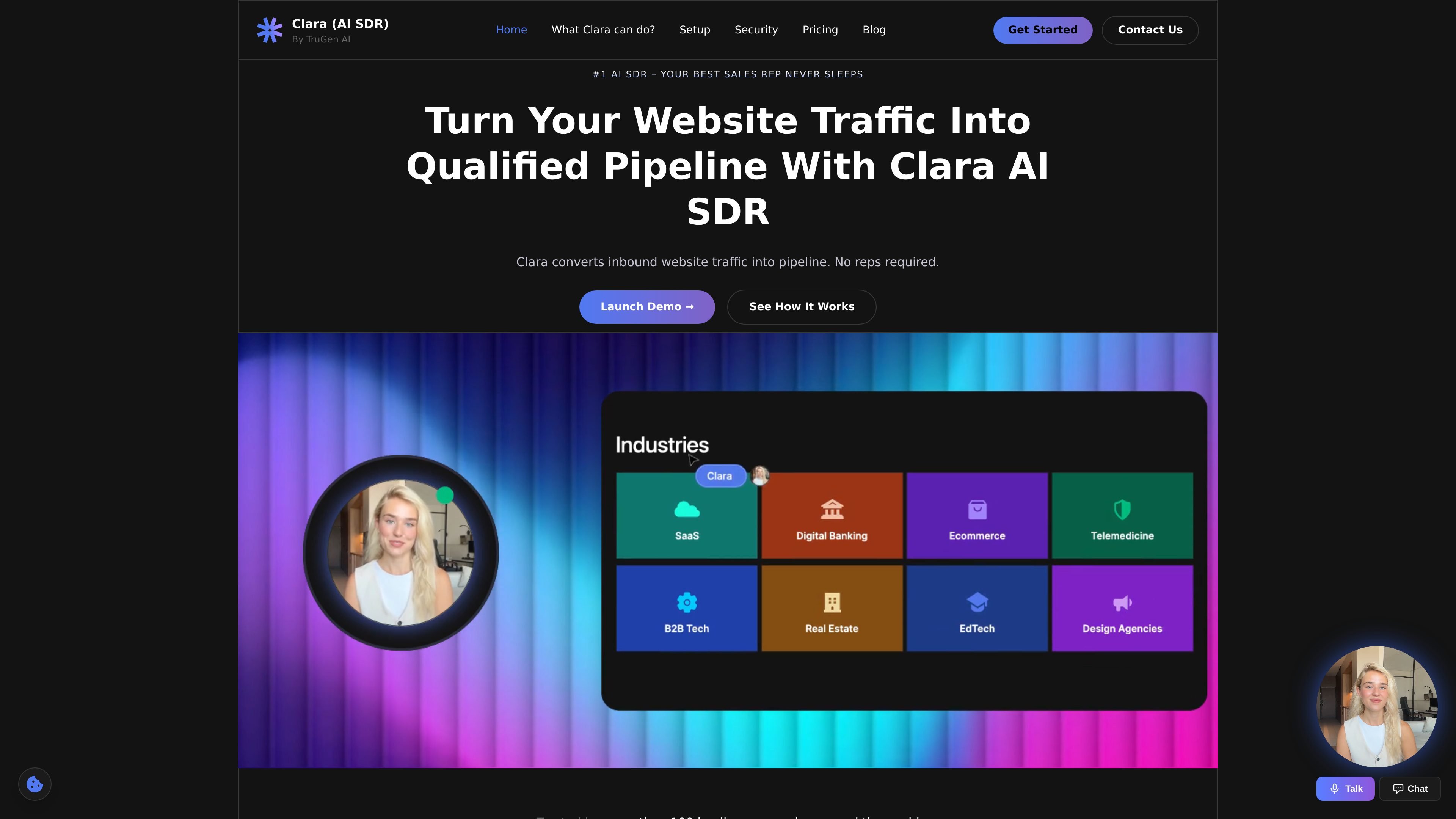
Clara is an AI SDR platform that turns website traffic into sales conversations. It greets visitors in real time with a face-to-face video experience, qualifies leads, and books meetings so sales teams can capture demand without relying on manual follow-up.
The product is positioned for websites, landing pages, in-app experiences, and outbound campaigns. According to the site, teams can create an AI SDR, train it on pitch decks and product docs, and launch it quickly; pricing starts with a free Starter plan and scales to paid usage and custom Enterprise deployments.
Clara engages website visitors, in-app users, or outbound prospects in live conversation so teams can respond when buying intent is highest.
The AI SDR asks questions, evaluates interest, and filters prospects before handing them off to a sales team.
Clara adapts demos and explanations to the visitor's industry, role, and stated needs, rather than following a fixed script.
The product can sync contacts and log calls into an existing CRM and tool stack, reducing manual follow-up work.
Users can upload pitch decks, sales scripts, product documents, and FAQs to train the AI SDR on company messaging.
The Enterprise plan adds custom avatars and voices, white-labeling, meeting participation, and Slack/Teams communication.
Use Clara on a marketing site to answer interest at the moment a prospect is browsing, reducing the chance that high-intent visitors leave without engaging.
Use the AI SDR to ask qualifying questions before a rep gets involved, helping teams focus on prospects that match the target profile.
Use Clara to deliver an interactive walkthrough that changes based on the visitor's role, industry, or needs, which is useful for product-led selling and complex offers.
Use the Enterprise plan when a team wants branded experiences, custom avatars or voices, or the ability to join meetings and communicate through Slack or Teams.
Use the training workflow to load pitch decks, scripts, product documents, and FAQs so the AI SDR can speak with company-specific context.
Clara offers a free Starter plan, a $299/month Pay as you Go plan that includes 300 buyer conversations, and custom Enterprise pricing for higher-volume needs.
Yes. The pricing page lists a free Starter plan with 10 buyer conversations per month included.
The pricing page does not publish a detailed overage schedule beyond noting that the Pay as you Go plan charges $1 per buyer conversation after the included allotment.
According to the site, Enterprise adds custom avatars and voices, white-labeled experiences, custom CRM and data integrations, meeting participation, Slack/Teams communication, self-hosting or dedicated deployments, and enterprise-grade security and compliance.
The site says setup can be done in three steps: create the AI SDR, train it with pitch decks, scripts, product docs, and FAQs, then launch it on a website or landing page.

Podium is an AI lead generation and lead management platform for local businesses. It centralizes lead conversations, automated follow-up, reviews, payments, and booking, with a 24/7 AI Employee available as an add-on.

Ninjō AI is an AI sales agent platform for creators and agencies that qualifies leads, handles sales conversations, and supports multi-channel follow-up. It can also be controlled from Claude or ChatGPT through MCP for users who want to manage agents by chat.

Sumora is an autonomous outreach agent for finding, qualifying, warming, and booking leads through LinkedIn and Instagram. It helps users manage replies from one inbox while keeping final sends under review.

Oppora AI is an outbound sales platform that automates lead finding, enrichment, outreach, inbox replies, and CRM sync. It is built for teams and operators who want to run repetitive sales workflows from one system instead of piecing together separate tools.

Blinked is a free Chrome extension for LinkedIn outreach that helps users research leads, draft personalized messages, and manage follow-ups inside LinkedIn. It is local first, with outreach data kept in the browser rather than on Blinked’s servers.
Salestrics is an AI-native CRM and revenue platform for startups. It combines pipeline management, workspace files, analytics, automations, finance, and team communication in one connected workspace.