

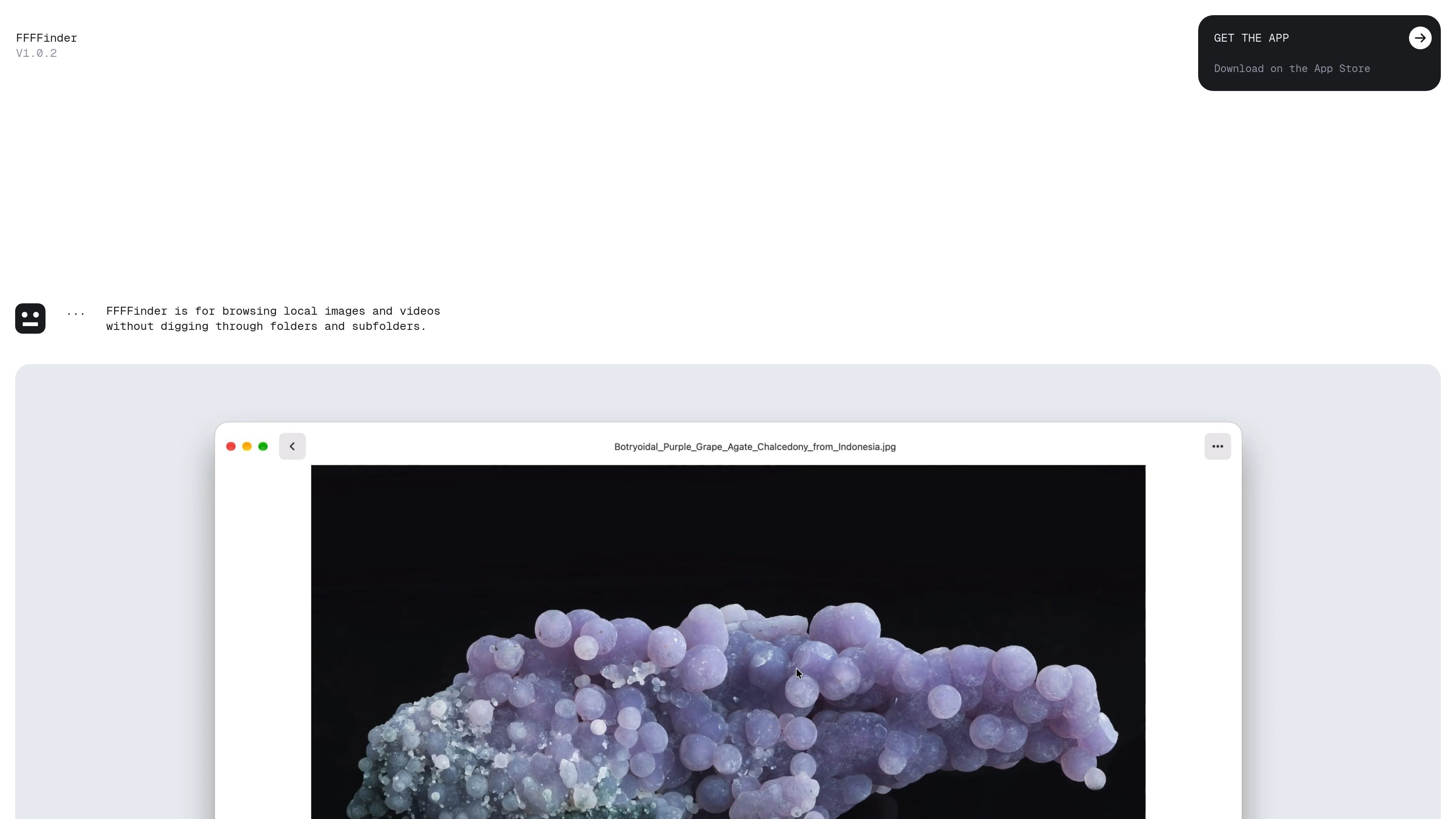
Recursive folder browsing
Select a folder and the app includes supported media found throughout its nested subfolders in one continuous grid.
FFFFinder is a macOS media browser for finding and viewing images and videos stored in existing folders. Instead of opening nested directories one at a time, you add a folder and the app gathers supported media from its subfolders into a continuous grid.
The app works directly with files on your Mac or connected external drives. It does not create a separate library, duplicate files, upload media to the cloud, or require an account, while search relies on metadata already present in the original files.
Select a folder and the app includes supported media found throughout its nested subfolders in one continuous grid.
Filter which file types appear, change thumbnail size from large previews to dense grids, and sort by name, date, folder, or random order.
Search uses metadata already stored in the original files; the app says it does not analyze or generate additional content.
Browse files on connected external drives without moving them to the Mac.
Navigate items and folders, change thumbnail size, search the grid, reveal files in Finder, get information, copy, rotate, and open settings with keyboard shortcuts.
Choose light or dark themes and adjust sounds, haptic feedback, video autoplay, and other app preferences.
Open a top-level project or archive folder and review images spread across several levels without manually opening each subfolder.
Connect a drive containing photo or video archives and browse its contents in place, without importing or relocating the files.
Use file-type filters, metadata search, and sorting to narrow a large local collection when you need to find a particular asset or group of assets.
Switch between large previews and dense grids to quickly scan a collection or examine media more closely.
Move through files, folders, and common actions from the keyboard when browsing without relying on repeated mouse navigation.
FFFinder runs on Macs using macOS 14.0 or later and Apple silicon.
Add a folder and FFFFinder searches through its subfolders, presenting supported images and videos in a continuous grid.
No. The app works with the original files in your folders and does not create a separate media library or duplicate files.
FFFinder supports common image and video formats, including JPG, PNG, WebP, AVIF, HEIC, GIF, BMP, MOV, MP4, M4V, and a broad range of RAW formats. File types can be enabled or ignored in Settings.
The product site lists FFFFinder as a $7.99 one-time purchase with no subscription or in-app purchases.

MacSpoof로 macOS Wi‑Fi MAC 주소를 변경하거나 랜덤화하세요. 네트워크 재접속 및 공용 Wi‑Fi에서 기기 식별 기록을 줄이는 데 도움.

DemoTV is an audience-ranked station for discovering and comparing independent product demos. Founders can submit videos, embed approved demos on their websites, collect viewer inquiries and optionally commission demo production or labelled promotion without buying ranking.

Ship It: Idle Dev Tycoon is an iPhone incremental simulation game about building apps, managing a software studio, and selling it for lasting progression benefits. It supports offline play, automated builds, adviser collection, and optional in-app purchases.

NomNak은 친구 추천으로 맛집을 찾는 iPhone 무료 앱입니다. 저장한 장소, 푸드 패스포트, 도시 검색으로 친구들의 식당 지도를 확인하세요.

CAPTA is a mobile GPS waypoint app for quickly saving, organizing, and revisiting locations. It supports offline use, camera-based coordinate capture, optional cross-device synchronization, and GPX export for fishermen, explorers, and field professionals.

Ctrl+Shift+3 is a calm, text-first community platform with a chronological feed, profiles, RSS, and private groups called Clicks. It is built for reading, posting, and joining smaller communities without algorithmic ranking or vanity counts.