
Dedicated agent conversation panels
Use the editor’s side panel to talk to agents while keeping your codebase and workflow in view.

Antigravity IDE Extensions bring Google’s agentic development platform into supported editors so developers can chat with agents, inspect diffs and plans, and run tasks without leaving the IDE. The product supports individual Google accounts as well as enterprise sign-in through Google Cloud and Gemini Enterprise.
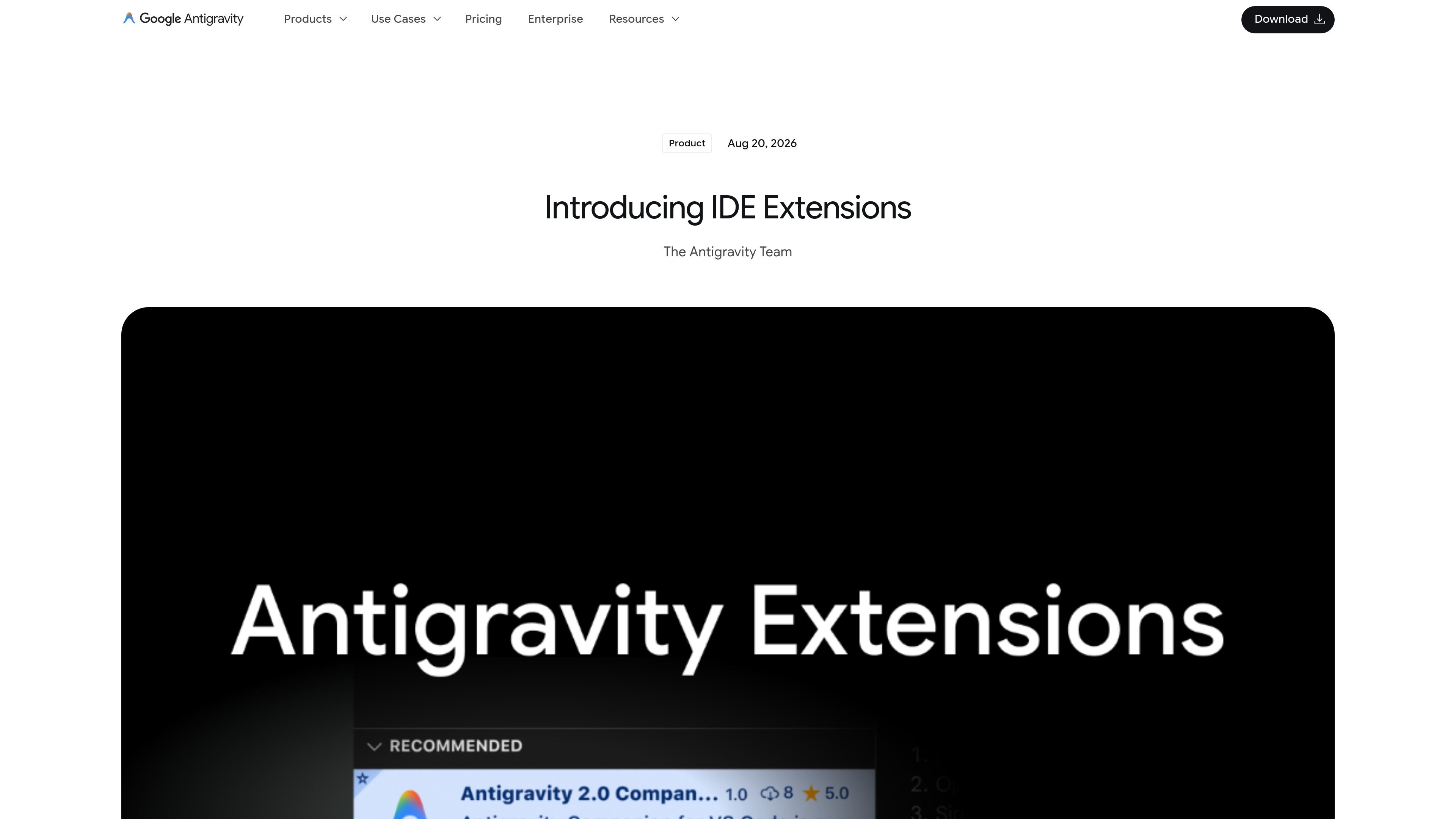
Antigravity IDE Extensions bring Google’s agentic development platform into supported editors, including Visual Studio Code, Visual Studio, JetBrains IDEs, and Zed. They are meant for moments when developers still need an editor to inspect code paths, review diagnostics, step through logic, or make localized edits, even though much of the workflow may happen through agents in Antigravity 2.0 or the CLI.
The extensions are positioned as lightweight, high-performance integrations rather than a full replacement for the editor. Within the IDE, developers can converse with agents, review inline diffs, inspect plans, and run multi-step tasks while keeping access to the same Antigravity account, quotas, and enterprise controls used across the rest of the platform.
Use the editor’s side panel to talk to agents while keeping your codebase and workflow in view.
Review granular inline diffs inside the editor so changes can be inspected before you accept them.
Inspect interactive plans to understand how the agent will approach a task before it runs or continues.
Execute multi-step engineering tasks natively in the IDE instead of switching to a separate app for every step.
Support for VS Code, Visual Studio, JetBrains, and Zed lets the same Antigravity experience reach several common development environments.
A unified sign-in system ties the IDE extensions to Antigravity 2.0 and the CLI so entitlements, quota, and privacy settings follow the same account.
Keep agent-driven development inside your editor when you want to inspect code, adjust a specific file, or work through a bug without opening a separate standalone app.
Review agent-generated plans and diffs before committing to a change, which is useful when you want more visibility into how a task will be carried out.
Let developers in supported editors use the same Antigravity account, quotas, and enterprise controls already used in Antigravity 2.0 or the CLI.
Give enterprise teams a path to use supported IDE extensions under Google Cloud governance, including Gemini Enterprise or Google Cloud project-based sign-in.
Antigravity IDE Extensions bring Google’s agentic development platform into supported editors so you can chat with agents, review inline diffs, inspect plans, and execute multi-step engineering tasks without leaving the IDE.
Supported editors include Visual Studio Code, Visual Studio (Preview), JetBrains IDEs such as IntelliJ IDEA, PyCharm, WebStorm, GoLand, CLion, and Rider, plus Zed.
Individual developers can sign in with a personal Google Account and use any Antigravity plan, including the free tier. Enterprise users sign in with Gemini Enterprise or Google Cloud project credentials, with some enterprise IDE support still in Preview for JetBrains and Zed.
The docs describe lightweight, editor-native integrations rather than a separate standalone IDE. The extensions are designed for development work that still benefits from an editor, such as debugging, inspecting code paths, and making localized adjustments.
Installation is done through each editor’s marketplace or built-in extension manager, depending on the IDE. The exact flow differs by editor, and the docs point to separate install guides for setup details.

ByteAsk is a terminal-first AI coding agent for C and C++ that edits repositories and verifies changes with the real compiler, debugger, sanitizers, and tests before showing a diff. It offers a free tier plus paid plans, with editor connectors and zero-retention handling described in the source.

Ghost는 채팅, 코드 생성, 터미널 작업 실행을 지원하는 터미널 기반 AI assistant입니다. 무료 모델을 제공하며 Linux, macOS, Windows를 지원하는 오픈 소스입니다.

Vi3ecode is a maintained development environment for working with AI coding agents. It keeps project context, terminal, Git, memory, flows, review, and communication connected around the agent you already use.

Lucid Train is a local-first AI coding harness that turns repository code into architecture diagrams and uses those diagrams as specifications for coding agents. It is available as a desktop app and a lightweight Rust CLI, and it can run with local models or your own API keys.

CreateOS Sandbox is an isolated compute environment for running code and agent workloads inside Firecracker micro-VMs. It is designed for workflows that need machine-level isolation, private networking between sandboxes, and programmatic control through SDK, CLI, or MCP.

hob is an independent workspace for coding agents that keeps agent sessions, terminals, history, and follow-up work organized around the tools and providers you already use. It is aimed at developers who want local control over routing, history, and workspace structure rather than a bundled model stack.