
Invoice builder
Create professional invoices with line items, due dates, and auto-calculated totals, then send them with a payment link for the client.

InvoProof is a web product for solo professionals and freelancers that turns paid invoices into verified client reviews and public case studies. It combines invoicing, review collection, and an auto-built portfolio in one workflow.
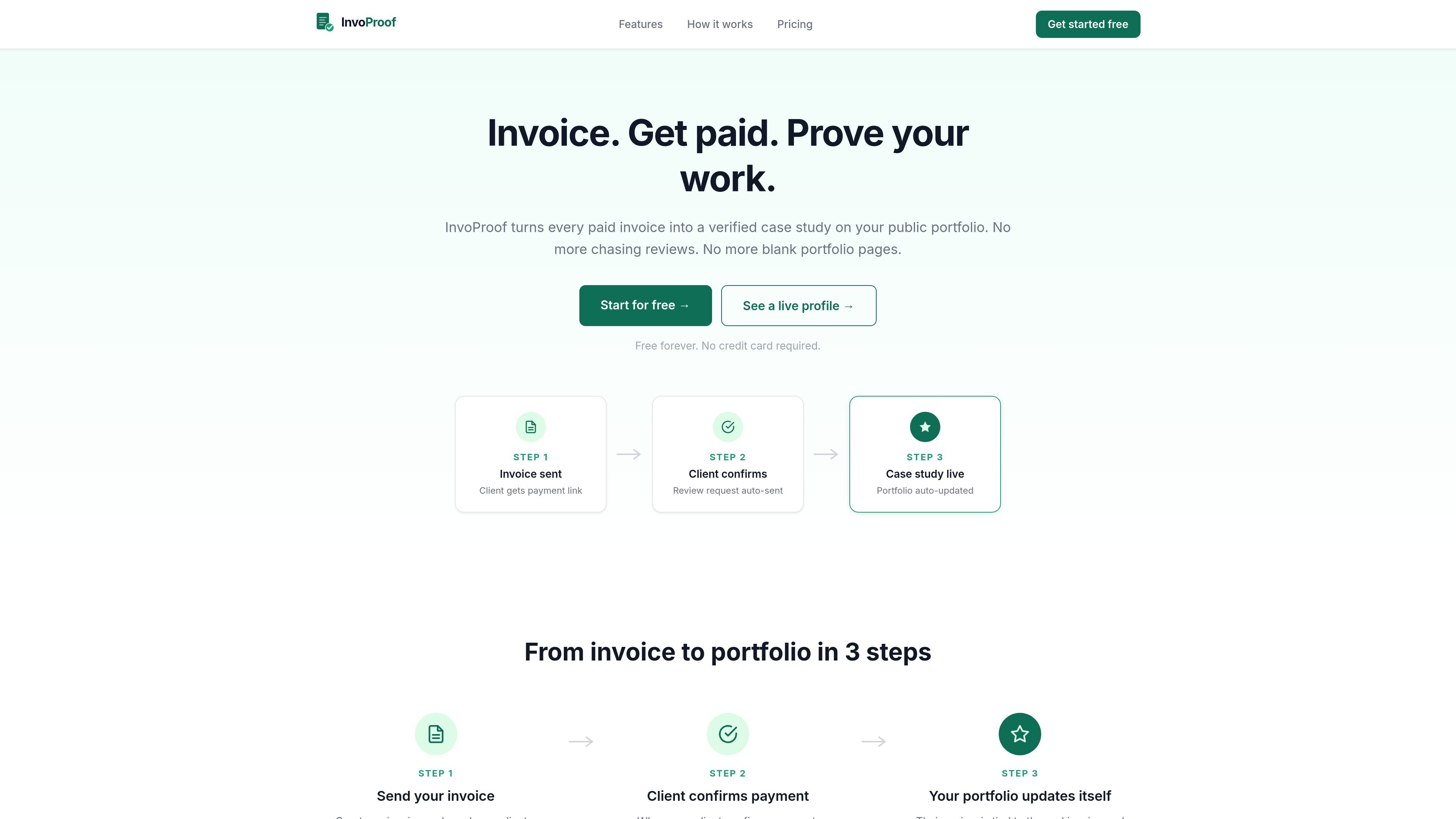
InvoProof is a web product for professionals who want to send invoices, collect client reviews after payment, and publish completed work as verified case studies on a public profile. The homepage presents it as a way to turn every paid invoice into proof of work without manually managing a portfolio.
The workflow shown on the site is straightforward: send an invoice with a payment link, wait for payment confirmation, and let the system request a review and update the profile automatically. The product is aimed at solo professionals and freelancers who want a simpler way to show completed projects, client feedback, and verified results in one place.
Create professional invoices with line items, due dates, and auto-calculated totals, then send them with a payment link for the client.
Follow each invoice through Draft, Sent, Viewed, Paid, and Reviewed so you can see where every project stands.
Reviews are sent only after payment confirmation, and each review is attached to a real invoice rather than submitted directly by the client.
Completed work is published to a public profile page automatically, reducing the need to manually maintain a portfolio.
Turn individual projects into case study pages with a description, budget range, and verified client review.
Download professional PDF invoices from any device for sharing and record-keeping.
Send a client invoice, wait for payment confirmation, and automatically request a review tied to that paid job.
Keep a public portfolio current without manually rewriting project pages after each completed engagement.
Turn a completed website build, design engagement, or app project into a case study that includes the budget range and verified feedback.
Use the invoice status tracker to monitor whether a client has viewed, paid, or reviewed an invoice.
Share downloadable PDF invoices when you need a professional document that can be sent and stored outside the web app.
InvoProof is designed for solo professionals and freelancers who want to turn paid client work into verified social proof. The site presents the workflow as invoice sent, payment confirmed, review request sent automatically, and case study published on a public profile.
The source describes a three-step flow: send an invoice with a payment link, have the client confirm payment, and then let InvoProof automatically send a review request and publish the result as a verified case study.
The public profile is auto-built from completed and reviewed projects. The source says case studies can include a project description, budget range, and a verified client review.
The website says the free plan is available now and includes limited usage, while paid plans are marked as coming soon on the site. The pricing page itself was not available in the collected source.
The source does not show integration documentation or a full setup guide. It does indicate that account creation is available and that users can continue with Google on the signup page.

Podium is an AI lead generation and lead management platform for local businesses. It centralizes lead conversations, automated follow-up, reviews, payments, and booking, with a 24/7 AI Employee available as an add-on.

Wysera is an AI business platform that combines PostWyse for content and OpsWyse for CRM and revenue workflows, powered by the shared Wyse AI. It is built for solo operators, teams, and agencies that want approval-first automation across publishing, lead follow-up, and related operations.

Volanea is an email platform for transactional email, campaigns, and lifecycle automation. It combines sending, tracking, and deliverability monitoring on one contact graph, with a free plan and paid monthly credit tiers.

Ninjō AI is an AI sales agent platform for creators and agencies that qualifies leads, handles sales conversations, and supports multi-channel follow-up. It can also be controlled from Claude or ChatGPT through MCP for users who want to manage agents by chat.

Timebook is a time tracking, invoicing, and bookkeeping app for freelancers and single-member LLCs. It combines hours, invoices, and basic books in one place, with optional Plaid bank sync and AI-agent support.

Knock은 제품·마케팅·트랜잭션 메시징 팀을 위한 고객 참여 인프라입니다. AI-native 플랫폼과 개발 도구로 크로스채널 워크플로를 실행하세요.