
Brand-name-driven generation
Create a logo by entering a brand name and optional slogan, then let the system generate designs based on the inputs you provide.

Logo Maker Design is a web-based AI logo generator that creates logo options from a brand name, optional slogan, style, and color choices. It is presented as a free tool for startups, small businesses, personal brands, freelancers, educators, and online creators.
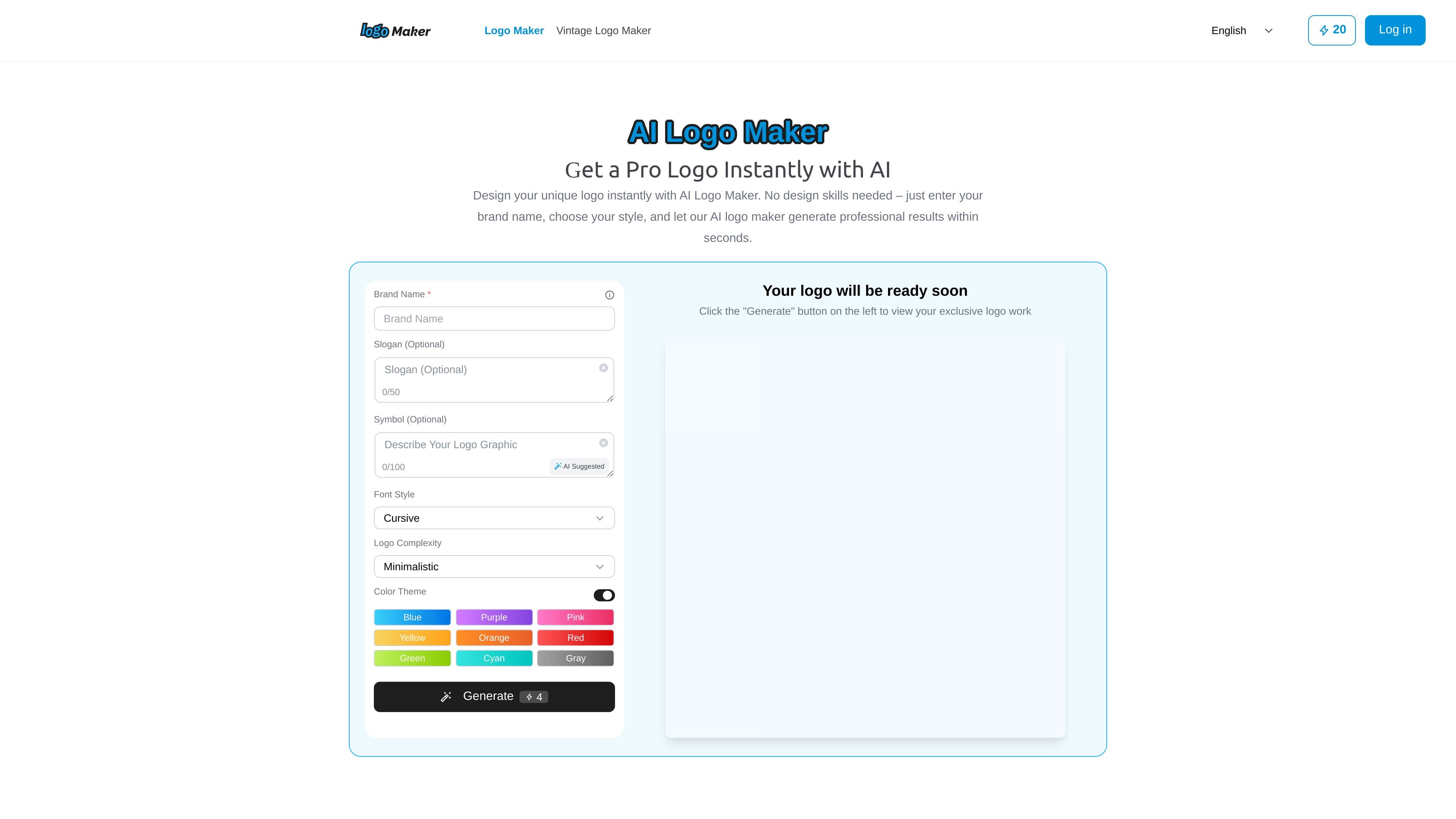
Logo Maker Design is an AI logo generator for creating logos online from a brand name, optional slogan, and style preferences. The home page presents it as a fast way to produce professional-looking logo concepts without requiring design skills.
The workflow is simple: enter brand information, choose a visual style and color theme, generate options, preview the results, and download a selected logo in JPG format. The site positions the tool for startups, small businesses, personal brands, freelancers, educators, and online creators who need a practical starting point for identity design.
Create a logo by entering a brand name and optional slogan, then let the system generate designs based on the inputs you provide.
Choose from style directions such as modern, minimalist, handwriting, calligraphy, and bold to guide the output.
Adjust the look with color themes including blue, purple, pink, yellow, orange, red, green, cyan, and gray.
Review multiple logo options after generation, then fine-tune the result before downloading.
Export finished logos in JPG format for use on websites, social media, packaging, or print materials.
Create a quick first-pass logo when you are launching a new business and need something usable before investing in a full branding process.
Generate logo concepts for cafés, boutiques, studios, and other small businesses that need a simple brand mark for web and print.
Produce visual assets for Etsy shops, Instagram channels, or YouTube branding where a consistent logo helps support the channel identity.
Draft polished logo concepts for client work and use the AI output as a starting point for further refinement.
Make simple branded visuals for classroom materials or school projects where a clean logo improves presentation.
An AI Logo Maker is an online tool that generates logo options from your brand name, slogan, and style preferences.
You enter your brand name, choose fonts and colors, and the system generates multiple logo designs for you to review and refine.
Yes. The site says you can generate and download logos for free.
No design skills are required. The tool is designed to handle the creative work for you.
Currently, the site says logos can be exported in JPG format for web, social media, and print use.

PixelDrive is a bulk image generation API for creating many on-brand images from one template through a browser editor, REST API, CSV batch, or MCP. It suits teams that need repeatable image output with cacheable renders and usage-based pricing.

Napkin AI는 텍스트를 편집 가능한 시각 자료로 바꿔 프레젠테이션, 문서, 공유용 콘텐츠 제작을 돕습니다. 텍스트 우선 생성과 협업, PPT·PNG·SVG·PDF 내보내기를 지원합니다.

appdesigns is a browser-based tool for creating App Store and Google Play screenshots from uploaded app images. It helps developers and designers add device frames, customize layouts, and export unlimited watermark-free PNGs without an account.

Shotie is a Mac app for creating localized App Store and Google Play screenshots from simulator or emulator captures, generated screens, or uploads. It provides chat-based editing, render checks, and one-zip export for store workflows.

Refero MCP for AI agents connects an MCP-compatible agent to Refero’s curated library of web and iOS product interfaces and user flows. It helps agents research real design patterns before generating UI, with access included in the Refero Pro plan.

Pass Designer is a macOS beta tool for creating and previewing Apple Wallet passes. It helps businesses, developers, and design teams combine templates, custom imagery, pass fields, colors, and semantic data while checking how passes render on iPhone and Apple Watch.