
Autonomous engineering loop
The documented engineering loop moves from objective and repository exploration through planning, implementation, execution, testing, correction, and verification.

LucentraCode is a command-line developer tool for autonomous AI-assisted coding workflows, with model routing, custom agents, MCP support, and headless execution. It helps developers run repository tasks interactively or through scripts on Linux, Windows, and macOS.
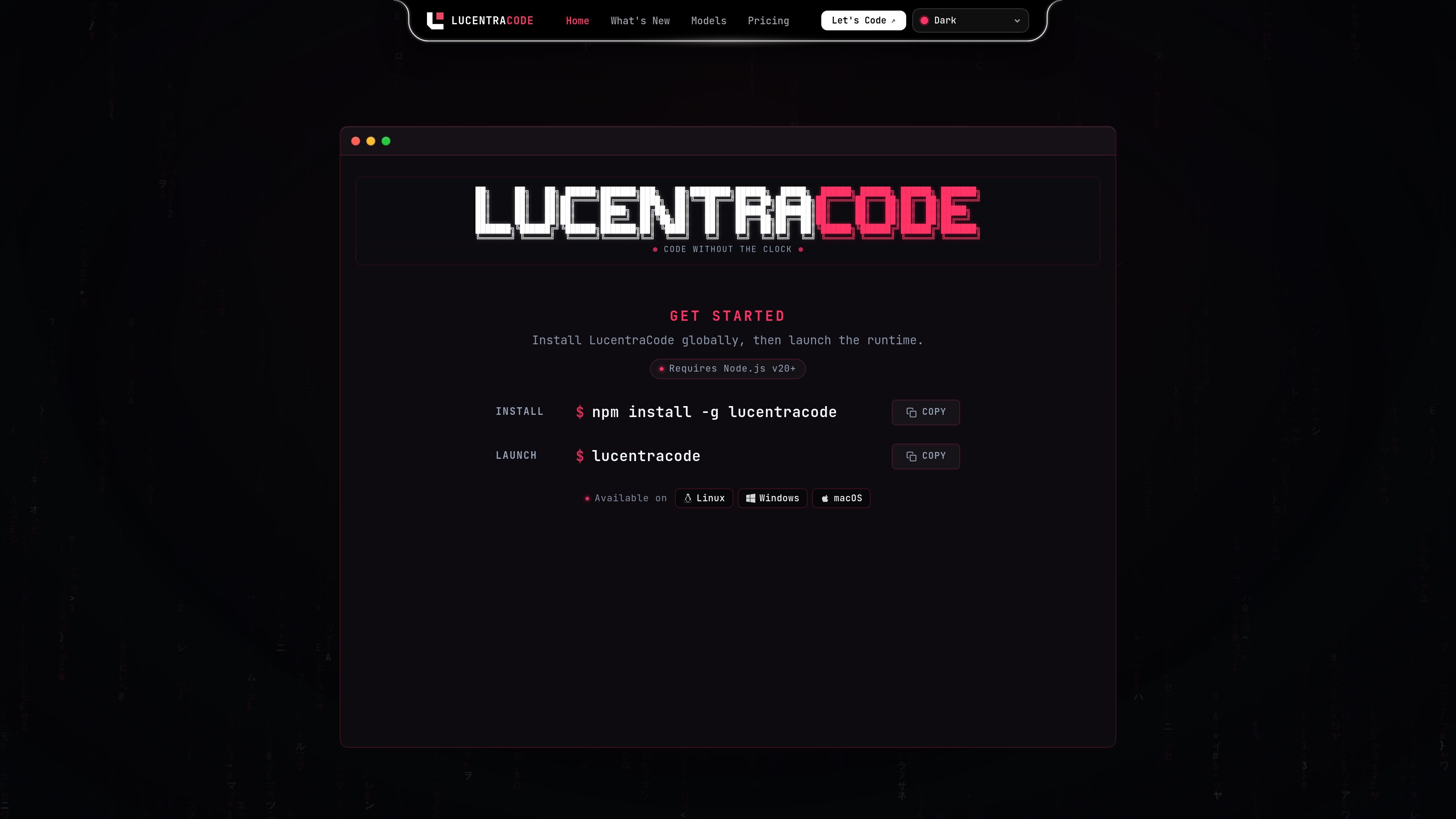
LucentraCode is a command-line development tool for running autonomous AI-assisted coding workflows in a repository. It combines an engineering-loop workflow with model routing, configurable agents, and terminal-based execution rather than limiting interaction to a single generated response.
The runtime is installed through npm and can be launched in Linux, Windows, and macOS environments. Its documentation covers repository-based work, direct CLI tasks, headless execution, JSON output, MCP servers, custom agents, and supported model selection. The product site also presents an interactive 3D WebGPU terminal interface.
The documented engineering loop moves from objective and repository exploration through planning, implementation, execution, testing, correction, and verification.
The runtime includes a model router and a model catalog with selectable models from OpenAI, Google, Meta, Anthropic, and Alibaba.
LucentraCode can run tasks directly from the command line, including a JSON output mode for automation and downstream tooling.
A headless server lets other workflows interact with the runtime without the normal terminal interface, using an attachable local endpoint.
The product manages Model Context Protocol servers and supports custom agents with reusable roles, instructions, models, permissions, and responsibilities.
The site describes an interactive 3D WebGPU terminal as part of the LucentraCode experience.
Open a repository, authenticate, and launch LucentraCode to move from a stated objective through implementation, testing, correction, and verification in one documented loop.
Run `lucentracode run` from a script or automation workflow, using JSON output when another system needs to parse the result.
Start the headless server and attach remote or separate workflow commands to the runtime when a normal interactive terminal session is not the desired interface.
Define reusable development roles with their own instructions, models, permissions, and responsibilities for recurring project tasks.
Connect trusted external capabilities through MCP server management and use language tooling or controlled external tools as part of a development stack.
Install Node.js 20 or later, run `npm install -g lucentracode`, authenticate with `lucentracode login`, then change into a repository and launch `lucentracode`.
Yes. The documentation provides `lucentracode run "your task"` for direct task execution and `lucentracode run --format json "your task"` for machine-readable output.
Yes. Start the headless server with `lucentracode serve`, then attach a task with `lucentracode run --attach http://localhost:4096 "your task"`.
LucentraCode supports MCP server management through commands including `lucentracode mcp list`, `lucentracode mcp add`, `lucentracode mcp auth`, and `lucentracode mcp logout`. External MCP servers operate outside Lucentra Labs' direct security boundary, so only trusted tools should be connected.
The documented workflow covers setting an objective, exploring, planning, implementing, executing, testing, correcting, and verifying. The available model catalog lists providers including OpenAI, Google, Meta, Anthropic, and Alibaba, with model selection and Smart Auto described in the documentation.

ByteAsk is a terminal-first AI coding agent for C and C++ that edits repositories and verifies changes with the real compiler, debugger, sanitizers, and tests before showing a diff. It offers a free tier plus paid plans, with editor connectors and zero-retention handling described in the source.

GitBot is a local browser-based workspace for creating reusable coding bots powered by Claude Code, Codex, or OpenCode. It helps developers run those agents across repository folders with persistent threads and configurable permissions.

Ghost는 채팅, 코드 생성, 터미널 작업 실행을 지원하는 터미널 기반 AI assistant입니다. 무료 모델을 제공하며 Linux, macOS, Windows를 지원하는 오픈 소스입니다.

Vi3ecode is a maintained development environment for working with AI coding agents. It keeps project context, terminal, Git, memory, flows, review, and communication connected around the agent you already use.

Lucid Train is a local-first AI coding harness that turns repository code into architecture diagrams and uses those diagrams as specifications for coding agents. It is available as a desktop app and a lightweight Rust CLI, and it can run with local models or your own API keys.

CreateOS Sandbox is an isolated compute environment for running code and agent workloads inside Firecracker micro-VMs. It is designed for workflows that need machine-level isolation, private networking between sandboxes, and programmatic control through SDK, CLI, or MCP.