
Webpage capture to mockup
Capture a live webpage and turn it into an editable mockup that stays self-contained as HTML, which makes it easier to work with than a raw browser page.

MockPilot is a desktop mockup editor that captures live webpages, turns them into self-contained HTML mockups, and supports natural-language editing. It is distributed through GitHub releases for macOS and Windows.
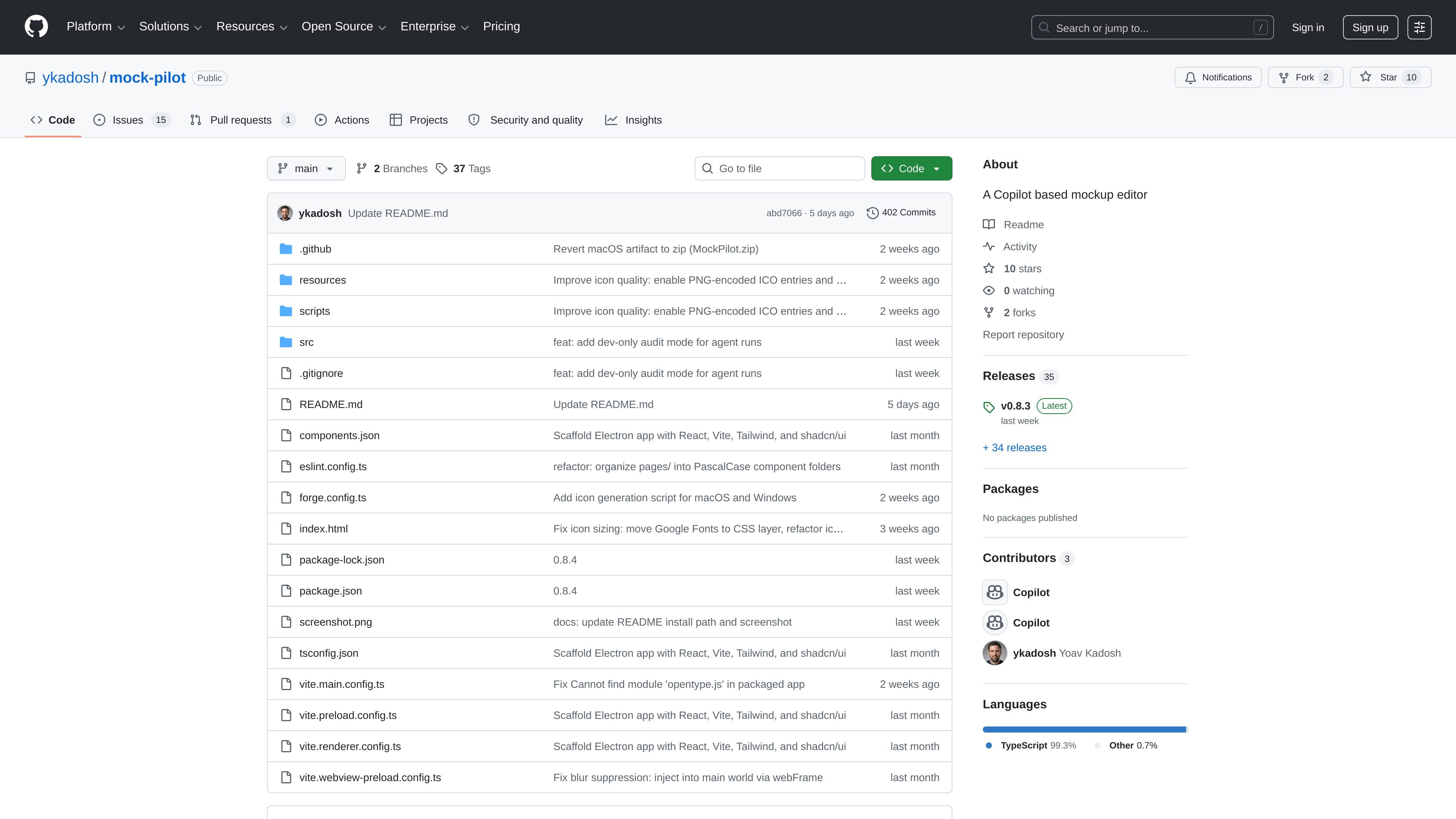
MockPilot is a desktop mockup editor built around captured webpages. It lets you take a live page, convert it into a self-contained HTML mockup, and then refine that mockup with natural-language edits.
The project is published as a GitHub repository and ships as desktop releases for macOS and Windows. Its README positions it for designers, product managers, and developers who want to create realistic mockups without starting a separate Figma workflow.
Capture a live webpage and turn it into an editable mockup that stays self-contained as HTML, which makes it easier to work with than a raw browser page.
Edit the generated mockup using natural language instead of manually reshaping every element from scratch.
Work on the desktop as an Electron app, with installers provided for macOS and Windows releases.
Package and distribute the app through Electron Forge, with release builds generated for both macOS and Windows.
Use the project’s React, TypeScript, Tailwind CSS, and shadcn/ui stack for the UI layer, with Electron and Vite handling the desktop app structure.
Designers can turn an existing webpage into a mockup and adjust the result quickly without rebuilding the layout from scratch.
Product managers can capture a page, make text or layout changes in a natural-language workflow, and review ideas before investing in a full design pass.
Developers can use the app to prototype page variations from a real site instead of assembling a mockup manually.
Teams working on the desktop can install the packaged app for macOS or Windows and keep the workflow local.
It captures a live webpage and converts it into a self-contained HTML mockup that can be edited with natural language.
The README describes installation for macOS and Windows only, with separate release downloads for each platform.
Yes. The README lists Node.js 22+ and npm for running the app locally from source.
Releases are automated through GitHub Actions, and the release scripts in package.json bump the version, commit it, tag it, and push it.

Pixso는 사용자가 한 번의 클릭으로 디자인 초안과 코드를 생성할 수 있는 차세대 AI 네이티브 UI 디자인 도구로, Figma의 국내 대안으로 기능합니다.

Pixelcut is an AI photo editor for creating and editing product images, social content, and video assets. It offers free and paid plans, plus mobile app and browser access for individual users and teams.

Petalica Paint is a web service for automatically coloring line art and tracing line drawings from photographed images. The home page says it can be used under the stated terms for commercial and noncommercial work, but it is scheduled to end on 2025-07-31 at 16:00 JST.

Wearvue AI generates personalized outfit previews from a photo, lets users refine the style for an occasion, and surfaces similar real products to shop. It is aimed at people who want to preview outfit ideas before buying and compare them with shoppable alternatives.

Upscale.media is an AI image upscaling and enhancement tool from Pixelbin that enlarges low-resolution or pixelated images and improves clarity in the browser. It offers free individual image use, paid credit plans, and team-oriented workflows such as bulk processing and API integration.

imgcook is a design-to-code tool that converts design drafts into front-end code. It supports plugin-based and developer workflows for Sketch, Photoshop, VS Code, and CLI usage.