
Inline autocomplete next to the cursor
Type a colon, enter a few letters, and use arrow keys plus Return to insert an emoji, symbol, or shortcode without opening a separate picker.

Mojito is a macOS app that autocompletes emoji, symbols, shortcodes, and optional GIFs inline as you type. It is designed for text entry across most apps while avoiding places that already support shortcode emoji natively.
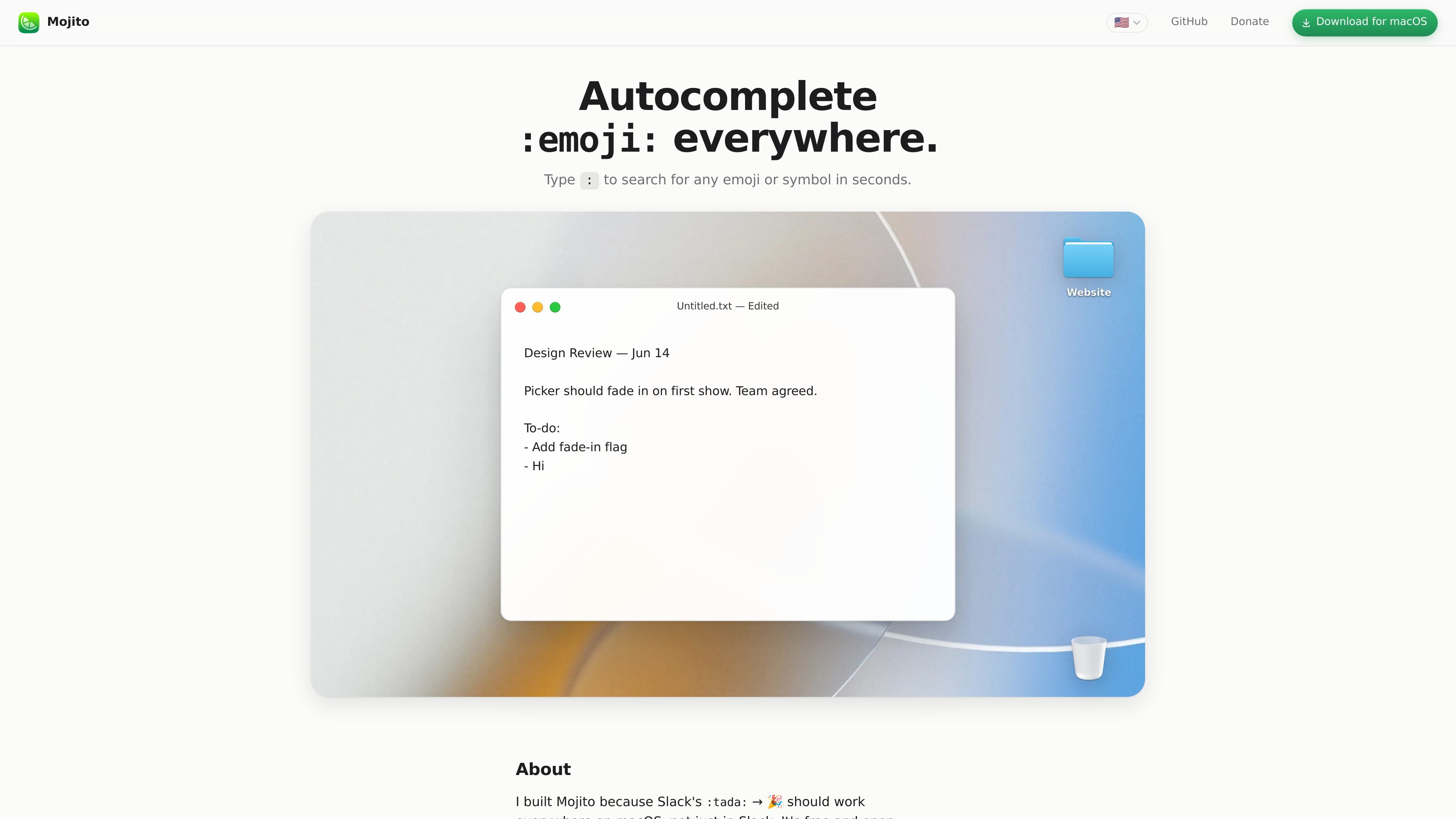
Mojito is a macOS utility for inline emoji autocomplete. When you type a colon, it searches emoji, symbols, and shortcodes directly beside the cursor, so you can insert an item without opening the system emoji picker or switching context.
It is intended for typing anywhere on the Mac, including apps like TextEdit, Terminal, Mail, Notes, browsers, and Notion. Mojito stays out of applications that already handle shortcode emoji natively, and it adds a few workflow controls such as skin tone selection, symbol mode, pause controls, and optional GIF insertion.
Type a colon, enter a few letters, and use arrow keys plus Return to insert an emoji, symbol, or shortcode without opening a separate picker.
The app avoids Slack, Discord, Messages, and GitHub, where shortcode emoji already work natively, so you do not get duplicated handling.
A menu bar setting lets you choose a default skin tone, switch on an optional symbol mode, and pause Mojito for an hour or until tomorrow.
Results are re-ranked based on what you use most often, which helps frequently used entries rise to the top over time.
Type three colons to search for a GIF from Giphy; the feature is enabled by default and can be disabled in General settings.
Common emoticons such as :) and <3 are recognized, and shortcode localization is available in a subset of supported languages.
Use Mojito when you want to drop an emoji or symbol into a sentence without breaking your typing flow or opening a separate picker.
Use it in editors, terminals, notes, and browsers where shortcode autocomplete is useful and native emoji handling is not already built in.
Use the symbol mode when you need shortcuts like :cmd: → ⌘ or :star: → ★ during writing, documentation, or command-heavy work.
Use temporary pause controls when you need to stop autocomplete for a while, such as during focused typing or when a field should stay untouched.
Use GIF search if you want to insert a Giphy result directly from the keyboard instead of switching to another app or browser tab.
Mojito appears next to your cursor when you type a colon, so you can search emoji, symbols, and shortcodes without opening a separate picker window. The macOS emoji panel is still available, but Mojito is designed for inline insertion as you type.
It works in apps and sites where you can type text, including TextEdit, Terminal, Mail, Notes, browsers, and Notion. It stays out of places that already handle shortcodes natively, such as Slack, Discord, Messages, and GitHub, to avoid double-handling.
Yes. The menu bar app includes settings for default skin tone, an optional symbol mode, and pause controls. It also re-ranks results based on what you use most often, and recognizes common emoticons like :) and <3.
Yes. You can type three colons followed by a search term to insert a GIF from Giphy. GIF search is on by default, and you can turn it off in Settings → General if you want to keep things local.
Mojito requires macOS 14 Sonoma or later. It runs natively on both Apple Silicon and Intel Macs, updates through Sparkle, and can be uninstalled by quitting it from the menu bar and dragging the app from Applications to the Trash.

Goldfish is an AI memory app for macOS that helps you reply, write, summarize, and continue using the context already on your Mac. It stores memory locally and writes in your tone.

ArtDeck is a visual reference board app for iPhone, iPad, and Mac that lets artists collect mixed reference material on one canvas and study it with ToolBox lenses. It works offline, supports optional iCloud sync, and is sold as a one-time purchase with no account required.

Biji는 혁신적인 도구와 기능을 통해 생산성을 향상시키기 위해 설계된 다목적 플랫폼입니다.

Malyatko is a baby tracker for logging feeding, sleep, growth, teething, and milestones in one app. It works on iPhone, Apple Watch, and widgets, with no sign-up, offline use, and family sharing through iCloud.

Redline is a budgeting tool for Claude Code that paces sessions to stay within time, token, cost, or plan-percentage limits. It uses Claude Code’s native hooks and statusline to help sessions finish with a usable result instead of stopping abruptly.

Claude Overlay is a Windows desktop overlay for Claude Code that reads your screen so you can ask questions, inspect content, and request edits without leaving the current app. It runs on your existing Claude subscription through the Claude CLI, so no separate API key is required.