
Live data connectors
Connect databases, REST APIs, and SaaS systems while keeping the underlying data in its existing location. The platform describes real-time schema and query introspection without migration or duplication.

Monospace is a governed API layer that connects databases, REST APIs, and SaaS systems to applications, internal tools, business users, and AI agents. It provides live read-write access through interfaces such as REST API, typed SDK, and MCP, with centralized permissions and audit controls.
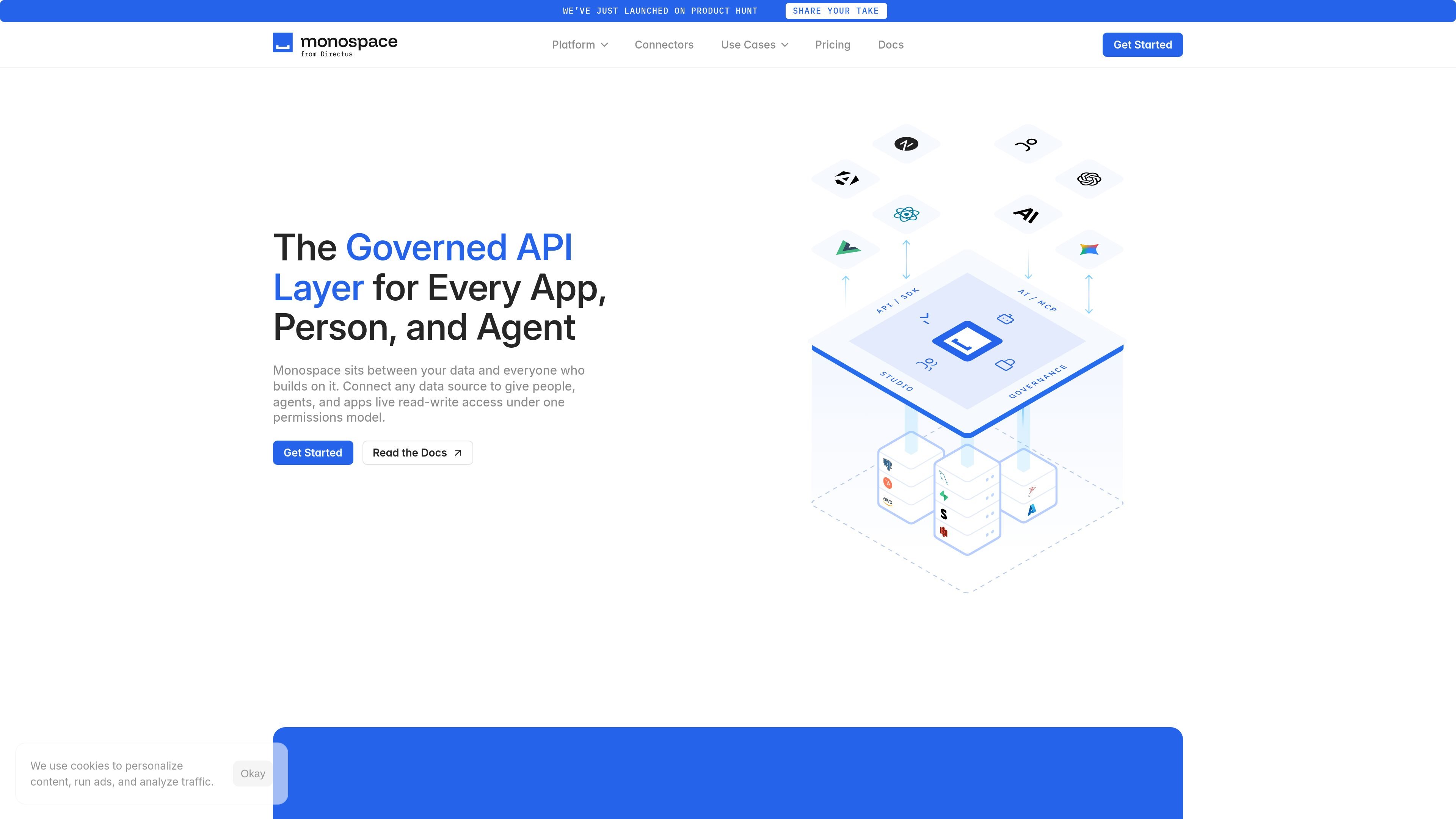
Monospace is a governed API layer for connecting live data sources to applications, internal tools, business users, and AI agents. It connects databases, REST APIs, and SaaS systems and provides read-write access under a shared permissions model, while the underlying data remains in its original systems.
The platform is positioned for organizations that want to build on existing data without a migration or duplication project. Monospace describes real-time schema and query introspection, centralized access controls, project isolation through workspaces, and interfaces such as REST API, typed SDK, and MCP. Its governance model can enforce access down to rows and fields and record activity in an audit log.
Connect databases, REST APIs, and SaaS systems while keeping the underlying data in its existing location. The platform describes real-time schema and query introspection without migration or duplication.
Expose connected systems through a common interface for applications and teams, including a REST API and typed SDK. The pricing page also lists Data Studio and a Federation Engine.
Provide AI agents with governed access through MCP, with the site describing a single MCP server across connected systems and skills that help agents understand data and follow practices.
Apply access controls inside queries down to rows and fields, with plan-dependent options including custom roles and policies, row- and column-level security, and item validation rules.
Register and identify applications, tools, and agents individually, then record activity in a shared audit log. The site shows examples of actions such as logins, token refreshes, role creation, and data access.
Support project isolation through workspaces and offer plan-dependent controls such as SSO using OAuth 2.0, service accounts, offline mode, and custom connectors.
Build applications or internal tools on top of existing databases, APIs, and SaaS systems while leaving source data in place. The shared API layer can provide a consistent access point across those systems.
Give AI agents controlled read-write access to live enterprise data through MCP. Dedicated agent identities, permissions, limits, and audit records help organizations monitor agent activity.
Let business users query and build on live data using natural language, while keeping access within the organization’s central permissions model.
Separate projects and control access for multiple applications, tools, or teams through workspaces, roles, and policies. The pricing page indicates that workspace and governance capacity varies by plan.
Modernize legacy data systems by generating application-facing interfaces from existing schemas rather than beginning with a rewrite or cutover project.
Monospace connects databases, REST APIs, and SaaS systems into a unified governed API layer. The source site says it reads and writes to live systems without requiring migration or data duplication.
The site describes a workflow in which Monospace introspects a connected source's schema and queries in real time, then provides interfaces including a REST API, typed SDK, and MCP. The get-started page directs prospective users to contact the team with their intended project.
Monospace is designed for applications, internal tools, business users, and AI agents that need access to live enterprise data. The platform applies one permissions model across those callers.
The pricing page lists Starter, Business, and Enterprise plans. Starter is free and includes one workspace and three users; Business and Enterprise use a contact-sales flow, with additional workspace, connector, security, support, and governance options listed by plan.

CreateOS Sandbox is an isolated compute environment for running code and agent workloads inside Firecracker micro-VMs. It is designed for workflows that need machine-level isolation, private networking between sandboxes, and programmatic control through SDK, CLI, or MCP.

GitBot is a local browser-based workspace for creating reusable coding bots powered by Claude Code, Codex, or OpenCode. It helps developers run those agents across repository folders with persistent threads and configurable permissions.

AakarDev AI helps teams manage AI provider access, project-level setups, logs, and analytics from one dashboard. It supports BYOK workflows and lists providers including OpenAI, Google Gemini, Anthropic, Groq, Mistral AI, and Perplexity AI.

Trigger.dev chat agent is a durable AI chat backend for developers building stateful conversations that can survive refreshes, crashes, and long-running turns. It connects with the AI SDK `useChat` flow and runs on managed infrastructure with no timeout on a turn.

ByteAsk is a terminal-first AI coding agent for C and C++ that edits repositories and verifies changes with the real compiler, debugger, sanitizers, and tests before showing a diff. It offers a free tier plus paid plans, with editor connectors and zero-retention handling described in the source.

Codex Plugins bundle reusable skills, app integrations, and MCP servers into workflows you can install in the Codex app or use from Codex CLI. They help extend Codex with connected-service tasks, reusable instructions, and shared team workflows.