
Agent-native deployment
Let an AI agent create, update, configure, and ship websites or full-stack apps on your behalf, rather than only generating code locally.

NexaLibre is an AI-native hosting platform that lets an AI agent deploy websites, full-stack apps, and open-source software on managed infrastructure. It includes automatic HTTPS, backups, custom domains, and support for both marketplace apps and your own code.
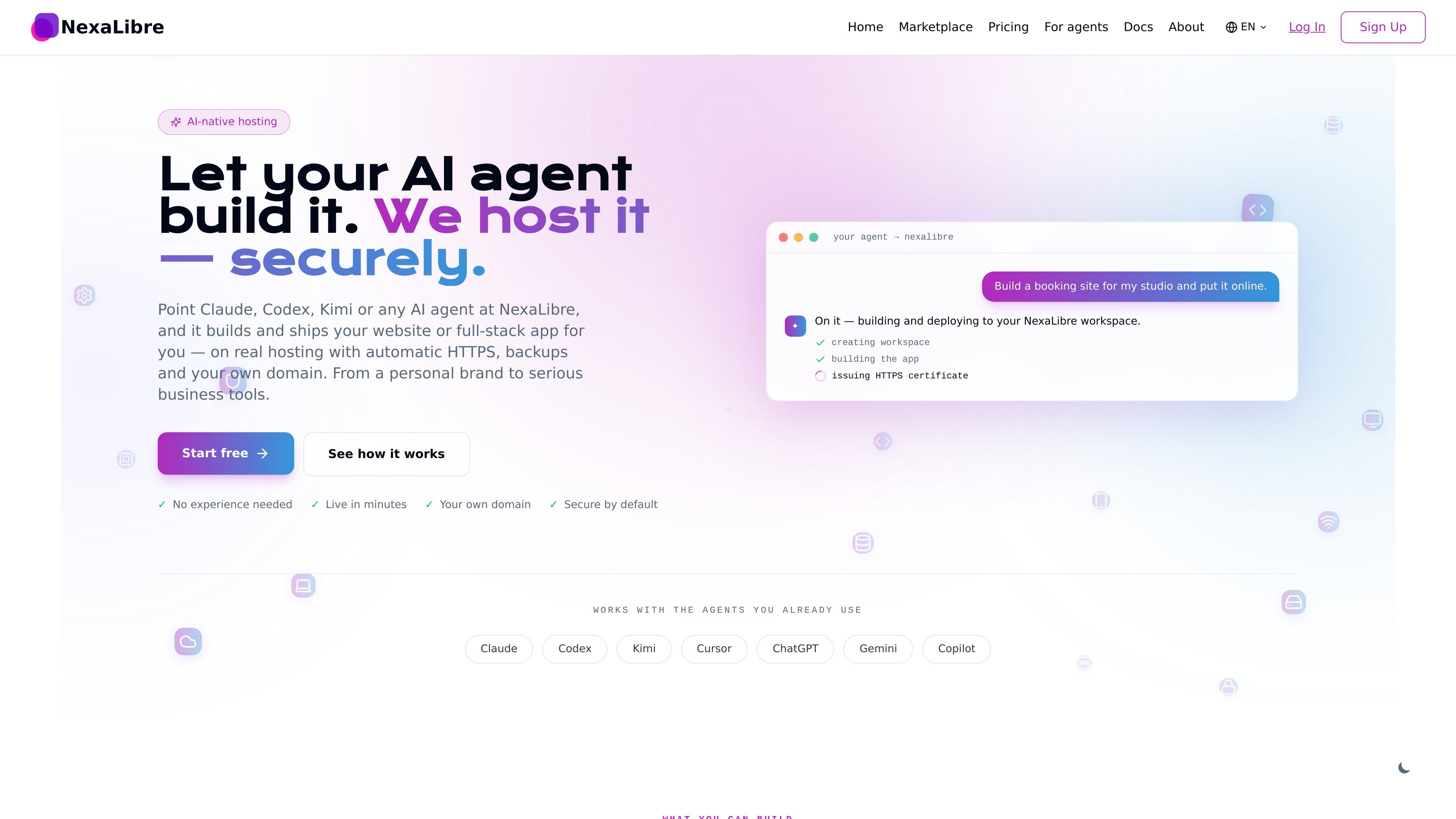
NexaLibre is an AI-native hosting platform for deploying websites, full-stack apps, and open-source software. Instead of asking a developer or setting up servers yourself, you connect an AI agent and let it build and ship the app into a managed workspace.
The platform is built around a simple handoff: the agent can deploy from a repository, a Dockerfile, or the marketplace, while NexaLibre handles hosting tasks such as HTTPS, backups, domains, updates, and infrastructure boundaries. The result is a live app with a real URL that can be updated again through the same workflow.
Let an AI agent create, update, configure, and ship websites or full-stack apps on your behalf, rather than only generating code locally.
Deploy open-source apps from the marketplace or from your own repo, Dockerfile, or uploaded tarball, so the platform works for both one-click installs and custom builds.
Apps get automatic HTTPS, managed updates, backups, and a custom domain on live deployment, reducing manual server setup.
Apps run in isolated per-tenant networks, with scoped agent tokens and write-only secrets to limit what an AI assistant can access.
You can watch build and runtime logs, run one-off commands inside a running container, and redeploy while keeping the same URL and volume.
Use an AI assistant to create a portfolio, landing page, blog, or link-in-bio page, then put it online with HTTPS and your own domain.
Deploy a booking page, paid newsletter, store, CRM, helpdesk, or internal dashboard without manually stitching together hosting and deployment tools.
Choose an open-source app from the marketplace, such as WordPress, Ghost, n8n, NocoDB, or GitLab, and launch it as a managed service.
Push your own repository, Dockerfile, or tarball into a workspace and let an AI agent deploy and manage the app for you.
Use logs, one-off commands, and redeploys to troubleshoot, update, or make targeted changes to an existing deployment.
Yes. The homepage says you can connect Claude, Codex, Kimi, Cursor, ChatGPT, Gemini, Copilot, or any MCP-capable AI to your account, and the agent guide says agents can deploy, update, configure, and operate apps within scoped limits.
You connect an agent, describe what you want in plain language, and the agent builds and deploys the app to your workspace. The how-it-works page describes this as browsing the marketplace, picking a plan, and letting NexaLibre handle the infrastructure.
NexaLibre supports deploying open-source apps from the marketplace as well as your own code through git, a Dockerfile, or an AI assistant. The agent guide also mentions public or private git repos and uploaded tarballs.
The source says every app includes automatic HTTPS, backups, and a custom-domain option. The agent guide also notes scoped tokens, spend caps, and write-only secrets.
Pricing is per app and based on size rather than seats. The pricing page shows separate one-click app plans and workspaces for your own code, and the docs note that upgrades are completed through checkout before any charge.

Speculos is a deployment tool for Claude Code that publishes what you built to a shareable URL. It supports private, org-wide, or public apps and adds team controls for company domains, data connections, and customer-cloud deployments.

MakerLoft is a chat-first AI app builder for non-developers who want to create static sites or full-stack apps from a GitHub repository. It supports a free GitHub Pages path and a DigitalOcean-backed app path with sign-ins, payments, and an admin dashboard.

CreateOS Sandbox is an isolated compute environment for running code and agent workloads inside Firecracker micro-VMs. It is designed for workflows that need machine-level isolation, private networking between sandboxes, and programmatic control through SDK, CLI, or MCP.

Codex Plugins bundle reusable skills, app integrations, and MCP servers into workflows you can install in the Codex app or use from Codex CLI. They help extend Codex with connected-service tasks, reusable instructions, and shared team workflows.

Wallie is an open-source AI streamer that watches your screen, hears chat, and generates live commentary in a configurable persona. It runs locally on your machine with your own keys and is aimed at faceless content, autonomous streams, and real-time reactions.

ClawTick is an AI agent automation platform for scheduling jobs from the CLI, dashboard, or REST API. It is aimed at developers and teams running LangChain, CrewAI, webhook, or custom agent workflows that need monitoring, alerts, and logs.