
Multiple deployment entry points
Connect a Git repository or local project and deploy through the dashboard, CLI, desktop app, or an AI agent using MCP. The platform detects common stacks and build commands.

Openship is an open-source deployment platform for building and running applications on Openship Cloud or your own servers. It supports Git and local projects, container-based deployments, automatic TLS, operational monitoring, and self-hosting under Apache 2.0.
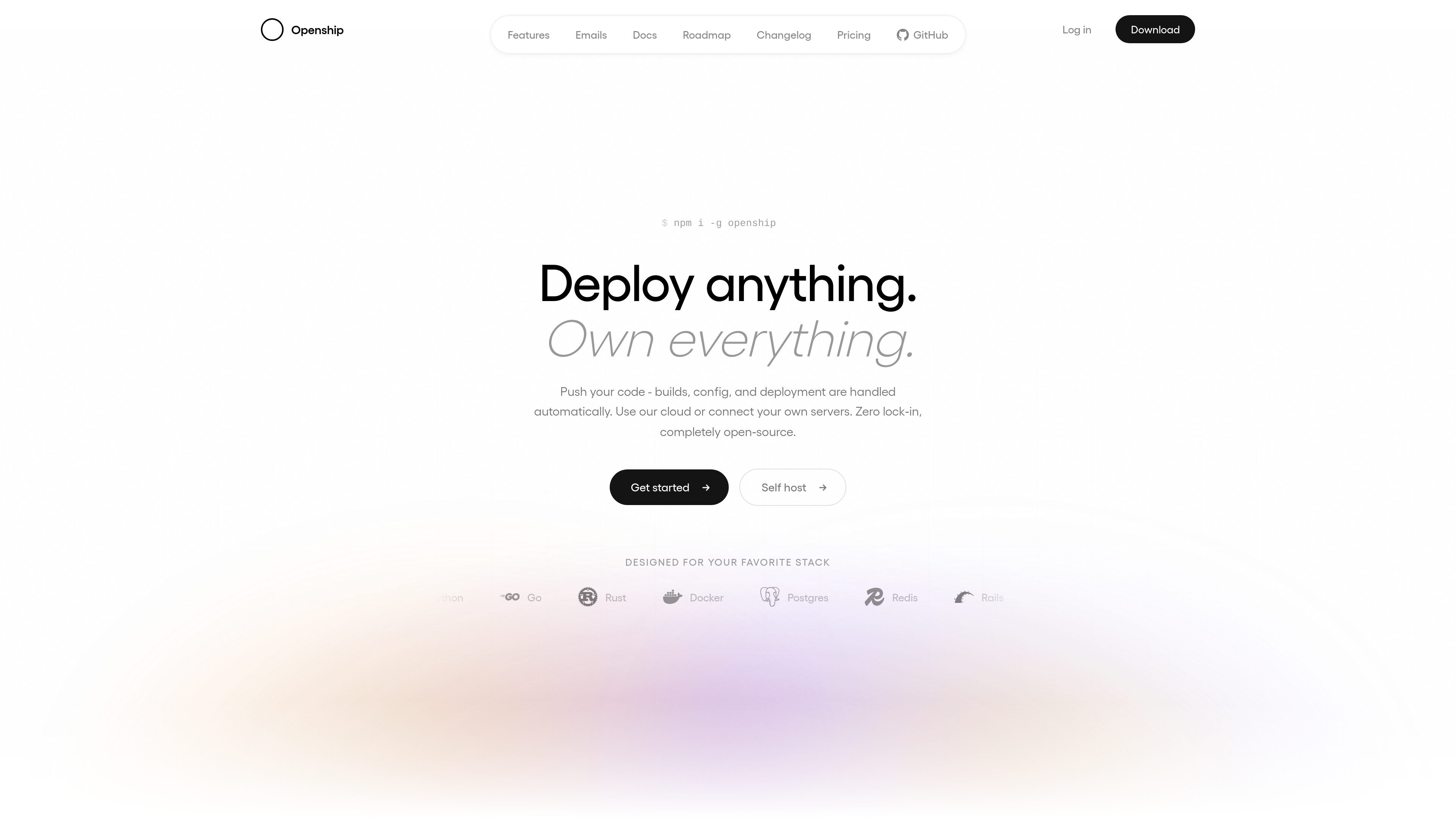
Openship is an open-source deployment platform for building and running applications on Openship Cloud or infrastructure you manage. It connects to Git repositories or local project folders, detects supported application stacks, builds container images, and ships them to a target over SSH.
The platform combines deployment, routing, runtime operations, and supporting services in one control plane. It provides domains with automatic TLS, private service networking, logs, metrics, and one-click rollback to earlier immutable versions. The full platform can be self-hosted under Apache 2.0, while Openship Cloud provides managed servers, edge services, and backups through paid plans.
Connect a Git repository or local project and deploy through the dashboard, CLI, desktop app, or an AI agent using MCP. The platform detects common stacks and build commands.
Builds produce immutable, versioned artifacts and can run on the local machine or in the cloud. Artifacts are transferred to the target over SSH and started as fresh containers.
Attach custom domains with automatic, renewing Let's Encrypt certificates. Openship also provides edge routing, DNS management, private networking, and WebSocket support.
Run application services alongside managed PostgreSQL, Redis, object storage, mail, and other listed service options. The homepage describes private networking for service communication.
Stream logs and monitor resource metrics, use health checks and traffic routing, and deploy with rolling or blue-green behavior. Previous immutable versions can be restored without rebuilding.
Use workspaces, team roles, per-resource access controls, encrypted secrets, and an exportable audit log to manage collaborative deployments.
Connect a repository, enable automatic deployment, and publish application changes when commits land. Preview deployments can provide a separate URL for pull requests before they are merged.
Run the platform on a VPS, bare-metal machine, or homelab when the team wants to control its infrastructure. The self-hosted installation can run on a local computer or owned servers.
Use Openship Cloud for managed hosting while placing selected workloads or services on owned infrastructure. The site describes this as a hybrid setup with one control plane and portable containers.
Operate services after deployment with streamed logs, resource metrics, scheduled jobs, domain management, and rollback to a previous application version.
Deploy from a terminal, desktop application, or authenticated MCP client when developers or automation need alternatives to the web dashboard.
Openship can run locally on macOS, Linux, or Windows. The CLI setup can run as a lightweight process, or on Linux use Docker when it is installed. The quickstart describes installation through the shell script or npm, followed by the interactive `openship` setup command.
Create a project in the dashboard from a GitHub repository or local folder. Openship detects the application type, builds it, streams live build logs, and provides a link when deployment finishes. Deployments can also be initiated with `openship init` and `openship deploy`.
Builds can run on the local machine or in the cloud, while the resulting immutable, versioned image is sent to the target over SSH and started as a container. The target can be Openship Cloud or a server you manage.
The full Openship platform is free to self-host under the Apache 2.0 license. Self-hosting does not include infrastructure costs such as servers, bandwidth, or third-party services. Openship Cloud is a paid managed option with monthly plans and usage credits.
Openship Cloud plans have organization-wide capacity and service limits, and usage credits cover metered app and build usage. Continuous hosting can require top-ups. Self-hosted deployments do not have Openship subscription or per-seat fees.

ByteAsk is a terminal-first AI coding agent for C and C++ that edits repositories and verifies changes with the real compiler, debugger, sanitizers, and tests before showing a diff. It offers a free tier plus paid plans, with editor connectors and zero-retention handling described in the source.

CreateOS Sandbox is an isolated compute environment for running code and agent workloads inside Firecracker micro-VMs. It is designed for workflows that need machine-level isolation, private networking between sandboxes, and programmatic control through SDK, CLI, or MCP.

GitBot is a local browser-based workspace for creating reusable coding bots powered by Claude Code, Codex, or OpenCode. It helps developers run those agents across repository folders with persistent threads and configurable permissions.

hob is an independent workspace for coding agents that keeps agent sessions, terminals, history, and follow-up work organized around the tools and providers you already use. It is aimed at developers who want local control over routing, history, and workspace structure rather than a bundled model stack.

Ably Chat is a chat API platform for building custom realtime chat applications. It supports room-based messaging, typing indicators, presence, reactions, and message updates, with usage-based pricing options for different deployment stages.

Manta AI is an autonomous web app testing tool for teams that want to map application behavior, catch regressions, and generate tests without writing scripts or maintaining selectors. It works from a URL and supports plain-English test flows, run results with screenshots, and scheduled or deployment-triggered checks.