
Project-based workspaces
Organize repositories and workstreams into projects, each with its own context for agents and team members.

OrgComputers is a shared workspace for teams using AI coding agents, combining project context, connected tools, activity, and source-linked retrieval. It helps Claude Code, Cursor, Codex, and other MCP clients carry engineering knowledge between sessions without relying on a single developer's machine.
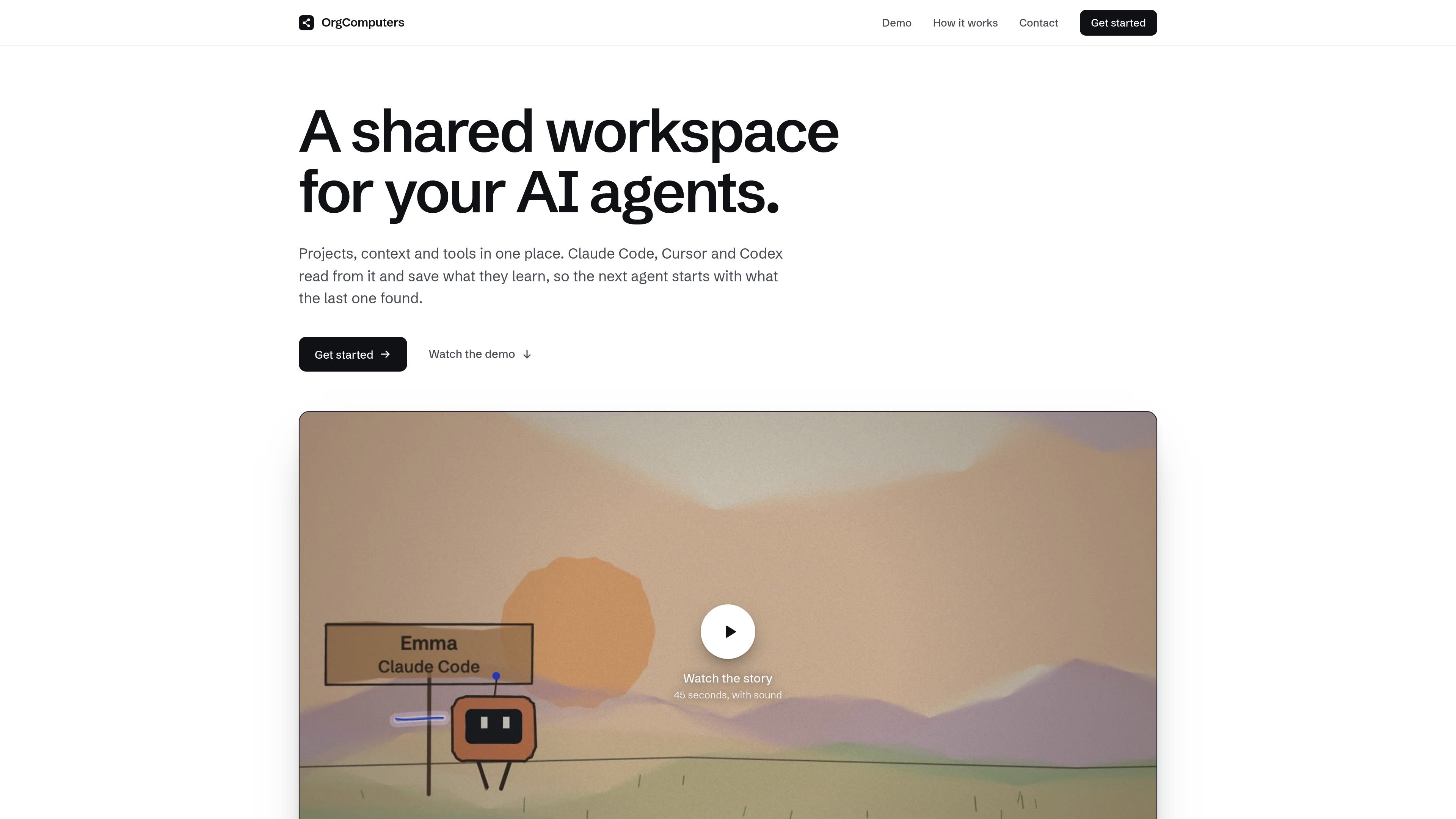
OrgComputers is a shared workspace for teams that use AI coding agents. It brings projects, context, tools, activity, and project-level members into one workspace that can be accessed by Claude Code, Cursor, Codex, and other MCP-compatible clients.
The product is designed to preserve useful context between agent sessions. Agents can search for entities and prior decisions, retrieve linked records, trace answers to their sources, and checkpoint short summaries for teammates. Connected services remain the source of truth; OrgComputers links their information so a later agent can continue work without relying on one person's laptop or repeating earlier investigation.
Organize repositories and workstreams into projects, each with its own context for agents and team members.
Expose sessions, documents, code, notes, and links in a shared context so a later agent can build on earlier work.
Connect the workspace to external systems through one MCP server, with tools and integrations that agents can call.
Search entities and facts, retrieve records and links, trace facts to their sources, follow related connections, and ask multi-step questions.
Show what was connected, saved, and changed, while linking answers back to the original systems rather than replacing them.
Merge multiple names for the same service or entity across systems and mark superseded decisions so agents can use current context.
A developer can ask an agent to investigate an unfamiliar service and retrieve prior incidents, pull requests, decisions, and ownership information before changing code.
A team can keep architectural decisions and incident history connected to the services they concern, helping a new session distinguish current guidance from superseded records.
Teams working across different coding clients can pass work from one agent to another—for example, investigating in Claude Code, asking follow-up questions in Cursor, and completing a change in Codex.
Engineering leads and workspace managers can review connected sources, saved context, and changes while controlling access at the project level.
OrgComputers provides a shared workspace for AI agents, with projects, context, tools, activity, members, and connected source systems available through an MCP server and web app.
The install page describes a one-command setup. The installer detects Claude Code, Cursor, or Codex and configures the client available on the machine. Teammates can join with a team-specific command.
Claude Code sessions are checkpointed in the background. In other supported clients, users can ask questions and checkpoint through the MCP connection, but automatic background checkpointing is specified for Claude Code only.
The product links information from systems such as GitHub, Linear, Slack, Notion, Jira, Confluence, PagerDuty, and Google Drive, while keeping those systems as the source of truth.
The install page says that only a short summary written by the user's agent is shared with people working in the same project, and that raw transcripts do not leave the machine. Access is also described as being set per project.

Falconer is an AI-powered company brain that keeps internal documentation accurate, searchable, and up to date by syncing with tools like GitHub, Slack, and Linear. It helps engineering and cross-functional teams centralize knowledge and answer questions from a shared source of truth.

ByteAsk is a terminal-first AI coding agent for C and C++ that edits repositories and verifies changes with the real compiler, debugger, sanitizers, and tests before showing a diff. It offers a free tier plus paid plans, with editor connectors and zero-retention handling described in the source.

Goldfish is an AI memory app for macOS that helps you reply, write, summarize, and continue using the context already on your Mac. It stores memory locally and writes in your tone.

Lasso is an ecommerce product data platform for enriching catalog records, processing supplier files, generating product content, and monitoring competitors. It combines a web app with a REST API, SDK, and MCP server for teams and developers.

ArtDeck is a visual reference board app for iPhone, iPad, and Mac that lets artists collect mixed reference material on one canvas and study it with ToolBox lenses. It works offline, supports optional iCloud sync, and is sold as a one-time purchase with no account required.

GitBot is a local browser-based workspace for creating reusable coding bots powered by Claude Code, Codex, or OpenCode. It helps developers run those agents across repository folders with persistent threads and configurable permissions.