
Rich contact notes
Add notes for conversations, meetings, shared interests, and other details that help you remember people beyond their name and number.

Persodex is a personal CRM for iPhone and iPad that adds notes, tags, reminders, and interaction history to Apple’s native Contacts app. It helps users remember people and maintain relationships without importing contacts into a separate database.
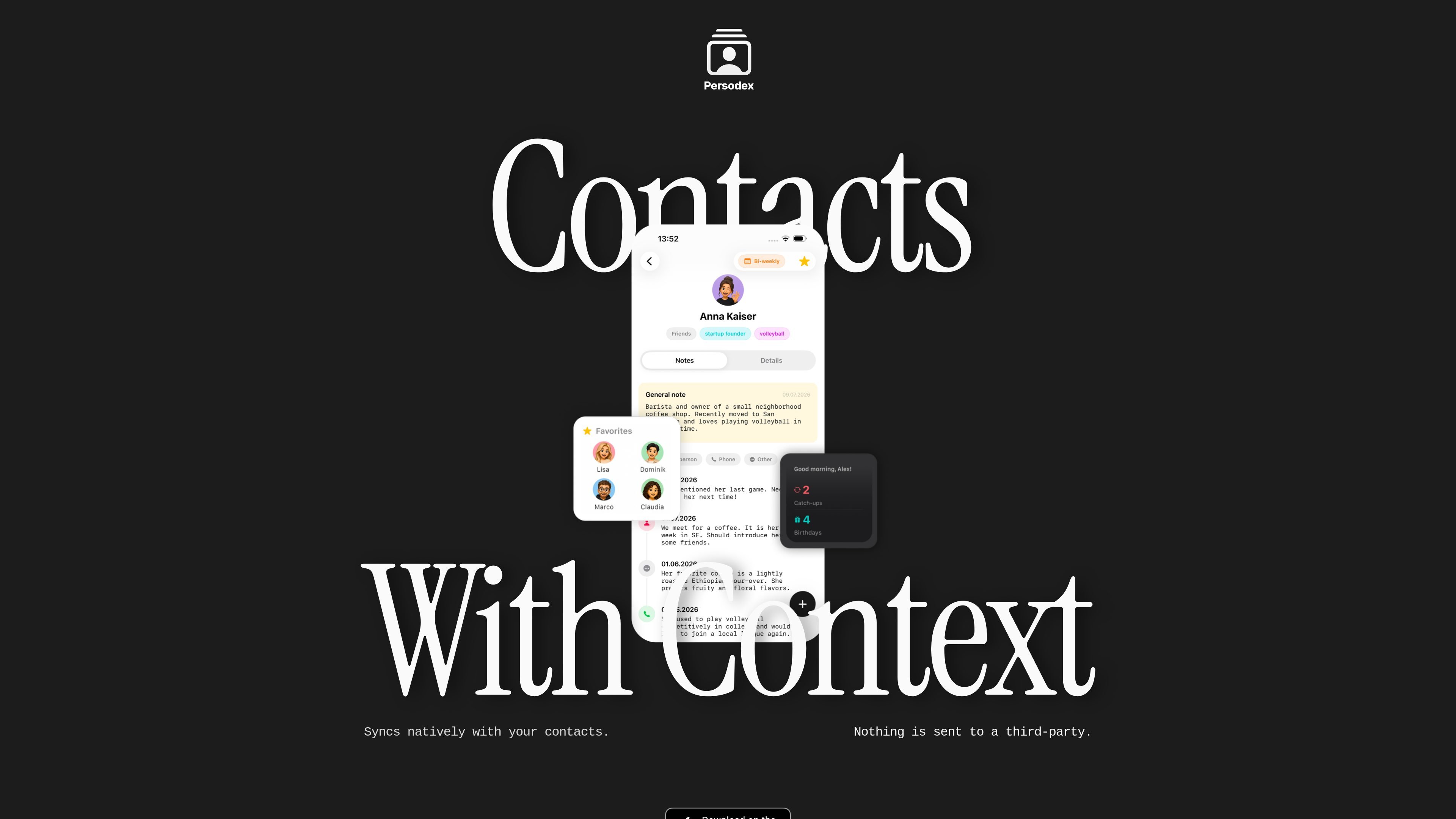
Persodex is a personal CRM for iPhone and iPad that adds context to Apple’s native Contacts app. It is designed for people who want to remember more than names, phone numbers, and email addresses by keeping notes, tags, reminders, and interaction history alongside existing contacts.
The app works on top of Apple’s Contacts database rather than replacing it, so there is no import step or duplicate address book to manage. The site emphasizes privacy-first handling, with contacts stored in Apple’s ecosystem and AI features powered by Apple’s on-device intelligence whenever possible.
Add notes for conversations, meetings, shared interests, and other details that help you remember people beyond their name and number.
Organize people with tags so you can group clients, friends, colleagues, or other relationship types in a way that fits your workflow.
Keep a timeline or journal of interactions, including what you talked about, where you met, and what matters to a contact.
Use Apple’s on-device AI for summaries and assistance, with the app stating that personal contact information does not need to leave the device for these features.
View your network on an interactive map and revisit notes by location, including nearby contacts when traveling or around town.
Create, edit, and organize contacts directly in Persodex while keeping them synced with Apple’s native Contacts database.
Use Persodex after meetings, conferences, or casual introductions to record what you discussed, where you met, and any details you want to remember before the context fades.
Track clients, prospects, colleagues, or collaborators with tags, reminders, and a timeline so you can follow up at the right time and keep relationships active.
Store personal details, shared experiences, and follow-up notes for friends and family when you want to remember more than just birthdays and contact information.
Use the interactive map and nearby contact view when traveling or moving around town to reconnect with people in a specific area.
Rely on the existing Apple Contacts ecosystem if you want a relationship manager that stays compatible with Phone, Messages, FaceTime, Mail, WhatsApp, and other iOS apps.
Persodex works with Apple’s native Contacts database instead of creating a separate contact list. You can create, edit, and organize contacts in Persodex, and your changes stay compatible across the iOS ecosystem.
No. The source states that your contacts stay in Apple’s native Contacts database and are not uploaded to Persodex servers.
Persodex is built for iPhone and iPad, and the site also notes that there is not yet a Mac app.
You do not need to import contacts. Persodex works with the contacts you already have in Apple Contacts.
The site says Persodex uses Apple’s on-device AI, so contact information does not need to leave your iPhone for AI-powered features whenever possible.

Gemma AI is a phone call reminder app that calls you with scheduled reminders instead of push notifications. It helps people who want a more direct way to stay on schedule, with Google Calendar sync and conversational call interactions.

Podium is an AI lead generation and lead management platform for local businesses. It centralizes lead conversations, automated follow-up, reviews, payments, and booking, with a 24/7 AI Employee available as an add-on.

Wysera is an AI business platform that combines PostWyse for content and OpsWyse for CRM and revenue workflows, powered by the shared Wyse AI. It is built for solo operators, teams, and agencies that want approval-first automation across publishing, lead follow-up, and related operations.

Spotit은 macOS 앱으로, 다른 작업 중 막히면 화면을 읽고 음성 질문과 안내로 클릭 위치를 정확히 하이라이트합니다.

Volanea is an email platform for transactional email, campaigns, and lifecycle automation. It combines sending, tracking, and deliverability monitoring on one contact graph, with a free plan and paid monthly credit tiers.

recall is an AI flashcard app that turns reading and notes into study cards through Claude, ChatGPT, or another MCP client. It uses one-time lifetime access pricing and spaced repetition review.