
Room-based project context
Create project rooms where conversations, files, boards, reviews, and history stay connected instead of spread across separate apps.

runevr is a connected workspace for creative teams that combines boards, media review, chat, recordings, drive, calls, and AI agents in one room-based environment. It is designed to reduce tool switching and keep project context together.
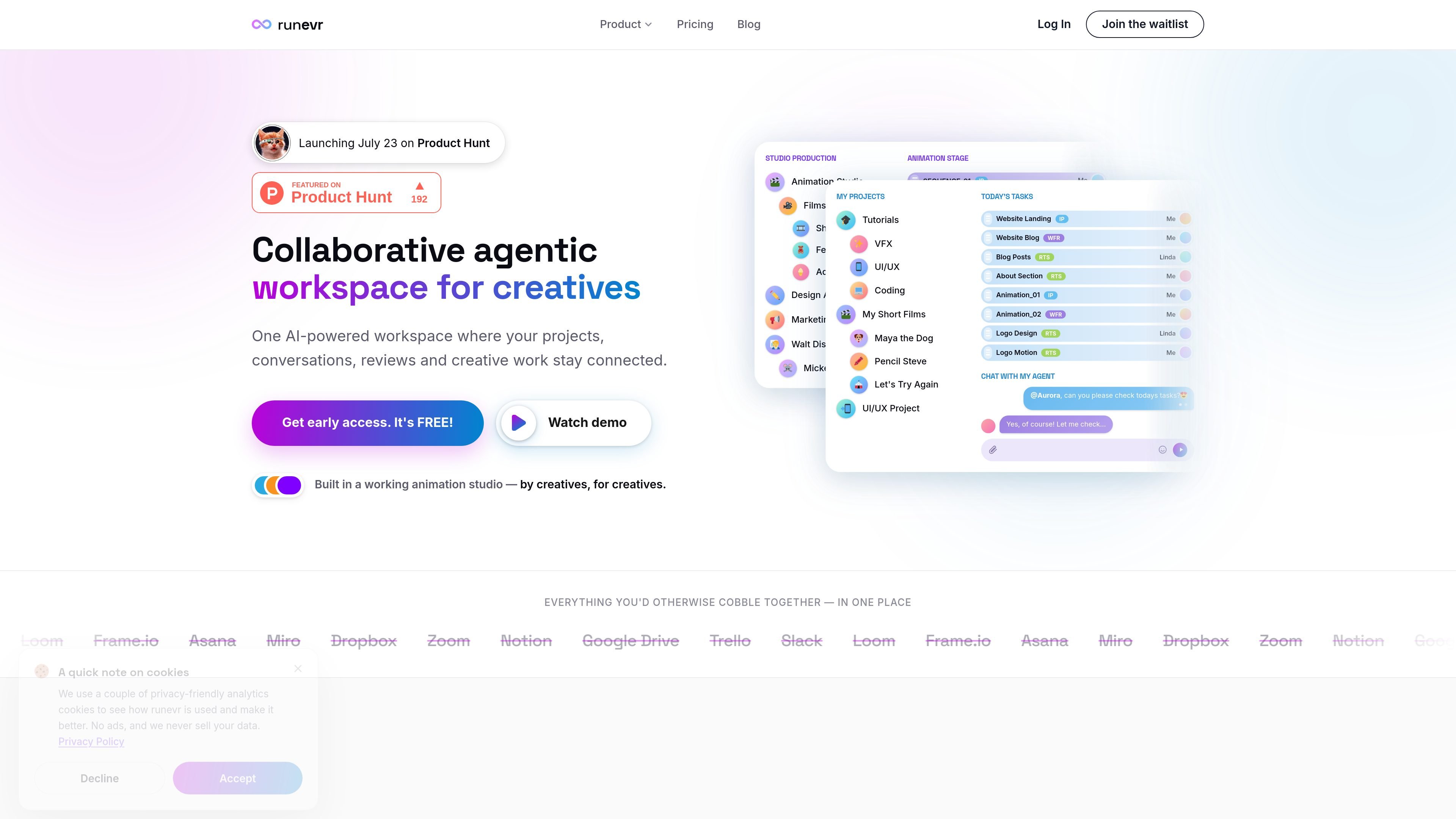
runevr is a workspace for creative teams that brings boards, media review, chat, recordings, drive, calls, and AI agents into one connected environment. The product is organized around rooms, which keep project conversations, files, versions, and history in the same context.
The site positions runevr as a replacement for the tool sprawl many creative teams deal with across chat, review, task management, whiteboarding, file storage, and calls. Its core job is to keep creative work moving without forcing people to switch between separate apps or re-explain the brief in different places.
Create project rooms where conversations, files, boards, reviews, and history stay connected instead of spread across separate apps.
Review video, 3D models, PDFs, images, and audio on a shared canvas, with frame-accurate playback and side-by-side comparison.
Route conversations into project channels automatically, with support for threads, replies, reactions, voice messages, video messages, and HARD SEEN messages.
Capture meetings as living data, with screen and camera recording that can be replayed and revisited in context.
Use built-in file storage and sharing so project assets stay alongside the work that references them.
Assign AI agents to work inside rooms, including planning, concept sketches, and script or copy drafting based on project context.
Use a room to keep project discussion, files, boards, and review history together so designers, editors, and producers are working from the same context.
Review video, 3D, PDFs, images, and audio on the same canvas, using synced playback, frame-level comments, and side-by-side comparisons.
Route approvals through sequential or parallel reviewer groups and add manager greenlight gates where a project needs explicit signoff.
Create project channels automatically, then use threads, replies, reactions, and HARD SEEN messages to keep decisions organized and accountable.
Use AI agents inside a room to plan tasks, draft scripts or copy, or produce concept sketches based on the project’s current context.
runevr is described as one workspace for creative teams, combining boards, live media review, screen recordings, chat, drive, calls, and AI agents.
The source says it is built for creative teams and is also positioned for agencies, studios, marketing teams, freelancers, and other production-focused groups.
Yes. The pricing page says there is a free plan forever for solo creators, while paid plans are Pro, Team, and Enterprise. The page also notes that pricing and plans are still in development and not final.
The pricing page says paid plans are billed per seat per month, and that you pay for the people who need a paid plan while others can be invited to collaborate.
The FAQ and feature pages say work is organized in rooms, where conversations, files, boards, reviews, and history stay connected.

Biji는 혁신적인 도구와 기능을 통해 생산성을 향상시키기 위해 설계된 다목적 플랫폼입니다.

Dcyde is a decision log for product teams that captures what was decided, the reasoning behind it, and the source in one shared place. It supports pinning decisions from Slack, Figma, or inside Dcyde and keeps the record searchable over time.

BotBoard is a task-management layer for AI agents that helps teams assign work, track progress, and review output. It supports CLI, MCP, and HTTP connections for tools like OpenClaw, Codex, Claude Code, and Cursor.

Goldfish is an AI memory app for macOS that helps you reply, write, summarize, and continue using the context already on your Mac. It stores memory locally and writes in your tone.

Lasso is an ecommerce product data platform for enriching catalog records, processing supplier files, generating product content, and monitoring competitors. It combines a web app with a REST API, SDK, and MCP server for teams and developers.

ArtDeck is a visual reference board app for iPhone, iPad, and Mac that lets artists collect mixed reference material on one canvas and study it with ToolBox lenses. It works offline, supports optional iCloud sync, and is sold as a one-time purchase with no account required.