
Keyword research and topic clustering
SEOBeast studies your website, market, competitors, and current authority to identify topics and keyword clusters that are more likely to drive traffic.

SEOBeast is an autonomous SEO and content automation platform that helps founders and lean teams research topics, draft articles, and publish them to supported CMS platforms. It is designed to run as a review-first workflow or a full autopilot content engine.
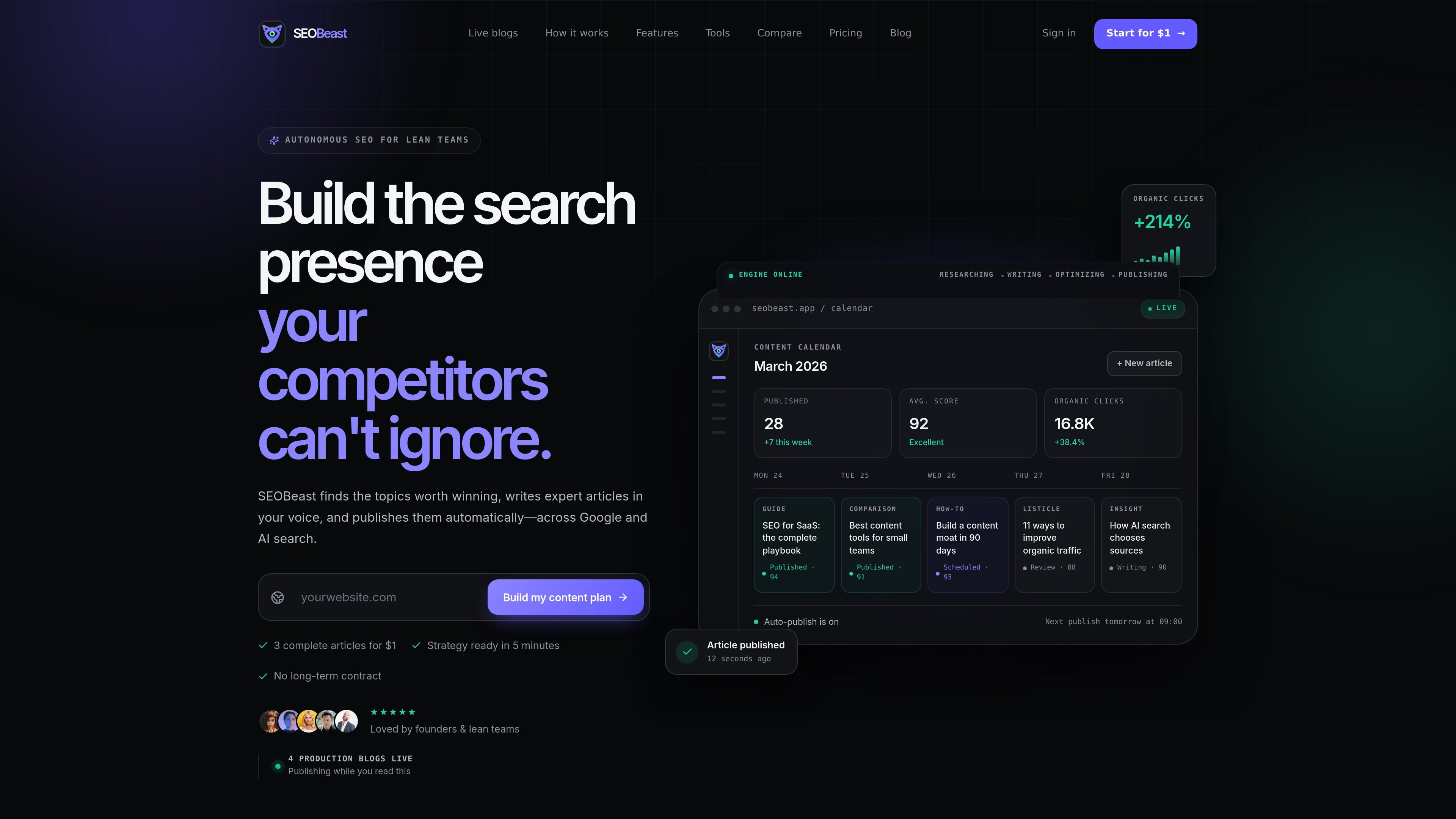
SEOBeast is an autonomous SEO and content automation platform for lean teams and founders who want to build organic traffic without running every step manually. It covers research, writing, optimization, publishing, and performance monitoring in one workflow.
The product studies a site and its market, maps keyword opportunities, drafts articles in the brand’s voice, and can publish those articles directly to supported CMS platforms. The source also shows options for review-first workflows or full autopilot, depending on how hands-on the user wants to be.
SEOBeast studies your website, market, competitors, and current authority to identify topics and keyword clusters that are more likely to drive traffic.
The product generates expert-style articles in your voice, with on-page structure, metadata, and source citations reviewed before publish.
You can connect a CMS once and publish to WordPress, Webflow, Shopify, Ghost, Framer, Notion, or a custom API endpoint.
SEOBeast can watch performance, track organic clicks, and refresh content as opportunities change over time.
The workflow includes brand rules, prohibited claims, approval steps, and an activity log so teams can choose how much to automate.
A founder can enter a site and get a content plan that prioritizes higher-opportunity topics instead of generating disconnected article ideas.
A small team can use the platform to produce and publish a steady stream of optimized articles without managing freelancers or a large editorial calendar.
A team that wants more control can review strategy and drafts first, then approve publishing only when the content is ready.
An existing blog can connect its CMS so new articles are published on schedule and refreshed as performance changes.
A team targeting AI search can format content for citation-friendly answers and structured sections that may be surfaced by Google AI, ChatGPT, and Perplexity.
Yes. The pricing page says you can cancel anytime from the billing portal, with no cancellation fees, and you keep access until the end of the current billing period.
The trial lasts 3 days. The pricing page says the subscription begins automatically after the trial ends, and you will not be charged during the trial.
SEOBeast analyzes your website, identifies high-opportunity keywords, and generates optimized articles. You can review and edit the drafts manually, or enable auto-publish to send approved content to your CMS.
The site describes one plan, SEOBeast Pro, with the full feature set included. You can switch between monthly and yearly billing from the billing portal.
The source shows publishing to WordPress, Webflow, Shopify, Ghost, Framer, Notion, and your own API, but it does not provide full setup details for every integration.

Blazly SEO is an AI content operating system for planning, writing, optimizing, and publishing SEO blogs. It helps marketers and content teams move from keyword research to CMS publishing in one workflow.

PromptScout tracks how ChatGPT, Gemini, Google AI Overviews, and Perplexity mention your brand or competitors, then pairs those results with source analysis and website audits. It helps teams decide what to fix in content, positioning, or site readiness next.

DailyPlay.ai is a behavioral growth platform that uses AI site scanning and micro-games to help brands improve engagement and conversion. It supports web, mobile, and other digital touchpoints, with a one-line script setup and a free engagement scan.

Topple.lol is a public pay-to-rank leaderboard where listings start at $1 and their bid balance decays over time and with clicks. It helps makers and marketers buy short-term visibility for product sites or X profiles while tracking live board stats.

ClayHog은 ChatGPT, Gemini, Perplexity, Claude, Google AI Overviews에서 브랜드 노출을 추적하는 AI 검색 가시성 플랫폼입니다. 에이전시와 마케팅·SEO 팀을 위한 단일 대시보드 제공.

beehiiv is a newsletter platform for creators, publishers, and brands that want to build, grow, and monetize email newsletters and websites from one place. It offers a free Launch plan, plus paid tiers for more advanced growth, monetization, and support features.