

Browser-local processing
Run image, PDF, data, text, finance, conversion, generator, document, and calculator tools directly in the browser instead of sending files to a server.
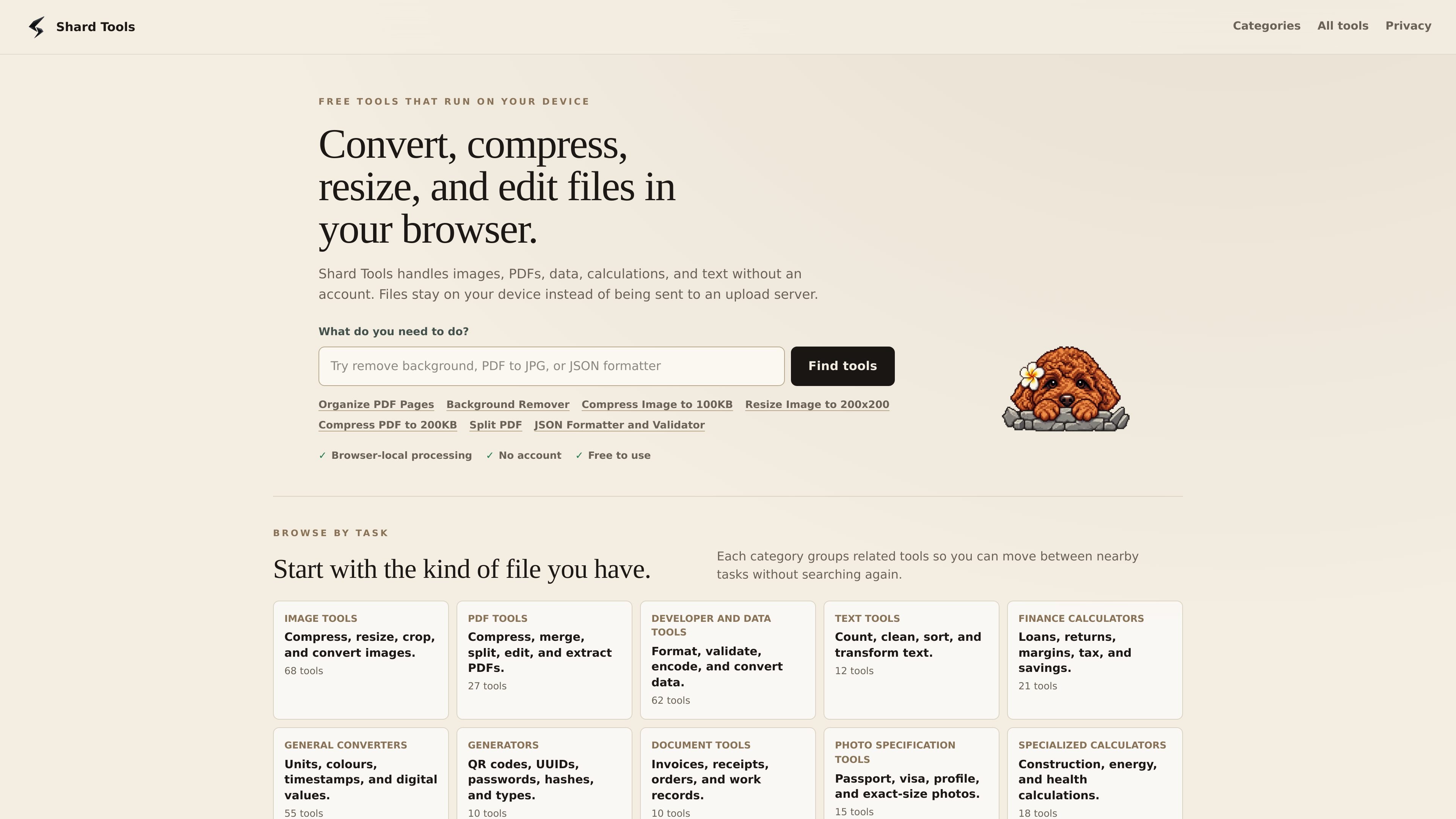
Shard Tools is a collection of private, browser-based file tools for images, PDFs, data, text, finance calculations, and general conversions. The site is organized around focused utilities rather than a single all-purpose editor, letting users pick a narrow tool for one task at a time.
Its core promise is that files stay on the user’s device. The home page and category pages emphasize that processing happens locally in the browser with no upload step, which makes the product suitable for common document and image workflows where privacy or convenience matters.
Run image, PDF, data, text, finance, conversion, generator, document, and calculator tools directly in the browser instead of sending files to a server.
Work with common PDF tasks such as compressing, merging, splitting, rotating, deleting, reordering, extracting text, converting to JPG or Markdown, and organizing pages.
Handle image tasks such as compression to exact size targets, resizing to fixed dimensions, cropping, background removal, and format conversion.
Use focused utilities for JSON formatting, validation, diffing, and escaping, and other developer/data workflows without uploading private data.
Switch between nearby tasks within each category, such as moving from crop, resize, or convert workflows in the image section or from merge, split, and reorder in the PDF section.
Use the tools without creating an account; the site repeatedly describes the service as free and browser-local.
Reorder, rotate, delete, duplicate, or add pages in a PDF when preparing a packet, correcting a scan, or assembling supporting documents. The Organize PDF Pages tool supports combining PDFs and images without uploading files.
Compress a PDF or image to a specific size target when a form or upload system imposes a hard limit. The site highlights tools for targets such as 100KB, 200KB, and 2MB.
Convert or repurpose a file into another format, such as PNG to WebP, PDF to JPG, PDF to Markdown, or JPG to PDF, while keeping the workflow in the browser.
Clean up structured data or text with tools such as JSON formatting, validation, diffing, and escaping, or text counting, cleaning, sorting, and transforming.
Use photo and document-specific utilities such as background removal, passport-style photos, crop tools, and other exact-size outputs for common submission requirements.
Shard Tools runs entirely in the browser, so you do not need to install desktop software or create an account to use the tools shown on the site.
The site presents tools for images, PDFs, data, text, finance calculations, general conversions, generators, document tools, photo specifications, and specialized calculators. The home page says there are 283 tools in total.
Many tools are built around specific file tasks such as exact-size compression, page reordering, text extraction, and format conversion. The site positions these as local, browser-based workflows that keep files on your device.
The site states that files stay on your device and are not uploaded to a server. The page does not provide detailed browser compatibility or supported operating systems beyond that browser-local model.
No pricing details were available from the pricing page because it currently returns a 404 page. The home page only indicates that the tools are free to use.

ArtDeck is a visual reference board app for iPhone, iPad, and Mac that lets artists collect mixed reference material on one canvas and study it with ToolBox lenses. It works offline, supports optional iCloud sync, and is sold as a one-time purchase with no account required.

Codex Plugins bundle reusable skills, app integrations, and MCP servers into workflows you can install in the Codex app or use from Codex CLI. They help extend Codex with connected-service tasks, reusable instructions, and shared team workflows.

Snapmark is a VS Code extension that lets you annotate clipboard screenshots before pasting them into AI chats. It supports blur redaction, numbered callouts, and automatic resizing for large images.

PDFTools is a browser-based suite of free and premium PDF utilities for editing, conversion, and document handling. It helps users work on PDFs locally in the browser without uploading files to a server.

Open Computer Use is an open-source Computer Use service wrapped as MCP for macOS, Linux, and Windows. It helps AI agents and MCP clients run desktop automation workflows through client setup commands or manual MCP configuration.

CloudFuze provides a guided workflow for migrating Claude conversation history and context into Gemini for organizations moving their AI assistant. It helps IT teams preserve user continuity by moving exported conversations into Google Drive and making them accessible in Gemini Gems.