
Two-pane terminal layout
Displays project skills on the left and global skills on the right, with keyboard navigation between panes.

skillsui is a keyboard-driven terminal UI for managing skills.sh skills across project and global scopes. It reads and writes skill folders and lockfiles on disk, with install, update, move, delete, and search workflows built in.
skillsui is a terminal UI for managing skills.sh skills. It presents project and global skill scopes in two panes and is driven entirely by the keyboard.
The tool does not use a database or config file. Instead, it reads skill folders and CLI lockfiles from disk and writes changes back to those same files when you move, delete, update, fork, or install skills.
Displays project skills on the left and global skills on the right, with keyboard navigation between panes.
Reads skill folders and CLI lockfiles directly from disk, then persists actions back to the same files.
Supports moving, deleting, updating, and forking skills, with batch selection for delete and update across both panes.
Searches skills.sh and lets you preview a skill before installing it into project or global scope.
Links installed skills into .claude/skills for Claude Code while keeping the canonical copy in .agents/skills.
Provides release installation and self-update commands, including checksum verification for downloads.
Recognizes tracked, local, and hidden skills based on lockfile presence and missing folders on disk.
Manage project-scoped skills from within a repository root, with the project pane showing .agents/skills and its corresponding lockfile.
Review and organize a global skills library in ~/.agents/skills, including entries stored under the XDG state location when configured.
Search skills.sh, inspect the preview, and install a chosen skill into either project or global scope from the split modal.
Update or delete multiple tracked skills in one pass using batch selection, with confirmation and absolute-path safety for destructive actions.
Move or fork a skill when you want to change its scope or create a local variant under a new name.
It is a terminal UI for managing skills.sh skills. It reads skill folders and CLI lockfiles from disk and writes changes back to those same files, so the state stays local to the filesystem rather than in a database or config file.
The README says the release binaries cover macOS and glibc Linux on ARM64 and x64.
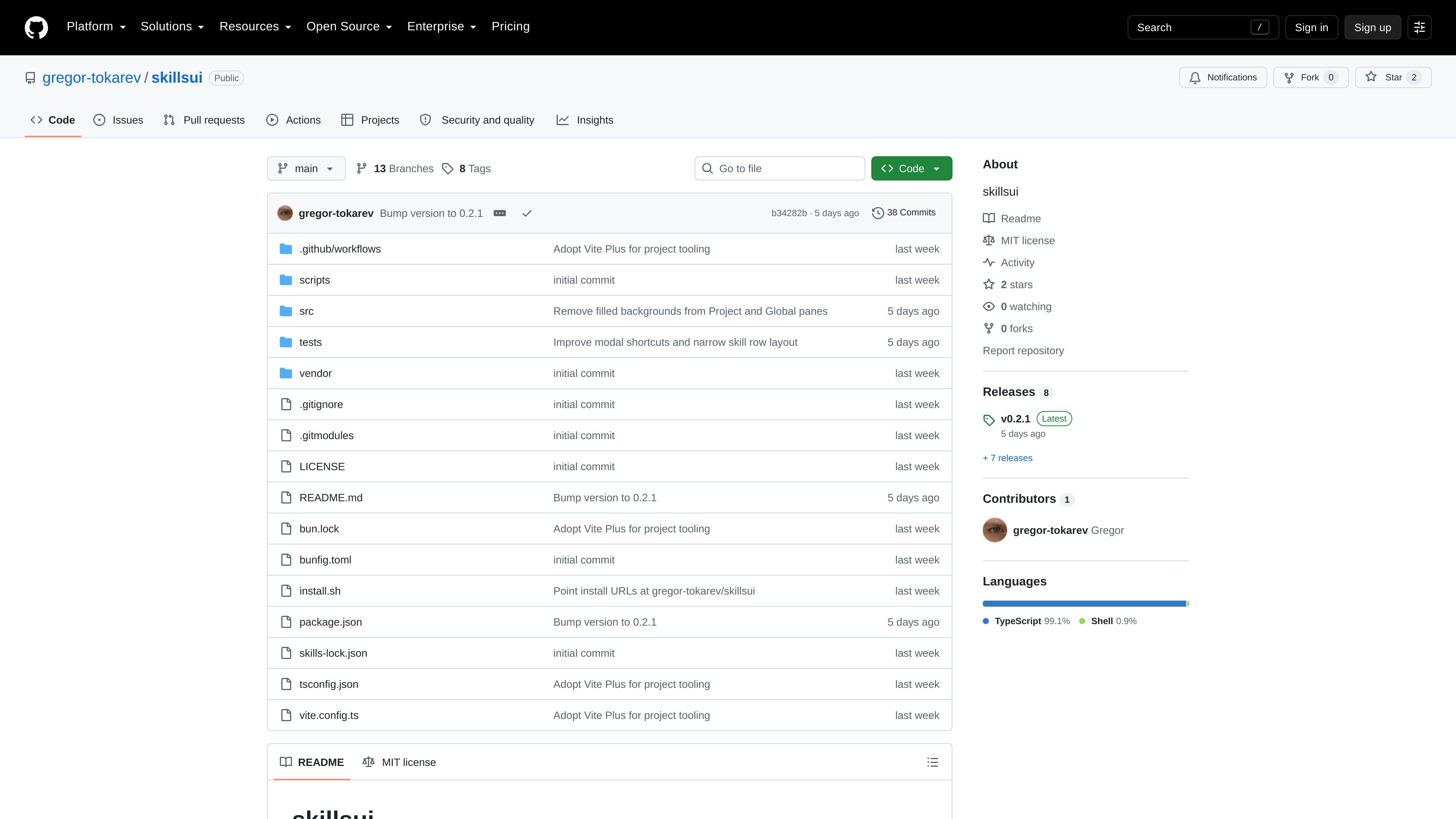
Yes. The project is open source on GitHub, and the repository home shows a public repo with a MIT license in the file listing.
The README describes installing by running the provided shell installer, which verifies a SHA-256 checksum and writes the binary to ~/.local/bin. It also supports updating with skillsui update.
It is designed for project and global skill scopes. Running from a project root shows both panes; running from a home directory shows only the global pane because both scopes would otherwise point at the same folder.

ByteAsk is a terminal-first AI coding agent for C and C++ that edits repositories and verifies changes with the real compiler, debugger, sanitizers, and tests before showing a diff. It offers a free tier plus paid plans, with editor connectors and zero-retention handling described in the source.

Epherem is a static security scanner for web apps built with AI coding tools such as Lovable, Bolt, v0, Replit, Cursor, and Claude Code. It checks source files and dependencies for common security mistakes, then provides categorized findings and suggested fixes without running the app.

Goldfish is an AI memory app for macOS that helps you reply, write, summarize, and continue using the context already on your Mac. It stores memory locally and writes in your tone.

CreateOS Sandbox is an isolated compute environment for running code and agent workloads inside Firecracker micro-VMs. It is designed for workflows that need machine-level isolation, private networking between sandboxes, and programmatic control through SDK, CLI, or MCP.

ArtDeck is a visual reference board app for iPhone, iPad, and Mac that lets artists collect mixed reference material on one canvas and study it with ToolBox lenses. It works offline, supports optional iCloud sync, and is sold as a one-time purchase with no account required.

Biji는 혁신적인 도구와 기능을 통해 생산성을 향상시키기 위해 설계된 다목적 플랫폼입니다.