
Live, context-aware sessions
Skippr can run live voice and screen sessions tailored to where a user is in the product, rather than using a fixed script. The site positions this as personalized help for onboarding, demos, and support.

Skippr is a live AI agent platform for onboarding, demos, support, and internal workflow assistance. It can be embedded in products or used in sessions to answer questions, guide users, and complete tasks in real time.
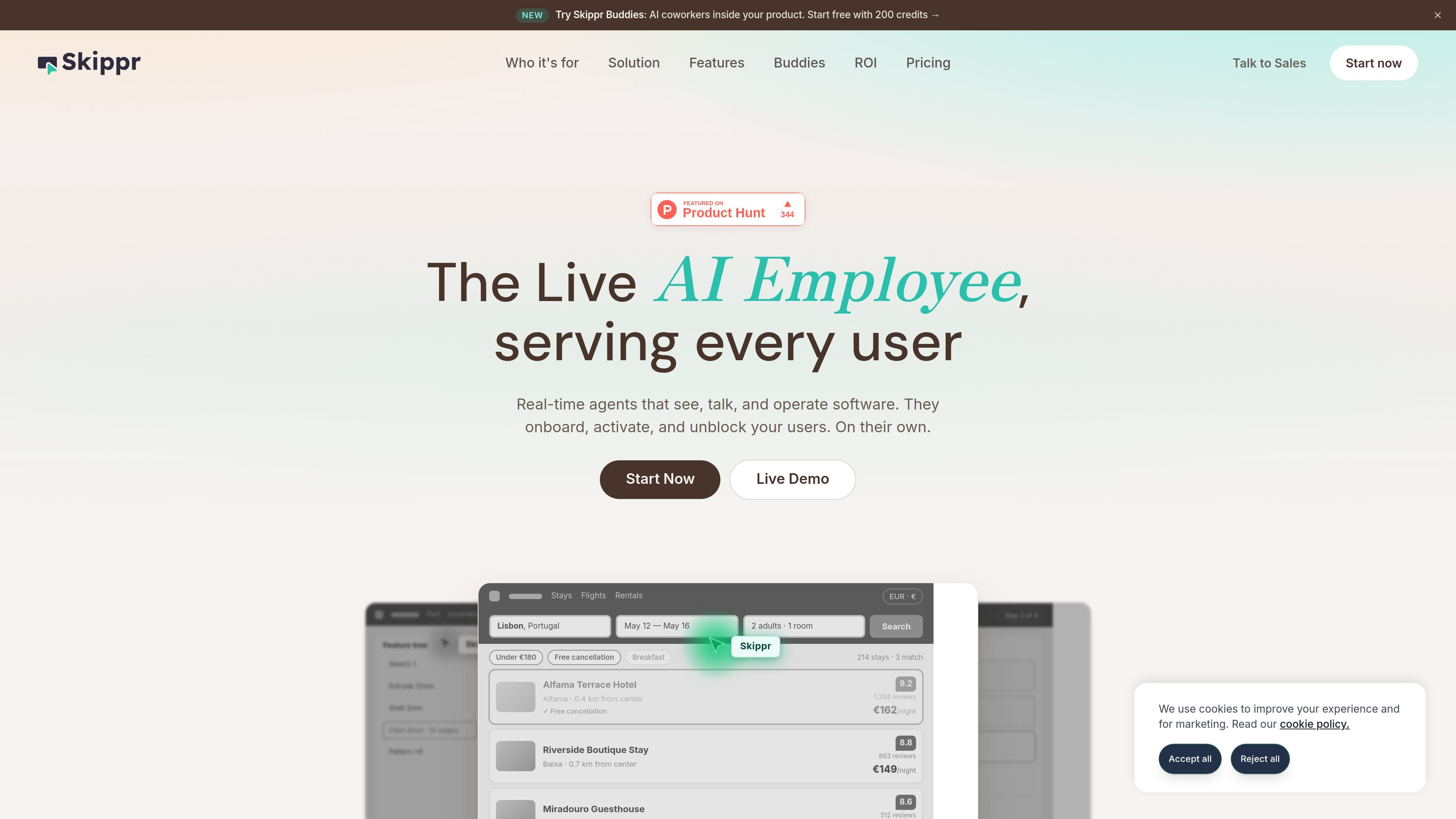
Skippr is a live AI agent platform for product onboarding, demos, support, and internal workflow assistance. The site describes it as a “Live AI Employee” that can see, talk, and operate software in real time.
It is designed to be embedded in a product, brought into a meeting room, or used across internal tools. The agent can answer questions in context, guide users through tasks, and complete actions through the UI, API, or MCP server, with human oversight available when needed.
Skippr can run live voice and screen sessions tailored to where a user is in the product, rather than using a fixed script. The site positions this as personalized help for onboarding, demos, and support.
The agent scans product documentation and knowledge-base content and refreshes when source material changes, so answers stay aligned with current information.
Skippr can take the pointer and complete tasks with the user still in the loop, including form fills and multi-screen flows.
The product can be branded with a company’s colors, voice, tone, logo, and even cursor styling so it appears native inside the experience.
Skippr can operate through a product API or MCP server instead of only through the UI, and the builder supports voice, chat, walkthroughs, annotations, and action planning.
Session controls include human takeover, escalation, guardrails, approval flows, stop-words, transcripts, replay, and structured outcomes for follow-up work.
Embed the agent in your product so new users can ask questions, get guided through setup, and complete early tasks without waiting for human support.
Let CSMs, solution engineers, SDRs, or support staff use the agent to answer product questions and run live flows during calls or demos.
Use the agent to train employees on an AI-native stack, switch between tools, and move information across systems while keeping a person in the loop.
Deploy the agent as a live demo assistant that can join a customer video call, explain features, and help back up the presenter in real time.
Use Skippr’s session analytics, transcripts, and follow-up actions to capture outcomes after conversations and trigger reminders, emails, or CRM updates.
Skippr is deployed as a live agent through a website embed, SDK, session link, or in-product module. The site also says it can join a customer video call for live demos.
The homepage shows the agent working across onboarding, activation, support, sales demos, planning, and internal workflow examples. The privacy policy describes it as a multimodal AI agent for live demo, onboarding, upsell, and support sessions.
The source says the agent can scan a product and knowledge base, use live voice and screen sessions, take the pointer to complete tasks, and operate software through a product API or MCP server.
The privacy policy says sessions may produce video and audio recordings, transcripts, screen captures, analytics, and follow-up actions such as emails sent or CRM records updated.
The pricing page at /pricing returns a 404 in the captured source, so the available evidence does not confirm plan names, pricing, or limits.

Claude Overlay is a Windows desktop overlay for Claude Code that reads your screen so you can ask questions, inspect content, and request edits without leaving the current app. It runs on your existing Claude subscription through the Claude CLI, so no separate API key is required.

Trigger.dev chat agent is a durable AI chat backend for developers building stateful conversations that can survive refreshes, crashes, and long-running turns. It connects with the AI SDK `useChat` flow and runs on managed infrastructure with no timeout on a turn.

Goldfish is an AI memory app for macOS that helps you reply, write, summarize, and continue using the context already on your Mac. It stores memory locally and writes in your tone.

CreateOS Sandbox is an isolated compute environment for running code and agent workloads inside Firecracker micro-VMs. It is designed for workflows that need machine-level isolation, private networking between sandboxes, and programmatic control through SDK, CLI, or MCP.

ArtDeck is a visual reference board app for iPhone, iPad, and Mac that lets artists collect mixed reference material on one canvas and study it with ToolBox lenses. It works offline, supports optional iCloud sync, and is sold as a one-time purchase with no account required.

Biji는 혁신적인 도구와 기능을 통해 생산성을 향상시키기 위해 설계된 다목적 플랫폼입니다.