

Interview Copilot
During an interview, SpeechShield transcribes the other person’s question and generates talking points when they pause. Suggestions draw from the selected resume and job posting, while follow-ups retain session context.
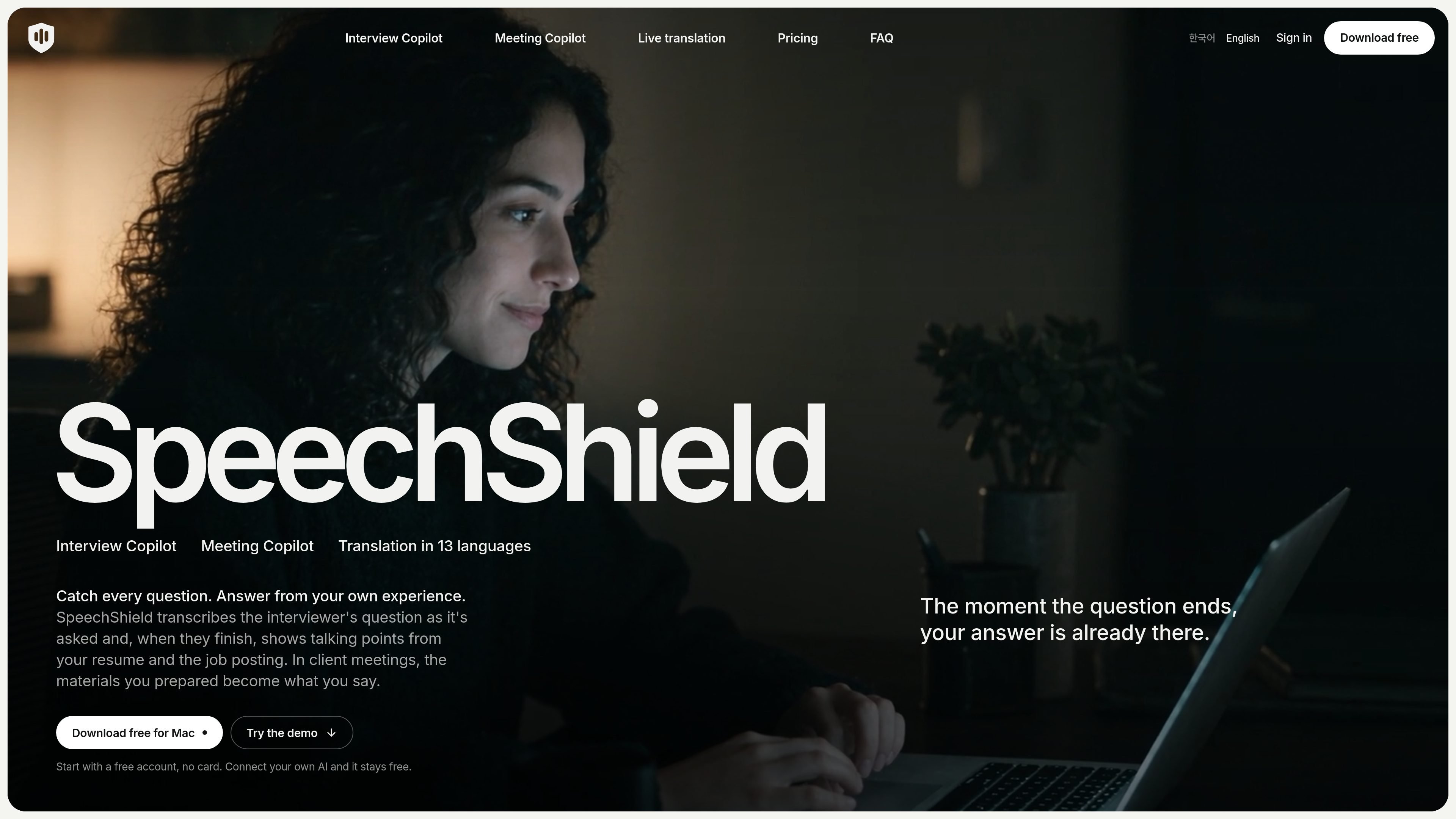
SpeechShield is a Mac-based AI copilot for job interviews, client meetings, and live translation. It listens to selected meeting or call audio, transcribes speech, and presents interview talking points, meeting responses, or translated captions while the conversation is in progress.
Its suggestions are intended to stay grounded in the information the user supplies. Interview answers use a resume and job posting; Meeting Copilot uses prepared client or project materials. The app also provides a phone viewer, session history, optional recording, and controls for keeping the overlay out of screen sharing and recordings.
During an interview, SpeechShield transcribes the other person’s question and generates talking points when they pause. Suggestions draw from the selected resume and job posting, while follow-ups retain session context.
For client meetings and calls, add company details, attendees, goals, agendas, proposals, price lists, and notes. Suggestions are grounded in those materials, and source titles can be shown with the answer.
The Mac app transcribes meetings and videos and places translated captions beneath each sentence as it finishes. Translation supports 13 languages and can be changed during a session.
Choose Full, Concise, or Key Points answer styles. Set interview and answer languages separately, request an answer immediately with a keyboard shortcut, or type a question yourself.
Use the Mac overlay during a call or scan a QR code to open the same session in a phone browser on the same Wi-Fi. The phone can show questions and answers without installing a separate app.
The overlay is designed not to appear in screen shares, screenshots, or recordings. Session history is encrypted on the Mac, and imported material is kept as extracted text rather than retaining the original files.
Prepare a company-and-role profile with a resume and job posting, then read grounded talking points as questions finish. Use separate interview and answer languages when the conversation and preferred reading language differ, and review questions, notes, or recordings afterward.
Create a context for a client or project with the meeting goal, agenda, attendees, and relevant commercial or technical documents. During the call, use source-labeled suggestions to keep proposals, pricing, dates, and commitments aligned with the prepared materials.
Use the Mac app to transcribe a meeting or video and display translated captions under each sentence as it finishes. This is suited to recurring conversations or media in another language where live on-screen translation is useful.
Pair a phone browser with the Mac session over the same Wi-Fi and use the phone as a larger second display for questions and answers. The workflow is useful when the Mac overlay is difficult to read or needs to remain unobtrusive.
SpeechShield is a Mac application for Apple silicon Macs running macOS 26 or later. It can display suggestions in a Mac overlay or in a phone browser paired by QR code on the same Wi-Fi network; the phone does not require an app.
For Interview Copilot, add a resume and job posting to a profile. For Meeting Copilot, add client or project details, attendees, goals, agendas, and supporting proposals, price lists, or notes. Text PDFs, Word, RTF, plain text, and Markdown materials are supported for meeting contexts; interview resume import supports text PDFs.
Interview Copilot transcribes the interview language and can show talking points in a separately selected answer language. It offers Full, Concise, and Key Points styles, and follow-up suggestions use earlier questions and answers from the session.
The free account includes a one-time SpeechShield AI trial of 60 minutes and 50 AI answers, with limited profiles, meeting materials, and seven days of session history. Users can continue without those SpeechShield AI limits by connecting their own API key or a supported local CLI. Pro and Max plans add larger or fair-use SpeechShield AI allowances and additional history and profile capacity.
Team billing is not currently available as a standard plan; the pricing page says accounts are billed per person and asks organizations planning multi-user use to contact SpeechShield.

QuickQuill is a macOS dictation and transcription app that runs locally on the device. It helps users record meetings, transcribe audio, generate summaries, and export notes without using a cloud service.

MeetStream is a meeting bot API for Zoom, Google Meet, Microsoft Teams, and Webex. It helps developers record, stream, and analyze meetings programmatically, with usage-based pricing and a $5 free credit to start.

Liam is an AI copilot for managing inboxes, writing replies, prioritizing email, and scheduling meetings. It is offered free for individuals, with custom pricing for teams and enterprise.

Tactiq is an AI note taker for Google Meet, Zoom, and Microsoft Teams that transcribes meetings live and turns them into summaries, action items, and follow-up outputs. It is built around a Chrome extension and supports team workflows through sharing and integrations.

garden-md is an open-source Node.js CLI that turns meeting transcripts into a local company wiki. It links entities across transcripts, keeps the original text intact, and renders the result as a browsable wiki.

Tavus is an AI video platform for building real-time, face-to-face agents, digital twins, and AI companions. It combines APIs, custom replicas, and multilingual conversational workflows for developers and teams.