
Text to 3D generation
Generate 3D objects from text prompts and turn the results into models. The page says text-to-3D generation produces four variants to work from.

Spline AI is Spline’s 3D generation feature for creating 3D mesh objects from text prompts and images inside the Spline platform. It supports iterative generation, dashboard or editor workflows, and multi-platform publishing.
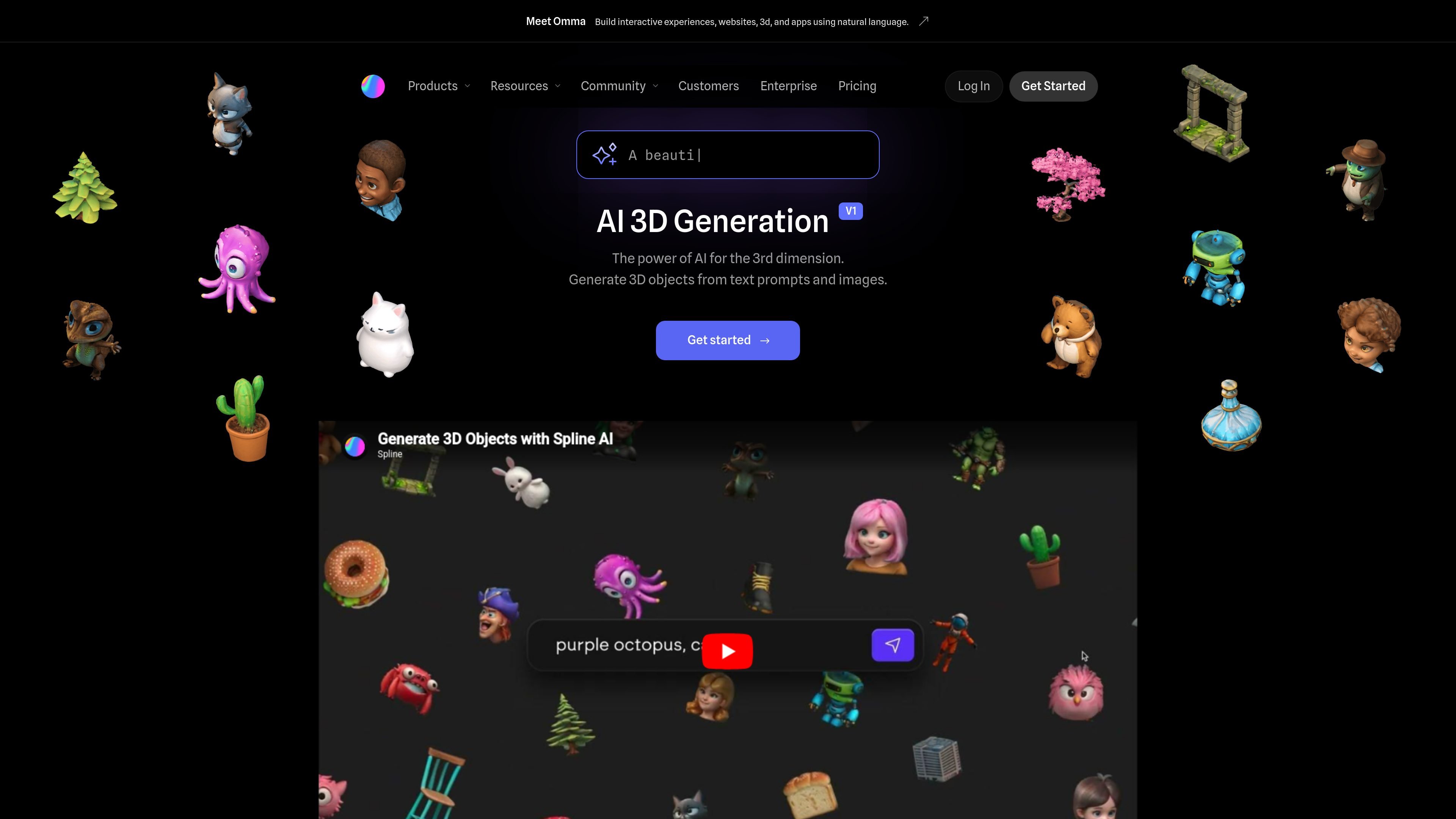
Spline AI is Spline’s 3D generation feature for turning text prompts and images into editable 3D mesh objects. It is presented as an AI workflow inside the broader Spline platform, rather than a separate tool, with generation available from both the dashboard and the editor.
The product is aimed at people who want to move from concept to 3D assets without manual modeling. The page emphasizes fast iteration, prompt-based creation, and the ability to remix earlier outputs, while the pricing page shows Spline AI as an add-on on paid plans with enterprise options for larger teams.
Generate 3D objects from text prompts and turn the results into models. The page says text-to-3D generation produces four variants to work from.
Use 2D front-facing images to guide generation and convert them into 3D models. This is positioned as an image-to-3D workflow for shaping results from source imagery.
Create new versions of prior outputs by remixing and referencing previous generated results. This supports iterative exploration instead of starting from scratch each time.
Choose between generating from the dashboard or directly inside the editor. That lets teams either build a 3D library in one place or keep generating while assembling scenes.
Publish generated content through Spline’s multi-platform export flow. The page lists web, Apple, and Android outputs, with code snippets or generated projects depending on the platform.
Work with AI credits through the Spline AI add-on. The pricing page lists 2,000 credits per editor per month on the paid add-on, with custom credits available for Enterprise.
Generate early 3D concepts from a written prompt when you want a quick starting point before refining assets by hand.
Turn a front-facing image into a 3D model when a visual reference is already available and you want to explore it in 3D.
Build a reusable library of generated 3D objects from the dashboard so teams can organize outputs before placing them into scenes.
Keep generating while you work in the editor when the goal is to add AI-generated objects directly into an in-progress scene.
Prepare interactive 3D content for different targets by using Spline’s export flow for web, Apple platforms, or Android.
Yes. The pricing page shows a free plan for getting started, and Spline AI is available as a paid add-on on Starter and Professional plans. The same pricing page also lists a custom AI credits option for Enterprise.
The source shows two generation entry points: from the dashboard, where you can focus on building a 3D library, and from the editor, where you can keep working while generating scenes.
Spline AI can generate 3D objects from text prompts and from front-facing images. The page also says you can remix and reference previous generated results to create new variants.
The page says AI-generated content can be published through Spline’s interactive exports for the web, Apple platforms, and Android, using code snippets or generated projects depending on the target platform.
The source materials do not specify a detailed data policy on the marketing pages. The AI page links to questions about data use, so the safest next step is to review Spline’s current product and privacy documentation before using private assets.

智小象(HiDream.ai)は、生成형 인공지능에 기반한 전면 중국어 창작 플랫폼으로, 사용자가 AIGC 창작 능력을 쉽게 습득할 수 있도록 설계되었습니다.

秒绘AI is a web-based AI creation platform for generating images and short videos from text or existing images. It also includes e-commerce visual tools and enterprise options such as private deployment, API integration, and batch processing.

Amara is an AI-powered 3D creation tool focused on mesh generation and plugin-based actions. It offers a free entry point, tiered plans for individuals and teams, and staged early access.

AI 그림 생성기는 사용자가 제공한 텍스트 설명을 기반으로 자동으로 아트를 생성하는 온라인 AI 소프트웨어입니다.

DeepMotion is a web-based AI motion capture and 3D animation platform with Animate 3D for video-to-animation and SayMotion for text-to-animation. It helps creators and teams generate motion in a browser and export results in common production formats.

Napkin AI는 텍스트를 편집 가능한 시각 자료로 바꿔 프레젠테이션, 문서, 공유용 콘텐츠 제작을 돕습니다. 텍스트 우선 생성과 협업, PPT·PNG·SVG·PDF 내보내기를 지원합니다.