

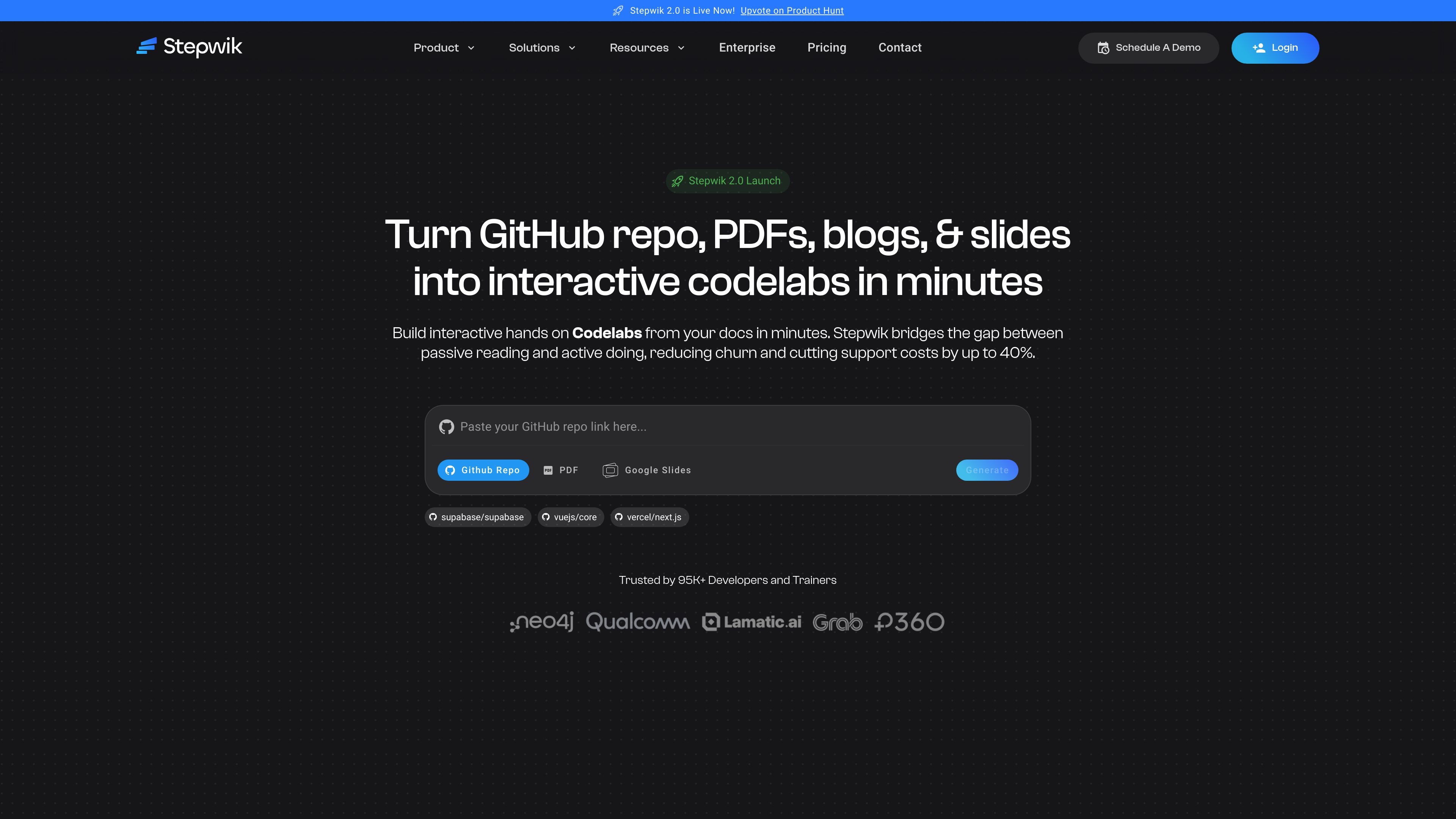
AI codelab generation
Generate structured, step-by-step codelabs from GitHub repositories, PDFs, Google Slides, blogs, and documentation pages using Stepwik's AI workflows.
Stepwik is a platform for turning documentation and source materials into interactive codelabs and hands-on tutorials. It accepts inputs such as GitHub repositories, docs, PDFs, blogs, and slides, then helps teams convert that material into structured learning experiences.
The product is aimed at technical onboarding, developer education, customer enablement, training, and other workflows where passive reading is not enough. Its pages emphasize AI-assisted codelab creation, collaboration, publishing, analytics, and branded or private learning spaces.
Generate structured, step-by-step codelabs from GitHub repositories, PDFs, Google Slides, blogs, and documentation pages using Stepwik's AI workflows.
Use the Chrome extension to turn webpages and technical content into interactive learning experiences without starting from scratch.
Edit content in a block-based authoring environment with Markdown, slash commands, and code blocks for technical instructions.
Work with co-authors, reviews, permissions, and publishing workflows in shared workspaces for team-based content creation.
Track engagement, completion, onboarding performance, and learning outcomes through analytics and report exports.
Publish with custom subdomains or custom domains, private or unlisted visibility, and branded learning environments.
Turn setup guides and onboarding docs into guided workflows so new users can complete a first task instead of only reading instructions.
Package workshops, conference demos, and meetup material as replayable labs that learners can revisit after the live session.
Build internal training paths for platform, security, and operations teams with shared workspaces, progress tracking, and private access.
Convert blog posts, repos, or docs into structured labs for readers who want hands-on technical explanations rather than static articles.
Create courses, contributor paths, or certification-style learning experiences with completion tracking and certificates.
Stepwik can turn GitHub repositories, documents, PDFs, blogs, and slides into interactive codelabs. The homepage and pricing page both describe AI-assisted creation, including a Chrome extension, GitHub-to-codelab workflows, and PDF/Google Slides generation on the Pro plan.
The source pages show Stepwik used for product onboarding, developer relations, customer enablement, internal training, technical writing, education, and community or open-source onboarding. The use cases page groups those scenarios by team and audience.
Stepwik offers a freemium plan and a Pro plan. The pricing page says you can start free and scale with paid options, but the exact paid-plan details shown on the page are limited to the listed feature set rather than a full enterprise package.
The product site says Stepwik has a Studio area for signing in and managing codelabs, plus an Explore area for browsing published hands-on tutorials. That suggests the workflow is to create in Studio and publish or browse in Explore.
The pricing and use cases pages mention collaboration, private or unlisted content, custom subdomains or domains, analytics, and support options. The available source does not fully document every integration or admin feature, so larger organizations may want to confirm the exact setup during evaluation.

TubeKit turns public YouTube videos and playlists into AI-powered tools that creators can customize and share. It is free to try and requires no signup for the initial workflow.

BeFreed is a personalized audio learning app that turns books and other knowledge sources into narrated listening experiences. It helps people learn on demand through interactive audio, voice selection, and built-in learning tools.

AGINE Academy — игровая онлайн-академия для практического освоения Claude в работе, творческих задачах и автоматизации. Подходит тем, кто хочет начать с бесплатного урока и учиться на реальных миссиях без опыта в разработке.

Goldfish is an AI memory app for macOS that helps you reply, write, summarize, and continue using the context already on your Mac. It stores memory locally and writes in your tone.

Lasso is an ecommerce product data platform for enriching catalog records, processing supplier files, generating product content, and monitoring competitors. It combines a web app with a REST API, SDK, and MCP server for teams and developers.

ArtDeck is a visual reference board app for iPhone, iPad, and Mac that lets artists collect mixed reference material on one canvas and study it with ToolBox lenses. It works offline, supports optional iCloud sync, and is sold as a one-time purchase with no account required.