Tastemaker icon

Tastemaker

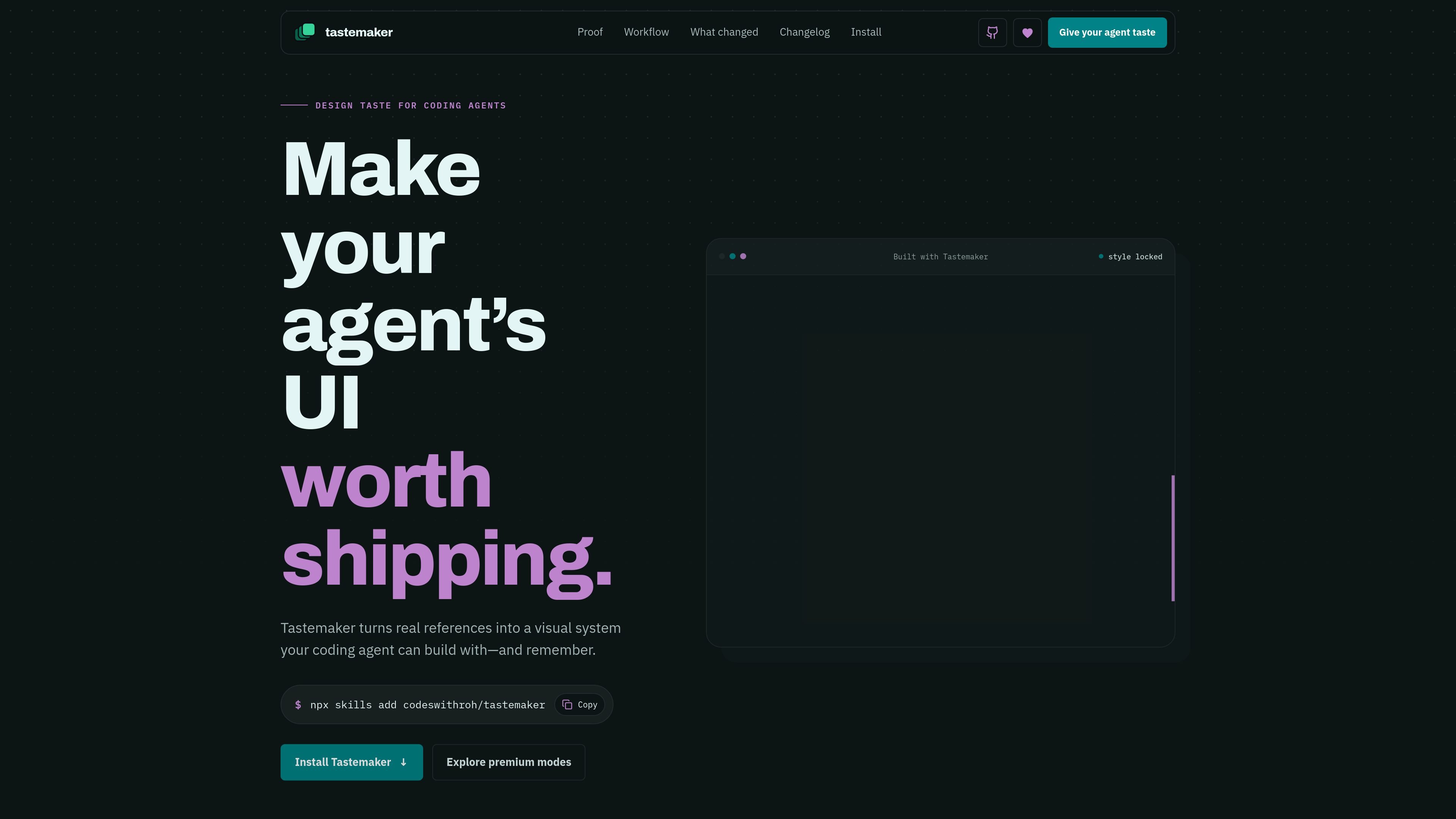
Tastemaker is a workflow skill for coding agents that helps them turn brief-driven UI work into a consistent visual system with files, assets, contrast checks, and local project memory. It is aimed at developers using agents such as Claude Code, Windsurf, and Gemini CLI.

Tastemaker

What Tastemaker is

Tastemaker is a workflow skill for coding agents that helps them produce more consistent UI by grounding design choices in references, rules, and reusable project memory. The site positions it as a way to stop prompting for taste and instead give the agent a process it can execute.

In practice, Tastemaker reads the brief, defines the screens, locks the visual system, generates assets, builds the visual proof, and stores decisions for later use. The result is meant to live inside the project as files and assets rather than as a separate hosted service.

Core capabilities shown on the site

Brief-driven screen scoping

Tastemaker starts by scoping screens from the product brief before it generates color, type, and layout decisions. The page shows examples such as landing-page hero, pricing, CTA, onboarding states, dashboard states, and settings screens.

Color system generation and contrast checks

It can read reference pixels or generate a fresh palette, then compute legal color pairings against a contrast floor. The site explicitly shows WCAG-style contrast checks and a style-lock process.

Asset and brand-element sourcing

The workflow sources a complete visual language, including icon families, imagery, a constructed mark, and favicons. The homepage says it avoids emoji placeholders and validated assets are included with the screen.

UI proof and motion in one pass

Instead of leaving claims as text, Tastemaker turns features into UI mockups, flows, charts, and before/after states. The homepage also notes that GSAP motion ships in the same pass and that reduced-motion behavior is considered on the comparison page.

Local project memory

Project decisions are saved locally so the agent can reuse preferences on future work. The site shows `.tastemaker/style-lock.md`, `decisions.log`, and a profile file that records keep/reject choices.

File-based outputs

The product is designed to work with plain project files rather than a hosted black box. The pages show Markdown, Python, SVG, CSS, and JavaScript as the main output formats.

Where Tastemaker fits

  • Designing a marketing page

    Use it when you want an agent to build a landing page or app screen with a more deliberate visual system than a default prompt usually produces. The site’s comparison page uses a coffee-subscription landing page to show the difference before and after the skill is installed.

  • Building product screens with states

    Use it for multi-state product UI where empty, loading, populated, and settings views should feel like one system. The homepage explicitly lists onboarding, dashboard, and settings states as part of the scoped output.

  • Turning references into a color system

    Use it when you already have reference imagery and want the agent to derive a usable palette from the actual pixels. Tastemaker advertises reference reading, generated palettes, and contrast verification.

  • Keeping design decisions in the repo

    Use it for projects where the team wants the UI output stored as files in the repository, not locked in a hosted tool. The site shows local Markdown, logs, CSS, SVG, and JavaScript outputs beside the product code.

  • Maintaining visual consistency across sessions

    Use it when repeated UI tasks should carry forward previous choices instead of re-deciding them every time. Tastemaker saves keep/reject decisions into a local profile for future projects.

Pros and Cons

Pros

  • Shows a concrete workflow with named stages instead of relying on vague prompting.
  • Produces inspectable project files and assets, which makes the output easier to review and reuse.
  • Includes contrast checks and a style-lock to reduce visual drift across screens.
  • Keeps project decisions in local files so preferences can carry forward between tasks.
  • Supports a small set of aesthetic modes on top of the free core without changing the underlying workflow.

Cons

  • The pricing page is not available; the /pricing URL returns a page not found error, so plan details are incomplete on the public site.
  • Integration guidance is brief, so setup details beyond the install command and a few supported agent names are limited.
  • The public material focuses on UI workflow and outputs, not on broader product management or non-visual design use cases.

FAQ

How do you use Tastemaker with a coding agent?

Tastemaker is installed as a skill for coding agents and activates when you ask the agent to build, style, or improve a UI. The site shows a terminal-style install command using `npx skills add codeswithroh/tastemaker`, and notes that Claude Code can also use the plugin marketplace or a manual install.

What does Tastemaker do in a project workflow?

The homepage describes Tastemaker as a workflow that grounds, checks, builds, and remembers design taste for a coding agent. Its steps include reading the product brief, locking the visual system, sourcing assets, building the proof in UI form, and saving decisions for future work.

What kind of output does Tastemaker produce?

The public pages show the output as local project files and assets, including `.tastemaker/style-lock.md`, `.tastemaker/decisions.log`, and generated design assets such as logos, icons, illustrations, CSS, SVG, Markdown, Python, and JavaScript.

Is there a pricing page or plan details?

The site says the free core stays free, while sponsor-exclusive aesthetic modes are available for $8/month. The pricing URL itself currently returns a page not found error, so there is no separate pricing page to review.

Which tools or agents does Tastemaker support?

The homepage frames Tastemaker as agent-friendly for Claude Code, Windsurf, and Gemini CLI, and it also says the workflow triggers without a magic phrase, account, or hosted API. Beyond that, the site does not provide deeper integration documentation.

Quick Facts

Category
Developer Tool / AI Agent Workflow
Primary users
Coding agents and developers shaping UI
Platform
Web site with local-file workflow output
Source domain
tastemaker-skill.online
Install
`npx skills add codeswithroh/tastemaker`
Pricing
Free core; sponsor-exclusive modes at $8/month

Tastemaker 대안

ByteAsk icon

ByteAsk

ByteAsk is a terminal-first AI coding agent for C and C++ that edits repositories and verifies changes with the real compiler, debugger, sanitizers, and tests before showing a diff. It offers a free tier plus paid plans, with editor connectors and zero-retention handling described in the source.

CreateOS Sandbox icon

CreateOS Sandbox

CreateOS Sandbox is an isolated compute environment for running code and agent workloads inside Firecracker micro-VMs. It is designed for workflows that need machine-level isolation, private networking between sandboxes, and programmatic control through SDK, CLI, or MCP.

hob icon

hob

hob is an independent workspace for coding agents that keeps agent sessions, terminals, history, and follow-up work organized around the tools and providers you already use. It is aimed at developers who want local control over routing, history, and workspace structure rather than a bundled model stack.

Manta AI icon

Manta AI

Manta AI is an autonomous web app testing tool for teams that want to map application behavior, catch regressions, and generate tests without writing scripts or maintaining selectors. It works from a URL and supports plain-English test flows, run results with screenshots, and scheduled or deployment-triggered checks.

SonOf icon

SonOf

SonOf connects to your repo and PM tool, audits the codebase and surrounding product context, and turns approved work into shipped tickets with senior engineering review. It is aimed at founders and engineering leaders who need backlog help without hiring a full team immediately.

Ghost icon

Ghost

Ghost는 채팅, 코드 생성, 터미널 작업 실행을 지원하는 터미널 기반 AI assistant입니다. 무료 모델을 제공하며 Linux, macOS, Windows를 지원하는 오픈 소스입니다.