
Structured live web search
Search returns fresh web results with titles, URLs, snippets, and metadata in a predictable response format that agents can route into research, retrieval, citations, or monitoring workflows.

TinyFish is a web infrastructure platform for AI agents that combines live search, page fetching, browser sessions, and multi-step automation. Search and Fetch are free, while Agent and Browser are metered against Wallet funds.
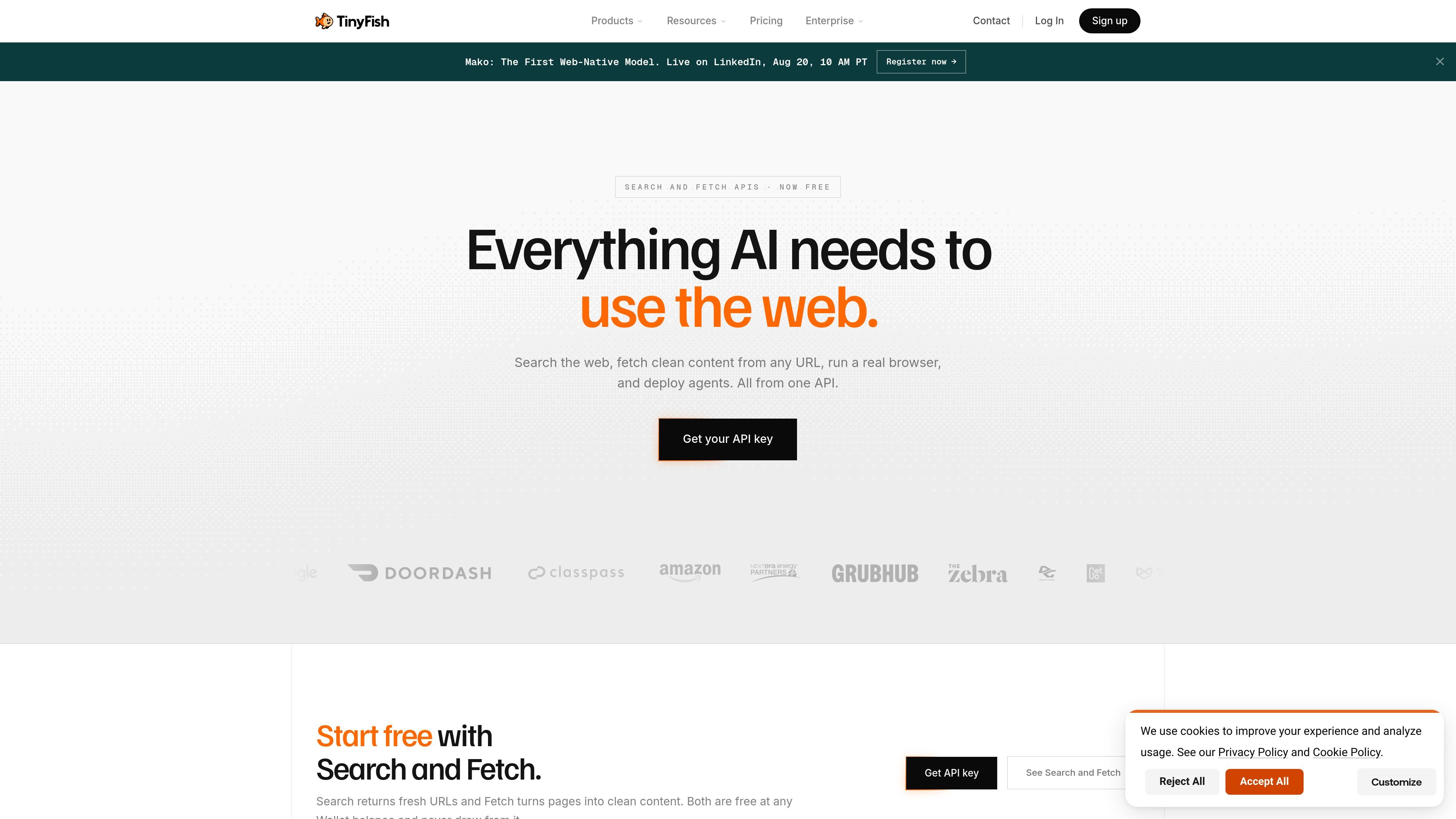
TinyFish is a web infrastructure platform for AI agents and automated workflows. It combines search, page fetching, browser sessions, and web automation so software can work with live websites instead of static datasets.
The product is organized around four main surfaces: Search for fresh structured results, Fetch for clean page content, Agent for multi-step task execution, and Browser for cloud browser sessions. On the pricing side, Search and Fetch are free, while Agent and Browser are metered against Wallet funds with no monthly plan, no minimum, and separate enterprise options for larger teams.
Search returns fresh web results with titles, URLs, snippets, and metadata in a predictable response format that agents can route into research, retrieval, citations, or monitoring workflows.
Fetch renders any URL in a real browser and returns clean markdown by default, with HTML and JSON options when workflows need different output shapes.
Agent handles multi-step web tasks such as navigating pages, filling forms, and authenticating into sites, with output that can feed production workflows.
Browser provides cloud browser sessions for authenticated and dynamic sites, with persistent state and infrastructure for running interactive web workflows.
Pricing and runtime are organized around a Wallet model: Search and Fetch stay free, while Agent and Browser are metered against account funds when they run.
TinyFish exposes the same capabilities through SDKs, CLI, MCP, and direct API access, and the pricing page mentions support for teams through enterprise contracts, SSO, audit logs, VPC deployment, and uptime SLA options.
Use Search when an agent needs current sources, recent prices, or changing information from the live web, and you want structured results that can feed downstream retrieval or decision logic.
Use Fetch when a workflow already has a URL and needs the page content stripped down to readable markdown, JSON, or HTML for summarization, storage, or analysis.
Use Agent for multi-step website tasks that require navigation, form filling, and authentication, such as quote requests or portal workflows.
Use Browser when a workflow depends on a real browser session for dynamic pages or login-protected sites that search alone cannot reach.
Use the enterprise tier when a team needs account-level limits, security review, and operational controls such as SSO, audit logs, VPC deployment, or an uptime SLA.
TinyFish Search is for programmatic workflows that need fresh web results. It returns structured results with URLs, titles, snippets, and metadata, and it is free at any Wallet balance.
TinyFish Fetch is used when a workflow needs the content of a specific URL in a clean format. It renders the page in a real browser and returns markdown by default, with HTML and JSON options available.
TinyFish Agent and Browser are metered against Wallet funds. Search and Fetch remain free and do not draw from the Wallet.
Yes. The pricing page says you can call Search from the CLI, wire it into an MCP client, or use the SDKs and API. Fetch is also available through the CLI, MCP, SDK, or API.
The pricing page lists account limits for Agent and Browser that start at 2 concurrent runs for Agent and 5 concurrent sessions for Browser, with higher limits available through sales.

CreateOS Sandbox is an isolated compute environment for running code and agent workloads inside Firecracker micro-VMs. It is designed for workflows that need machine-level isolation, private networking between sandboxes, and programmatic control through SDK, CLI, or MCP.

GitBot is a local browser-based workspace for creating reusable coding bots powered by Claude Code, Codex, or OpenCode. It helps developers run those agents across repository folders with persistent threads and configurable permissions.

ByteAsk is a terminal-first AI coding agent for C and C++ that edits repositories and verifies changes with the real compiler, debugger, sanitizers, and tests before showing a diff. It offers a free tier plus paid plans, with editor connectors and zero-retention handling described in the source.

MeetStream is a meeting bot API for Zoom, Google Meet, Microsoft Teams, and Webex. It helps developers record, stream, and analyze meetings programmatically, with usage-based pricing and a $5 free credit to start.

Codex Plugins bundle reusable skills, app integrations, and MCP servers into workflows you can install in the Codex app or use from Codex CLI. They help extend Codex with connected-service tasks, reusable instructions, and shared team workflows.

hob is an independent workspace for coding agents that keeps agent sessions, terminals, history, and follow-up work organized around the tools and providers you already use. It is aimed at developers who want local control over routing, history, and workspace structure rather than a bundled model stack.