
Instant shuffling
Press Space to cycle through curated font combinations and lock individual positions when you want to keep part of a pairing.

tttypes is a free web app for exploring Google Fonts pairings with live previews and export-ready outputs. It helps designers choose typography for websites, apps, resumes, business cards, and similar layouts.
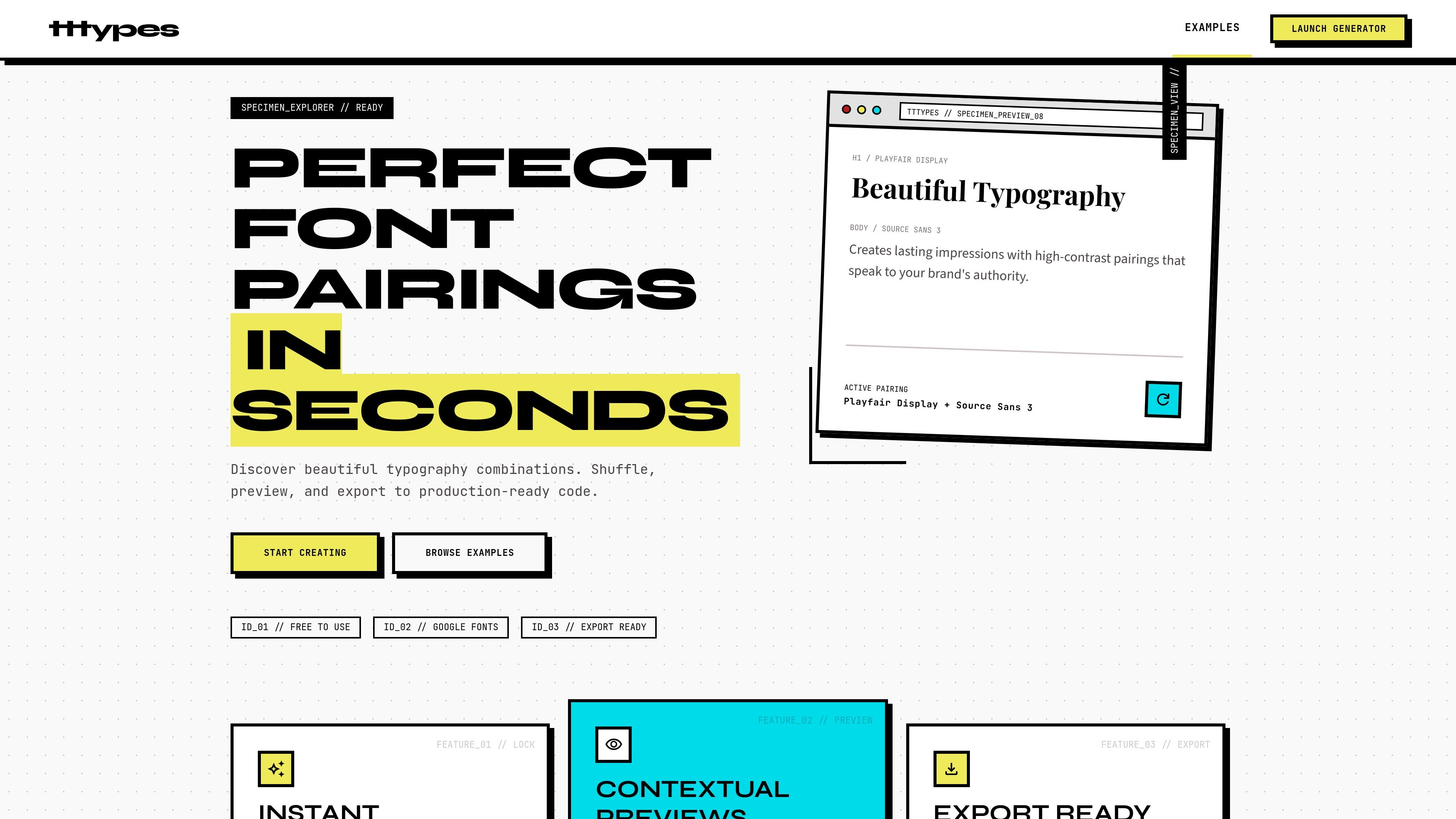
tttypes is a free font pairing generator focused on Google Fonts combinations. It helps designers explore type pairings quickly, preview them in realistic contexts, and export the results into production-ready formats.
The homepage positions the product as a way to discover and refine typography choices in seconds. Users can shuffle through curated pairings, lock fonts they want to keep, and compare combinations across website, app, and print-style layouts before moving to code or embed output.
Press Space to cycle through curated font combinations and lock individual positions when you want to keep part of a pairing.
Preview type choices in realistic layouts for websites, mobile apps, business cards, resumes, and other contexts before exporting them.
Copy CSS variables, download Google Fonts links, or export embed code to move from exploration into implementation.
Browse the curated pairing library or generate your own combinations in real time to narrow down a final direction.
The site says its pairing engine analyzes 10,000+ combinations across 15 metrics, including visual weight, x-height, and terminal style.
Explore font pairings for a new visual direction, then lock promising choices and keep shuffling the rest until the combination feels balanced.
Check how heading and body fonts look in website, app, or other UI layouts before handing the pairing to development.
Prepare a resume, business card, or similar layout with a readable pairing that works in a compact, real-world context.
Move from idea to implementation by exporting CSS variables, Google Fonts links, or embed code after you settle on a pairing.
No. The site describes itself as a free font pairing generator, and its examples and generator are built around Google Fonts combinations.
The source shows you can shuffle through curated pairings, lock positions, preview them in context, and export CSS variables, Google Fonts links, or embed code.
The generator includes contextual previews for websites, mobile apps, business cards, resumes, and similar design contexts.
The source does not mention collaboration features, team accounts, or shared workspaces, so those capabilities should not be assumed.

PixelDrive is a bulk image generation API for creating many on-brand images from one template through a browser editor, REST API, CSV batch, or MCP. It suits teams that need repeatable image output with cacheable renders and usage-based pricing.

Napkin AI는 텍스트를 편집 가능한 시각 자료로 바꿔 프레젠테이션, 문서, 공유용 콘텐츠 제작을 돕습니다. 텍스트 우선 생성과 협업, PPT·PNG·SVG·PDF 내보내기를 지원합니다.

appdesigns is a browser-based tool for creating App Store and Google Play screenshots from uploaded app images. It helps developers and designers add device frames, customize layouts, and export unlimited watermark-free PNGs without an account.

Shotie is a Mac app for creating localized App Store and Google Play screenshots from simulator or emulator captures, generated screens, or uploads. It provides chat-based editing, render checks, and one-zip export for store workflows.

Refero MCP for AI agents connects an MCP-compatible agent to Refero’s curated library of web and iOS product interfaces and user flows. It helps agents research real design patterns before generating UI, with access included in the Refero Pro plan.

Pass Designer is a macOS beta tool for creating and previewing Apple Wallet passes. It helps businesses, developers, and design teams combine templates, custom imagery, pass fields, colors, and semantic data while checking how passes render on iPhone and Apple Watch.