
YouTube-first workflow
Start from any YouTube URL and build an interactive questionnaire on top of the video timeline.

VForms lets you place questionnaires directly inside YouTube videos so viewers answer in context instead of switching to a separate form. It is aimed at collecting feedback and insights through timestamped, embeddable video forms.
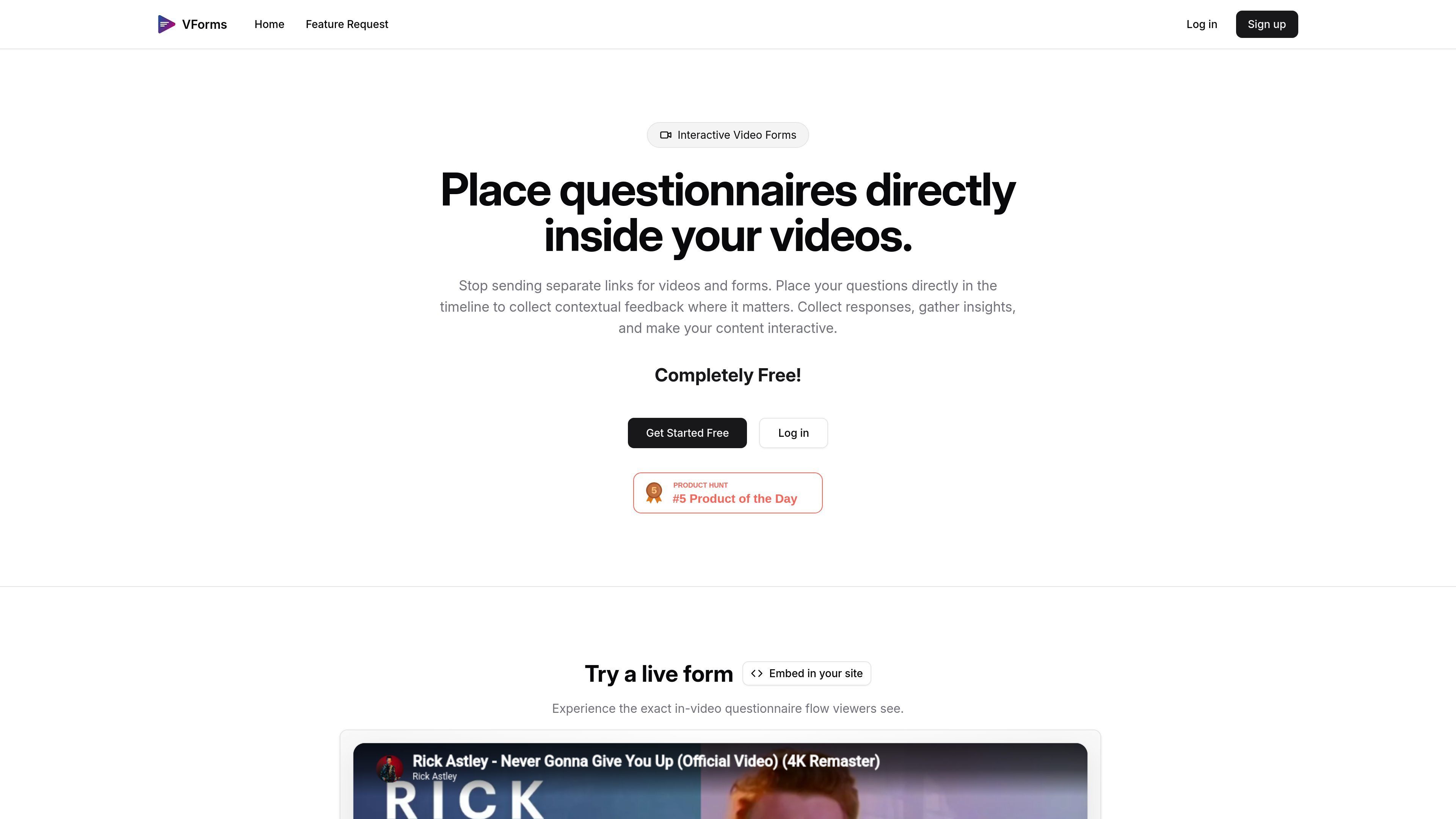
VForms is a tool for creating interactive questionnaires on top of YouTube videos. Instead of sending viewers to a separate form, it lets you place questions directly in the video timeline so responses are collected in the context of the content being watched.
The product is designed for workflows where the video itself is part of the feedback or data collection process. The site shows a simple build flow: add a YouTube video, place questions at specific timestamps, then share the finished form and review the responses.
Start from any YouTube URL and build an interactive questionnaire on top of the video timeline.
Place questions at specific moments so responses are tied to the exact content the viewer is seeing.
The demo shows text input, radial choice, and jump-target interactions, indicating support for multiple response and navigation patterns.
Embed the questionnaire with an iframe snippet so it can live inside a page builder or HTML template.
Use viewer responses to skip to later points in the video, helping the form react to earlier answers.
Share the finished video form and review the collected responses after viewers submit them.
Collect feedback on a product walkthrough, demo, or explainer while the viewer is watching the relevant part of the video.
Ask audience questions at the exact point a concept, feature, or scene appears, so answers stay tied to context.
Embed the questionnaire inside a landing page or article when you want responses without sending users to a separate form.
Use answer-driven jumps to move viewers to the next relevant section of a longer video, keeping the flow aligned with their responses.
VForms is built around YouTube videos. The home page shows a workflow that starts by pasting a YouTube URL, then adding timestamped questions and sharing the resulting video form.
The site shows an iframe embed option for placing a VForms demo on another page, so viewers can complete the questionnaire inside an embedded player rather than leaving the site.
The public site highlights timestamped questions and input types such as text input, radial choice, and jump target behavior in the demo view.
The pricing page returns a 404, but the home page labels the product as 'Completely Free!' so the site currently presents VForms as free to use.
A feature-request page is available for collecting feedback on what to build next, which suggests the product is early and evolving.

Hype is a web tool for finding trending YouTube topics by category, time range, and scoring mode. It helps creators spot emerging ideas, inspect source videos, and decide what to cover next.

Paperpal 是一款面向学术写作的 AI 工具,提供文献阅读、语言润色、引用、查重、AI 检测和投稿前检查。它适合需要在英文论文和学术材料上进行写作、修改与合规自检的学生、研究人员和教师。

ClawEase is an AI business operator that captures requests across calls, email, SMS, WhatsApp, LINE, and web forms, then completes booking and service workflows in existing web systems. It is aimed at appointment-based businesses that need intake, follow-up, and execution without API changes.

TubeKit turns public YouTube videos and playlists into AI-powered tools that creators can customize and share. It is free to try and requires no signup for the initial workflow.

Scite는 논문 검색, 인용 문맥 확인, 학술 문헌에 근거한 답변을 제공하는 AI 연구 플랫폼입니다. 연구자, 학생, 팀의 근거 평가를 돕습니다.

Radar is a self-hostable media intelligence and social listening app for monitoring public sources, analyzing mentions, and generating briefs or content outputs with optional Claude AI. It is aimed at individuals and small teams that want an enterprise-style workflow without a cloud account.