
Video and portrait inputs
Choose MP4, MOV, WebM, or M4V video up to 120 seconds, or use a portrait photo when the Talking Photo capability is active.

Visemix is a browser-based AI lip sync generator that synchronizes mouth movement in a video or supported portrait-photo workflow to uploaded audio, a recording, or text. It is intended for creators, educators, marketers, and localization workflows that need private, reviewable talking-video outputs.
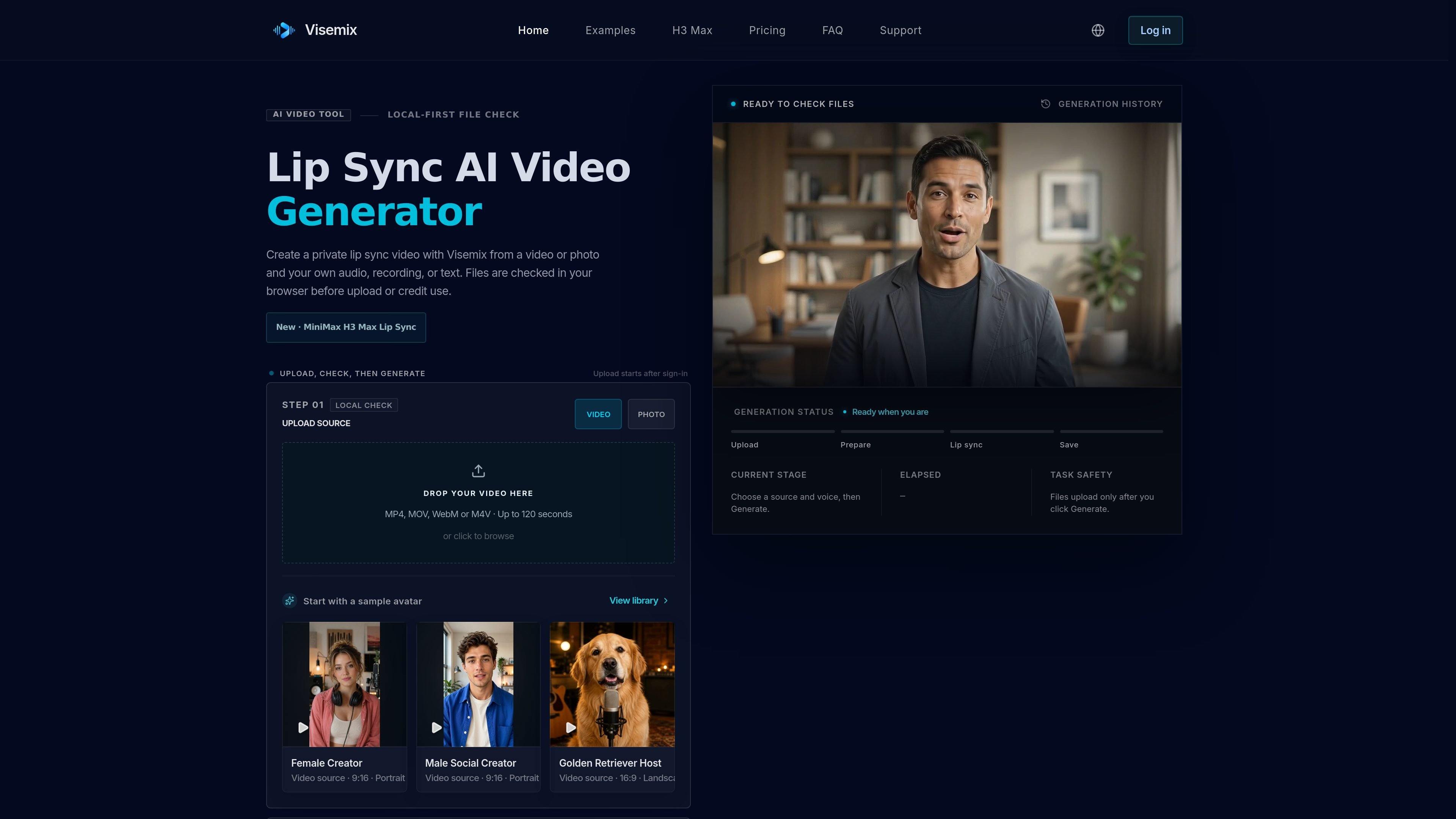
Visemix is a browser-based AI lip sync video generator for matching a person’s visible mouth movement to a separate voice track. Users can start with a video or, when enabled, a portrait photo for a Talking Photo result, then add uploaded audio, a browser recording, or text-to-speech input.
The workflow is designed around a local file check before upload. After the source and voice pass checks, users sign in, review the credit estimate and permissions, and request private generation. Results can be inspected in Activity and downloaded without a Visemix watermark; the service advises reviewing difficult frames rather than treating successful completion as a quality guarantee.
Choose MP4, MOV, WebM, or M4V video up to 120 seconds, or use a portrait photo when the Talking Photo capability is active.
Supply a separate MP3, WAV, M4A, or WebM track, record voice in the browser, or enter text for text-to-speech when available.
The browser checks format, size, duration, resolution, readable tracks, and timing before upload or credit use, helping identify input problems early.
Select Standard, Pro, or Ultra quality before generation. Standard uses one credit per audio second, while Pro and Ultra use four and seven times the Standard rate respectively.
After an explicit signed-in submission, the job is generated privately and the result can be reviewed in Activity and downloaded without a Visemix watermark.
Monthly and annual plans provide 2–4 concurrent generations depending on the plan, while one-time credit packs provide one concurrent generation; confirmed failed jobs return reserved credits.
Apply a new authorized voice track to existing talking-head footage while keeping the original person, setting, and framing as stable as the source allows.
Build short vertical clips from portrait or landscape source footage and review mouth timing before publishing to a social channel.
Prepare a localized version of approved footage by pairing it with translated speech; the site describes this as a planned workflow rather than a released end-to-end dubbing tool.
Create presenter-style explainers or campaign drafts from authorized footage and a prepared narration track, with frame-by-frame review for difficult sections.
Produce lessons or training material with synchronized narration, using clear, front-facing source footage and reviewing the output for intelligibility and facial stability.
Visemix accepts MP4, MOV, WebM, and M4V video files up to 120 seconds. The page also supports portrait-photo input when the Talking Photo capability is active; the displayed limit for Talking Photo is up to 60 seconds per job on the listed plans.
You can upload an audio file in MP3, WAV, M4A, or WebM format, up to 120 seconds, or use text-to-speech when that capability is available. Browser recording is also offered as a voice-input method.
The browser checks format, file size, duration, resolution, readable tracks, and audio timing before upload. These checks happen locally and do not spend credits; files upload only after you sign in and explicitly request generation.
Completed videos generated with trial, one-time, or subscription credits can be downloaded without a Visemix watermark. Generated media is stored privately, and downloads use short-lived signed URLs; public sharing is not included in the current plans.
A confirmed failed generation returns the credits reserved for that job. Before retrying, review the displayed error and improve the source, especially when the face is in profile, the mouth is hidden, or the source contains difficult motion or cuts.

Wallie is an open-source AI streamer that watches your screen, hears chat, and generates live commentary in a configurable persona. It runs locally on your machine with your own keys and is aimed at faceless content, autonomous streams, and real-time reactions.

Official HeyGen API documentation for building AI avatar videos, translations, lipsync, and interactive video-agent sessions. It supports direct API use plus MCP and CLI-style workflows for developers and AI agents.

HeyGen Avatar V는 15초 웹캠 영상으로 디지털 트윈을 만들고, 일관된 정체성·자연스러운 움직임·음성의 대화형 아바타 영상을 생성합니다. 온보딩, 세일즈, 현지화, 리더십 콘텐츠 제작에 적합합니다.

Seedance 2.0 is a credit-based AI video generator that turns text, images, audio, and video clips into finished videos. It is designed for creators who need consistent characters, lip-sync, clip extension, and commercial-use output.

MagicActors is a web-based AI video creation product for making AI twins, UGC-style clips, avatars, and actor lipsync videos. The homepage presents it as a one-time purchase rather than a subscription, with guided workflows and email-based support.

VMagic is a web-based AI video and image tool for style conversion, face swap, image effects, and short clip generation. It helps creators turn existing media into new formats or generate short videos from text and images.