

Full loop simulation
Ride as a passenger on a JR East E235 series train around Tokyo's Yamanote Line in near real time, following the full thirty-station loop.
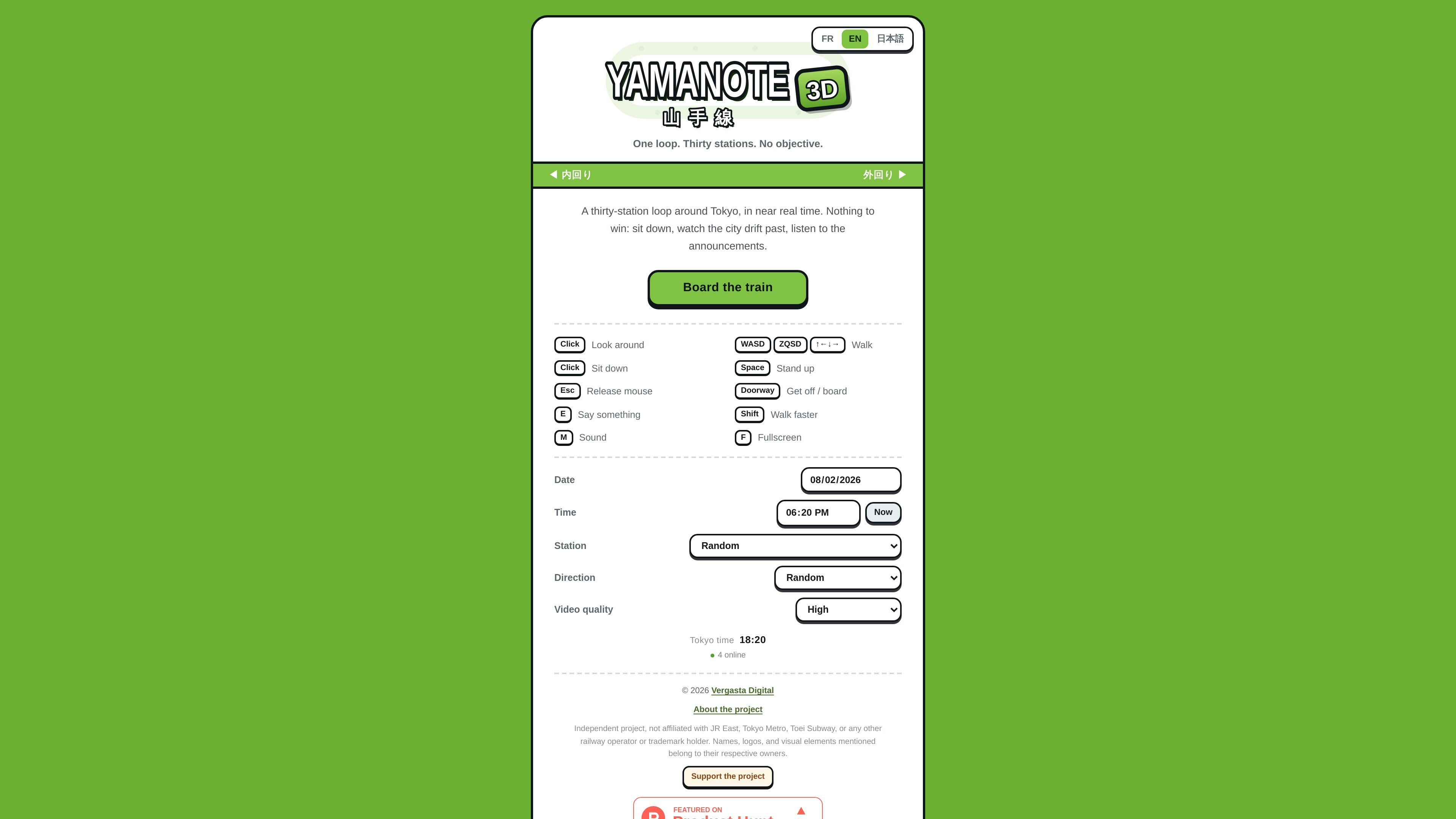
Yamanote 3D is a browser-based 3D ride through Tokyo's Yamanote Line. It places the user on a JR East E235 series train and simulates a full loop around thirty stations in near real time, with no objective, score, or end condition.
The experience is designed for browsing the route as a passenger rather than managing a game. Users can walk the carriage, sit down, look around, step onto a platform, listen to station announcements and departure melodies, and choose the date, time, and direction before boarding.
Ride as a passenger on a JR East E235 series train around Tokyo's Yamanote Line in near real time, following the full thirty-station loop.
Move through the carriage in first person, sit on a seat, hold a strap, or step onto the platform through an open door.
Hear station announcements and departure melodies in Japanese and English for all thirty stations in both directions.
Choose the date and time before boarding so the season, sunlight, and weather change the ride.
Select between inner-loop and outer-loop directions for the route.
Use the interface in English, French, or Japanese.
Explore the full Yamanote route as a passenger and observe the train, stations, and city movement without any task to complete.
Use the carriage walk-through, seat, and platform transitions to understand what the experience looks and feels like from inside the train system.
Switch the direction, date, and time to compare how the loop changes across inner and outer directions and different conditions.
Listen to announcements and departure melodies while following each station in Japanese and English.
Share a contemplative browser ride that supports multilingual interaction and does not depend on a gameplay objective.
No. The site describes it as a browser ride with no objective, no score, and no win condition.
The interface is available in English, French, and Japanese.
Yes. You can choose the date and time before boarding, and the scene reflects season, time of day, and weather.
The about page describes a lap as about sixty-seven minutes around the thirty-station loop.
The pricing page currently returns a 404 on the provided URL, so the site does not present pricing information there.

MacYaps는 Mac의 시스템 이벤트에 맞춰 재미있는 오디오 클립을 재생하는 macOS 메뉴 막대 앱입니다. 기본 음성 팩, 사용자 오디오 업로드, 평생 1회 라이선스를 지원합니다.

DashBuster is a Chrome extension that replaces em dashes on websites with a character you choose. It also counts replacements on the current page and keeps a lifetime leaderboard of sites that overuse em dashes.

Monolite is a web-based platform for creating interactive presentations and audience games. It helps hosts turn audiences into participants through QR join, public links, live responses, and post-event reporting.

Keeby is a macOS menu bar app that adds mechanical keyboard sounds to typing, with spatial audio, a reactive visualizer, and switch profile controls. It is a one-time purchase and runs fully offline with no data collection.

GitCity는 GitHub 공개 기여 이력을 등각 3D 도시 스카이라인으로 변환하고, README·포트폴리오에 임베드 가능한 SVG를 제공합니다.

Confetti Burst is a free Chrome extension that adds confetti animations to every click on webpages. It is aimed at people who want a lightweight, privacy-friendly visual effect while browsing.