

Adoptly
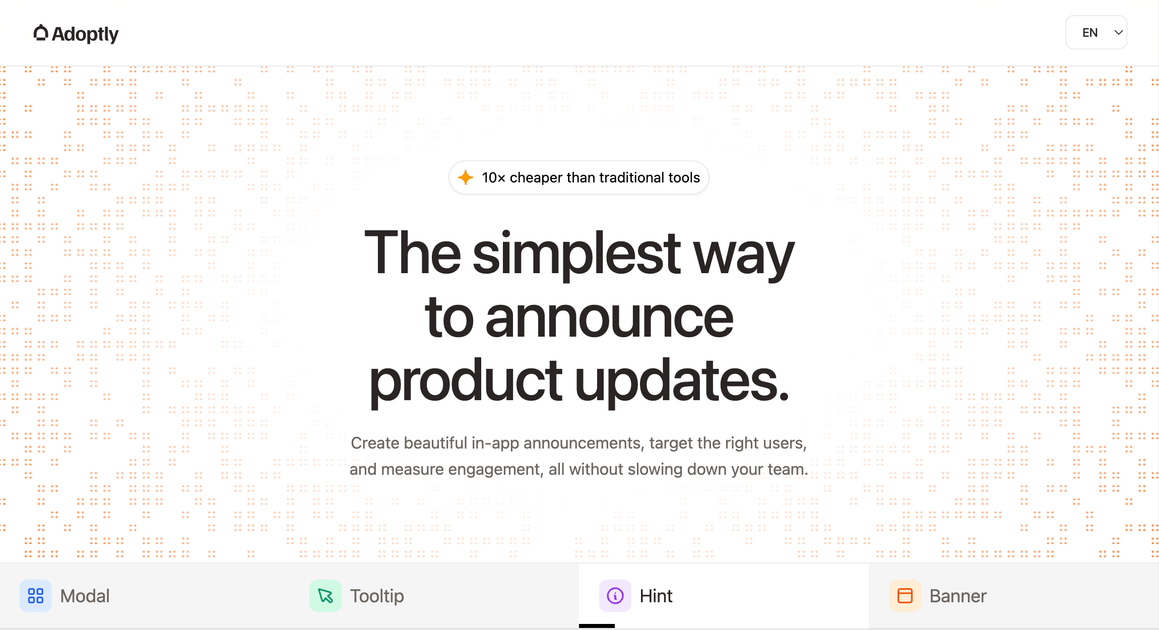
Adoptly helps SaaS teams create, target, and measure in-app announcements and product update widgets like modals, banners, and hints.
What is Adoptly?
Adoptly is a SaaS in-app communications tool that lets teams create and publish announcement components inside their product. It covers multiple announcement formats—such as modals, banners, and hints—so messages can feel native to the app instead of looking like external widgets.
The core purpose is to help product and marketing teams control when and where announcements appear, targeting users by attributes like audience, language, device, and schedule, while reducing irrelevant messaging for users who don’t need it.
Key Features
- Multiple in-app announcement formats (modal, banner, hint): Choose a UI component type that matches the message urgency, from lightweight hints to full modal prompts.
- Customizable look and feel (colors, typography, layout, spacing): Control visual styling so announcements match your product’s UI rather than adopting generic widget styling.
- Audience and context targeting: Show announcements based on criteria such as audience segment (e.g., paid vs trial), specific page paths, trigger events, language, and device type.
- Trigger-based display rules: Use page and lifecycle triggers such as onPageView to ensure content appears at the right moment.
- Scheduling and eligibility rules: Include date-based conditions (e.g., “date after” a specified day) and other eligibility constraints like whether a trial has ended.
- Engagement visibility by real users and segments: See who viewed and clicked announcements, along with breakdowns across targeted pages to understand where announcements perform.
How to Use Adoptly
- Create an announcement by selecting a format (modal, banner, or hint) and configuring styling options like layout, spacing, and colors.
- Set targeting and triggers by defining where the announcement should appear (for example, based on page path such as
/dashboardor/pricing/**) and when it should show (such as onPageView), including device and language constraints. - Add schedule/date conditions to control timing (for example, only after a given date) and set eligibility rules such as audience type (e.g., paid plans) and whether a trial has ended.
- Publish and review engagement using the real-time view/click tracking to identify which pages and segments interact most.
Use Cases
- Announce a new analytics module to paid users on a relevant page: Target paid plan users and trigger the message on a specific route (e.g., a dashboard section) so the announcement aligns with where users are likely looking for updates.
- Inform users about platform slowdown with a modal: Use a modal format when you need more attention, targeting by language and device, and restricting display to eligible users based on trial status.
- Show pricing-related updates via a banner: Target announcement visibility to a pricing page path pattern (e.g.,
/pricing/**) using an onPageView trigger so users see the message while they’re evaluating plans. - Promote product updates to non-trial users in-app: Combine audience targeting (e.g., audience is not trial ended), schedule/date constraints, and page-based rules to ensure the update reaches the intended cohort.
- Track which pages produce clicks and views: Use engagement breakdowns by page paths (e.g., top-performing routes like
/dashboard,/projects, or/settings/billing) to refine where future announcements should be deployed.
FAQ
-
What announcement types does Adoptly support? Adoptly supports at least three formats shown on the page: Modal, Banner, and Hint.
-
Can announcements be targeted by user status and eligibility? Yes. The page shows targeting rules such as Audience is Paid plan and Audience is not Trial ended.
-
How does Adoptly decide when to show an announcement? The page references trigger logic such as onPageView and also includes date-based conditions (e.g., “Date after 01/03/2026”).
-
Can announcements be localized and limited by device? Yes. Examples on the page include targeting by Language (e.g., French) and Device (e.g., Desktop).
-
Does Adoptly provide analytics for engagement? Yes. The page describes visibility into who engages (views and clicks) and performance across targeted pages.
Alternatives
- In-app messaging platforms (general widget-based systems): These tools also deliver modals, banners, and tooltips, but may prioritize widget placement over deeper styling control for native-looking announcements.
- Product adoption and onboarding tools: Alternatives in this category focus on guiding users through workflows; some support in-app announcements but may emphasize onboarding paths over granular targeting and engagement reporting by page.
- Marketing automation for web UI: General marketing tools can trigger messages based on user segments, but workflows often center on email/landing pages rather than purpose-built in-app components and page-specific display rules.
- Analytics-driven feature announcement workflows: Teams can implement custom in-app banners/modals using their app’s own routing and event tracking, but it shifts the burden of targeting logic and engagement measurement onto engineering.
Alternatives

skills-janitor
Audit, track usage, and compare your Claude Code skills with skills-janitor—nine focused slash commands and zero dependencies.

Rectify
Rectify is an all-in-one operations platform for SaaS, combining monitoring, analytics, support, roadmaps, changelogs, and agent management—via conversation.

PromptScout
PromptScout tracks how your brand is mentioned, which competitors are recommended, and what sources are cited in AI answers—plus website audits.

SaveMRR
SaveMRR scans Stripe billing data to find SaaS MRR leaks and help recover failed payments, save cancellations, and win back churn—60-sec Free Revenue Scan.

Sleek Analytics
Lightweight, privacy-friendly analytics with real-time visitor tracking—see where visitors come from, what they view, and how long they stay.

Struere
Struere is an AI-native operational system that replaces spreadsheet workflows with structured software—dashboards, alerts, and automations.