

Sutra
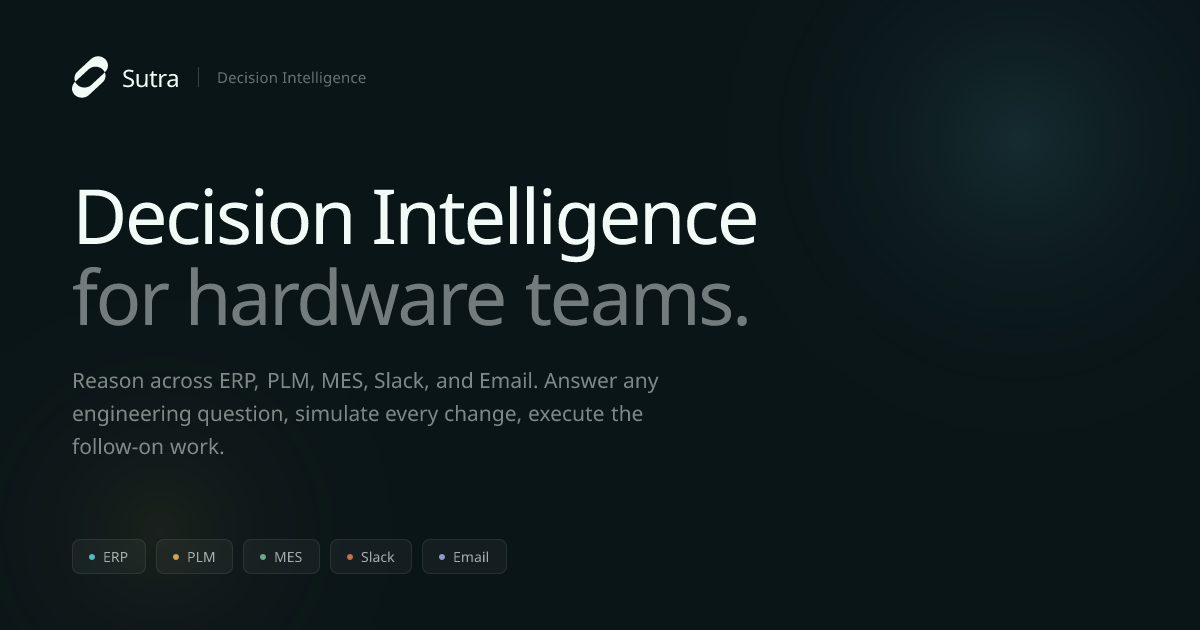
Sutra helps hardware teams connect ERP, PLM, MES, Slack, and email to answer engineering questions with sources, simulate impacts, and automate ECR workflows.
What is Sutra?
Sutra is decision intelligence software for hardware teams that helps engineers reason across operational and product data to make faster, more confident decisions. It focuses on the full context behind an engineering question—pulling information from systems such as PLM, ERP, MES, and tools like Slack and email—to answer questions with sources.
Beyond answering, Sutra simulates downstream impact of proposed changes and then executes follow-on engineering workflows such as ECR creation, approvals, and traceability logging, reducing the need for manual checklist chasing.
Key Features
- Sourced answers from multiple systems: Engineers ask about a part, supplier, change, order, or failure and receive answers pulled from systems where the relevant context lives.
- Decision simulation before commitment: Before a change is finalized, Sutra simulates affected operational context such as BOMs, exposed orders, and schedule shifts, including re-qualification considerations and which stakeholders must weigh in.
- Automated follow-on engineering workflows: After the decision is made, Sutra runs subsequent steps like Engineering Change Order (ECR) drafting, notifications, form filling, approval chasing, and traceability logging.
- Traceability logging with attached context: Sutra records what was decided and attaches related context files and history (e.g., material change history) for auditability.
- Context ingestion across typical hardware toolchains: Sutra pulls context from PLM, ERP, MES, Slack, email, and spreadsheets (e.g., Excel/PDFs referenced in the workflow examples).
How to Use Sutra
- Book a demo and see it in your workflows: The site directs teams to schedule a short call via Google Calendar to review how Sutra fits their environment.
- Ask an engineering question: Use Sutra to query about a part, supplier, change, order, or failure; Sutra responds with sourced information drawn from connected systems.
- Simulate a proposed change: When a change is under consideration, run a simulation to identify affected BOMs, schedule impacts, re-qualification needs, and the stakeholders to notify.
- Let Sutra run follow-on steps: Once the decision is made, Sutra creates the ECR draft, routes approvals, notifies reviewers, and logs traceability with the relevant context attached.
Use Cases
- Finding where a specific part is used to unblock analysis: If a line is slipping, an engineer can ask whether a specific component (identified by part number or stock code) is used and whether it is on the critical path; Sutra returns a sourced answer including machines/assemblies and operational details.
- Assessing downstream impact of changing suppliers: Before committing to an alternate supplier, Sutra simulates operational effects such as impacted BOMs and the change to schedules, and identifies re-qualification steps and the review stakeholders needed.
- Creating and progressing an ECR with attached decision context: After the decision is made, Sutra generates an ECR draft, notifies reviewers, and tracks the approvals workflow while also attaching relevant context files and change history.
- Reducing rework caused by hidden cross-system dependencies: When a change affects shared parts, Sutra supports earlier discovery by reasoning across PLM/ERP/MES and communication tools to surface consequences before downstream teams only learn later.
FAQ
-
What kinds of questions can engineers ask? Sutra is described as answering engineering questions about parts, suppliers, change activity, orders, or failures, using sourced context pulled from connected systems.
-
Does Sutra only provide answers, or does it handle follow-up work? The site describes both: it answers with sources, simulates downstream impact of changes, and then runs follow-on workflows like ECR creation, notifications, approvals, and traceability logging.
-
Which systems does Sutra use for context? The content references reasoning across ERP, PLM, MES, Slack, and email, as well as spreadsheets and documents such as Excel and PDFs in the example flows.
-
How does Sutra help with change management? It simulates what a change would affect (e.g., affected BOMs, exposed orders, schedule shifts, re-qualification, and stakeholder notification) and then supports the ECR/approval/traceability steps after the decision.
-
How do teams get started? The site instructs visitors to book a demo via Google Calendar to review how Sutra fits their workflows.
Alternatives
- PLM-centric workflows (with manual cross-checking): Many teams use PLM as the system of record for engineering change activity and then manually check related ERP/MES/communication context. This differs by requiring more manual collection and coordination rather than end-to-end simulation plus workflow execution.
- ERP/Procurement reporting tools for part and supplier visibility: ERP-focused tools can help find orders, lead times, and procurement status, but they typically do not provide the same cross-system “ask and simulate” workflow described for Sutra.
- Spreadsheet- and document-based decision processes: Teams may rely on exports from PLM/ERP/MES plus manual analysis to estimate impacts and chase approvals. Compared with Sutra, the workflow is more fragmented and less directly tied to automated traceability logging.
- General workflow automation platforms: Automation tools can route approvals and notifications, but they usually do not include the hardware-specific decision simulation and sourced reasoning across PLM/ERP/MES plus communication channels as described for Sutra.
Alternatives

Studio CLI
Control WordPress Studio features from the terminal with Studio CLI—manage local sites, create/update/delete WordPress.com preview sites, and authenticate.

Struere
Struere is an AI-native operational system that replaces spreadsheet workflows with structured software—dashboards, alerts, and automations.

Falconer
Falconer is a self-updating knowledge platform for high-speed teams to write, share, and find reliable internal documentation and code context in one place.

OpenFlags
OpenFlags is an open source, self-hosted feature flag system with a control plane and typed SDKs for progressive delivery and safe rollouts.

skills-janitor
Audit, track usage, and compare your Claude Code skills with skills-janitor—nine focused slash commands and zero dependencies.

GitBoard
GitBoard is a native macOS menu bar app for GitHub Projects to view your kanban board, filter by status, search issues, and create or assign.