

Notion’s Developer Platform
Build with Notion’s Developer Platform: sync external data into Notion Databases, create custom tools for Notion Agents, orchestrate workflows—no infrastructure.
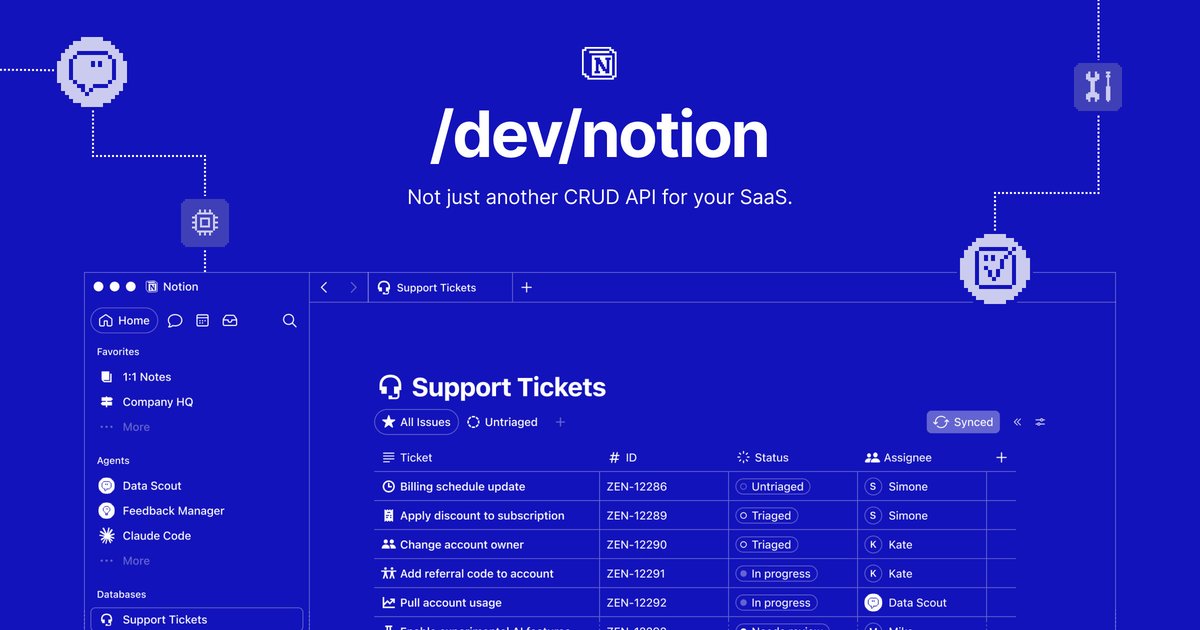
What is Notion’s Developer Platform?
Notion’s Developer Platform is a set of developer capabilities for building with Notion as a shared workspace—syncing external data into Notion, creating custom tools that Notion Agents can use, and orchestrating multi-step agent workflows.
Its core purpose is to let you connect external systems to Notion (for example, keeping a Notion Database updated from another source) and extend Notion Agents with purpose-built actions and tool interfaces.
Key Features
- Continuously upsert external records into a Notion Database using Workers with a declarative schema and a persistent cursor, so updates can be resumed across runs.
- Scheduled synchronization of an external dataset into Notion (e.g., defining a sync schedule like
5min the example). - Custom Agent tools for Notion Agents that generate outputs (such as assets) and interact with external APIs or live data.
- Structured tool interfaces that define a tool’s input schema (for example, a
pageIdstring for creating a presentation, or a SQLquerystring for running a warehouse query). - Webhook-driven workflow orchestration that listens for incoming webhooks from other apps and triggers Notion workflows with Notion Agents, pages, databases, and external API calls.
How to Use Notion’s Developer Platform
- Create or target a Notion Database and define a schema mapping between that database and your external data fields.
- Build a Worker to sync data: configure a managed database connection, provide initial schema/primary key, and write a sync function that returns record changes (e.g., mapping source fields into Notion properties).
- Set a sync schedule and a stable identifier (primary key) so records can be upserted rather than duplicated.
- Optionally add custom tools for your Notion Agents by registering tools with a name, description, input schema, and an execute handler that performs actions (e.g., generating a
.pptxasset from a Notion page and uploading it back to the page). - If you need event-driven automation, configure webhook listeners that trigger Notion workflows to run with agents and call external APIs.
Use Cases
- Support ticket ingestion into Notion: Continuously sync tickets from an external helpdesk into a Notion Database using a Worker, upserting by ticket ID and mapping fields like subject, CSAT, and tags.
- Automated asset generation from Notion content: Create a custom tool (e.g.,
createPresentation) that reads a Notion page as markdown, converts headings into slides, uploads a generated.pptx, and appends it to the page. - Querying a data warehouse from an agent tool: Define a tool (e.g.,
queryRevenue) that accepts a SQL query string, runs it against a warehouse table, and returns results to the agent workflow. - Action workflows triggered by external events: Build a webhook-driven workflow that listens for events from any app and then runs Notion workflows using Notion Agents with pages/databases and external API calls.
- Browser-based app actions controlled by an agent tool: Implement an agent tool that uses a browser automation provider to execute multi-step tasks in an external app (example scenario: listing saved meals, confirming an order, and checking delivery status).
FAQ
Does the platform support keeping Notion databases in sync over time?
Yes. The examples describe Workers that continuously upsert external records into a Notion Database, using a persistent cursor to support resuming updates.
What kinds of outputs can custom tools generate?
The provided examples include generating a PowerPoint (.pptx) from the content of a Notion page and uploading it back to the page.
Can agent tools query live external systems?
Yes. One example tool runs a SQL query against a deals warehouse table, and another example describes using external app actions via browser automation.
How do event-driven automations work?
The page describes listening for incoming webhooks from any app and then running Notion workflows that use Notion Agents, pages, databases, and external API calls.
What’s needed to upsert records into Notion?
In the examples, you define a managed database connection with a schema and a primary key property, then provide a sync function that maps external records into Notion properties as upserts.
Alternatives
- General-purpose ETL/ELT tools (for data sync only): If your main goal is moving and transforming data into a database, ETL tools can handle periodic ingestion, while the Notion Developer Platform also covers agent tools and workflow orchestration.
- Workflow automation platforms (for triggers and orchestration): Tools in this category can coordinate webhooks and actions across apps, but may not offer the same tight coupling to Notion Agents operating on Notion pages and databases.
- Agent tool frameworks with external integrations (for custom tool calling): If you’re already building agent systems, you can use a tool framework to call APIs and generate assets; Notion’s platform specifically targets agent interactions and data synchronization around Notion workspaces.
Alternatives

AakarDev AI
AakarDev AI is a powerful platform that simplifies the development of AI applications with seamless vector database integration, enabling rapid deployment and scalability.

Arduino VENTUNO Q
Arduino VENTUNO Q is an edge AI computer for robotics, combining AI inference hardware and a microcontroller for deterministic control. Arduino App Lab-ready.

Devin
Devin is an AI coding agent that helps software teams complete code migrations and large refactoring by running subtasks in parallel.

MakerLoft
MakerLoft is an AI app builder for non-developers that connects to your GitHub repo to generate working apps with auth, payments, files, jobs.

open-codex-computer-use
open-codex-computer-use is an open-source “Computer Use” MCP server that lets AI agents run desktop GUI actions on macOS, Linux, and Windows.

Codex Plugins
Use Codex Plugins to bundle skills, app integrations, and MCP servers into reusable workflows—extending Codex access to tools like Gmail, Drive, and Slack.