

OpenExp
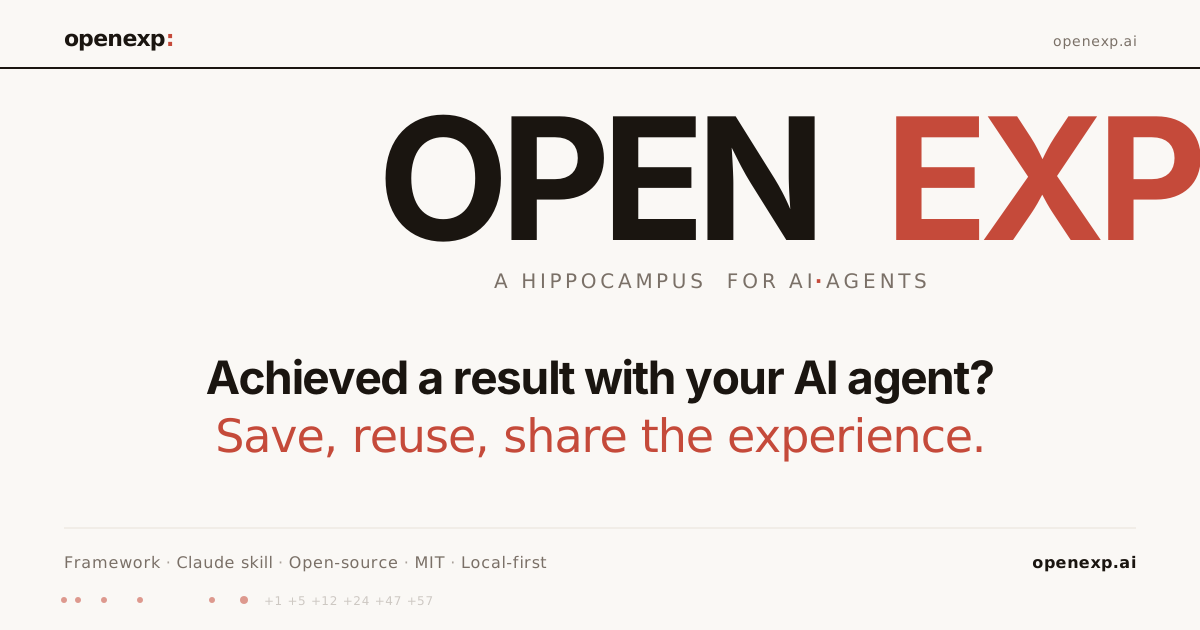
OpenExp lets you save, reuse, and share AI agent session trajectories (prompts, reasoning, tool calls) as installable Claude skills. Open-source, MIT.
What is OpenExp?
OpenExp is an open-source way to save and reuse an AI agent “experience” (an exp) after it achieves a result. An exp records the trajectory of an outcome—prompts, reasoning, skills, scripts, tool calls, and a day-by-day timeline—so you can share it with others or replay it when a similar task comes up.
The core purpose is practical reuse: instead of starting from scratch each time, your Claude agent can reference a matching exp and follow the path that previously led to a result.
Key Features
- Session trace storage for outcomes: An exp captures prompts, reasoning, skills, scripts, and tool calls along a timeline (“trajectory”) associated with a result.
- Four-file exp format: Each exp consists of
meta.yaml(facts such as id/outcome/grade),trajectory.anonymized.yaml(raw day-by-day timeline),README.md(human-readable), andSKILL.md(Claude-facing instructions). - Share and reuse exp artifacts: Exps can be published and shared as open-source repositories; others can install or load them into their local agent skill directory.
- Replay for similar tasks: When an agent sees a situation and a referenced exp name/tag, it can select a matching trajectory and follow the recorded steps to reach the same kind of outcome.
- Local-first install via CLI: The project is installable from the CLI and is designed to run from your machine; the documented workflow uses
~/.claude/skills/as the destination for exp skills.
How to Use OpenExp
- Install OpenExp from GitHub: Clone the repository (
git clone github.com/anthroos/openexp) and run the provided setup script (./setup.sh). - Install an exp: Copy or place an exp into your local Claude skills directory at
~/.claude/skills/(the repo’s examples and documentation refer to dropping one or more exps there). - Replay via situation + exp reference: When using Claude, describe your current situation and reference the exp by name or tag. Claude then pulls from the exp and follows the trajectory that led to the recorded result.
- (Optional) Publish your own exp: The project provides guidance under “publishing your own exp” for turning your own successful trajectories into an exp you can share.
Use Cases
- Reusing a successful sales workflow: After an AI-assisted deal is completed, save the trajectory as an exp so the next time you’re drafting proposals, the agent can reuse the recorded decisions and steps.
- Shipping an app using a repeatable build path: Record an AI session trace for an app delivery (including scripts and tool calls), then replay the same trajectory when similar requirements appear.
- Automating recurring analytics setup: Create an exp for a “Google Analytics process” session trace, then reuse it when setting up analytics tasks again to avoid re-deriving the same process.
- Team sharing of agent “skills”: Publish an exp so teammates can install it locally and use it as a reference; the exp includes both a human-readable README and Claude-facing
SKILL.md. - Proving what worked vs. capturing advice: Use exps only for paths that reached a result with a grade (as described in the project’s “Benefits” section), keeping the library grounded in outcomes.
FAQ
Is OpenExp a cloud service? No. The documentation describes a local-first workflow with runtime on your machine and no third-party server; it also states “no telemetry” and “no API key required.”
What does an “exp” contain? An exp records an anonymized trajectory over time (prompts, reasoning, skills, scripts, tool calls), along with metadata such as id, outcome, and grade, plus human and Claude-facing documentation files.
How does the agent decide which exp to use? The documented flow is: you describe your situation and reference an exp by name or tag; Claude pulls from it and follows the trajectory that landed the result. There is also mention of an upcoming roadmap capability for auto-firing on situation patterns without naming.
Can I replay the same exp with different model variants? The site states you can “replay an Opus arc on Sonnet or Haiku,” indicating the trajectory can be reused across those Claude model families.
What license is OpenExp under? OpenExp is described as open-source with the MIT license.
Alternatives
- Manual prompt libraries / runbooks: Instead of recording tool calls and a day-by-day trajectory, you can maintain text instructions. This typically lacks a structured session trace that can be replayed automatically.
- General knowledge base or documentation: A wiki or knowledge base can store steps and outcomes, but it won’t necessarily capture the full prompts/reasoning/tool-call trajectory in a replayable format.
- Other agent “workflow” frameworks: Alternatives in the agent framework category may provide reusable workflows, but OpenExp’s specific emphasis is outcome-graded session traces packaged as installable Claude skills (
~/.claude/skills/).
Alternatives

AakarDev AI
AakarDev AI is a powerful platform that simplifies the development of AI applications with seamless vector database integration, enabling rapid deployment and scalability.

BookAI.chat
BookAI allows you to chat with your books using AI by simply providing the title and author.

skills-janitor
Audit, track usage, and compare your Claude Code skills with skills-janitor—nine focused slash commands and zero dependencies.

BenchSpan
BenchSpan runs AI agent benchmarks in parallel, captures scores and failures in run history, and uses commit-tagged executions to improve reproducibility.

Lasso
Lasso is an AI-first PIM for ecommerce teams that enriches product attributes and descriptions, processes supplier data, and monitors competitors via app or API.

Codex Plugins
Use Codex Plugins to bundle skills, app integrations, and MCP servers into reusable workflows—extending Codex access to tools like Gmail, Drive, and Slack.