
Workspace for artifacts and files
Create presentations, documents, code, and other files with Canvas, Python, npm packages, and browser tools available alongside the thread.

ai.diy is a browser-owned, open-source AI workspace for BYOK chat and local-first work. It keeps chats, files, knowledge, and settings in your browser while relaying requests to 20+ cloud and local providers through a self-hosted architecture.
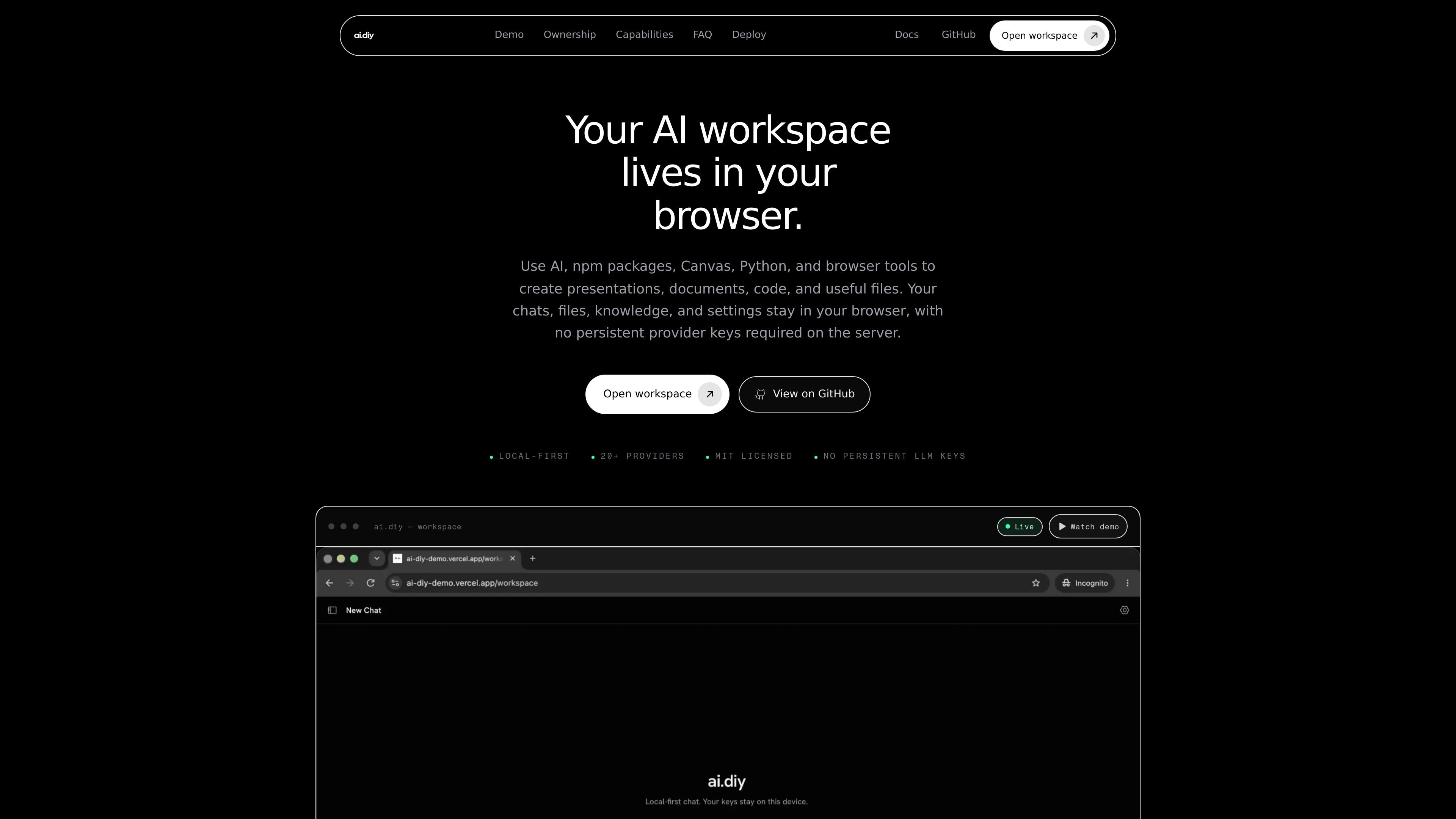
ai.diy is a browser-owned, open-source AI workspace built for bring-your-own-key chat and local-first work. It keeps workspace state in the browser while routing requests through a self-hosted relay, so chats, files, knowledge, and settings remain under the user’s control rather than living in a provider-managed workspace.
The product is designed for people who want to work across cloud and local models without rebuilding context every time they switch tools. It supports 20+ providers and includes Canvas, Python, npm packages, browser tools, and local knowledge features for tasks such as writing documents, creating presentations, reviewing code, and assembling useful artifacts.
Create presentations, documents, code, and other files with Canvas, Python, npm packages, and browser tools available alongside the thread.
Keep chats, files, knowledge, and settings in the browser so workspace state persists locally instead of in a provider account.
Connect to 20+ cloud and local models, then switch providers mid-thread without moving the workspace or losing context.
Use a relay architecture where provider credentials stay in browser storage and are forwarded per request rather than kept as persistent server secrets.
Search notes and PDFs with on-device embeddings; the index stays local, while retrieved context can be sent to the chosen model.
Use DuckDuckGo, Firecrawl, Parallel MCP, browser Python, remote MCP, slash skills, approved subagents, and website presets for research and agent workflows.
Draft presentations, documents, code snippets, and other files in one place while keeping thread context, memory, and workspace state available in the browser.
Switch between cloud and local providers during a conversation when you want to compare model behavior or use a specific model for a task without starting over.
Search notes and PDFs with local embeddings for private document retrieval, then send only the retrieved context to the selected model when needed.
Use the workspace as a self-hosted relay-backed environment when you want control over deployment rather than relying on a single vendor-managed AI app.
Review code or refactor diffs with BYOK access or local models such as Ollama, keeping the work inside the browser workspace rather than a vendor-specific editor.
ai.diy is an open-source, self-hosted AI workspace for chat, research, tools, Canvas artifacts, memory, and local knowledge. It uses bring-your-own-key access so you can choose the provider and model rather than using a single hosted AI service.
No server-side LLM credentials are required. Provider keys are kept in your browser and relayed per request to the provider you select. The site notes that a hosted operator can still observe traffic in transit, so self-hosting is the option for controlling the infrastructure and network boundary.
Chats, files, Canvas artifacts, memory, on-device knowledge-base chunks, usage events, and preview sessions persist in your browser through IndexedDB and localStorage. Optional backups to S3, WebDAV, or Google Drive are client-side features you can enable yourself.
ai.diy supports more than 20 integrations, including OpenAI, ChatGPT subscription, Anthropic, Google Gemini, Groq, Cerebras, Fireworks, Perplexity, Cohere, OpenRouter, DeepSeek, xAI, Ollama, Mistral, Hugging Face, Amazon Bedrock, Azure, Vertex, Vercel Gateway, Together, LM Studio, and custom OpenAI-compatible endpoints.
Yes. You can run the production build on a standard Node.js server or use Docker Compose. The server acts as a request relay and does not need provider API keys in environment variables.

Goldfish is an AI memory app for macOS that helps you reply, write, summarize, and continue using the context already on your Mac. It stores memory locally and writes in your tone.

ArtDeck is a visual reference board app for iPhone, iPad, and Mac that lets artists collect mixed reference material on one canvas and study it with ToolBox lenses. It works offline, supports optional iCloud sync, and is sold as a one-time purchase with no account required.

Claude Overlay is a Windows desktop overlay for Claude Code that reads your screen so you can ask questions, inspect content, and request edits without leaving the current app. It runs on your existing Claude subscription through the Claude CLI, so no separate API key is required.

Dcyde is a decision log for product teams that captures what was decided, the reasoning behind it, and the source in one shared place. It supports pinning decisions from Slack, Figma, or inside Dcyde and keeps the record searchable over time.

Lasso is an ecommerce product data platform for enriching catalog records, processing supplier files, generating product content, and monitoring competitors. It combines a web app with a REST API, SDK, and MCP server for teams and developers.

Biji é uma plataforma versátil projetada para aumentar a produtividade por meio de ferramentas e recursos inovadores.