
Chunk-based analysis
Splits audio into 6-second chunks, runs voice activity detection on speech, and produces a final AI-vs-human breakdown from the detected segments.

AI Voice Detector is an audio analysis tool that checks whether a recording was generated by AI or by a human. It supports file uploads, a browser extension, a Windows app, and an API for team use.
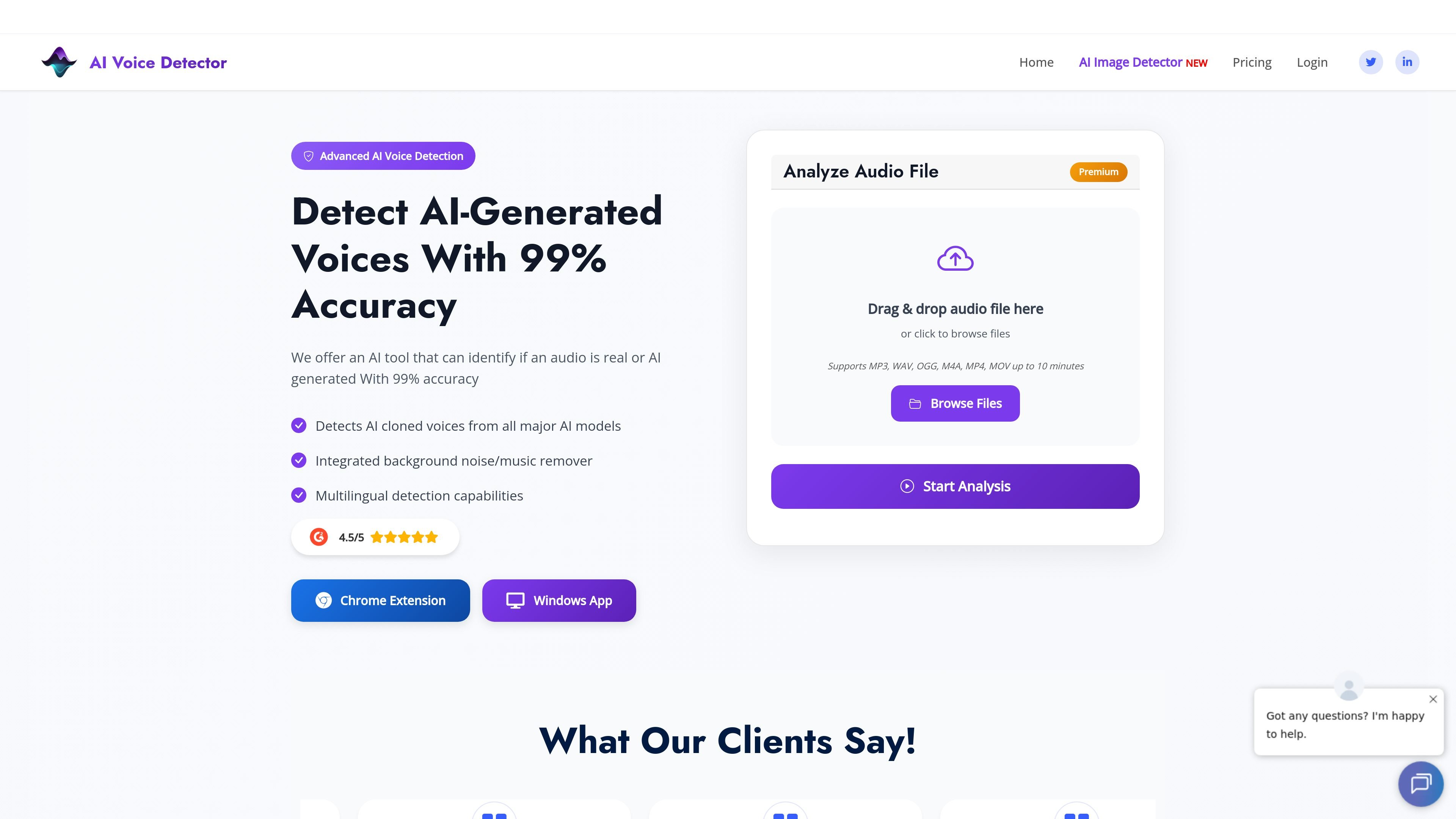
AI Voice Detector is an audio analysis tool that checks whether a voice recording is likely AI-generated or human. The site positions it as a way to spot audio manipulation, cloned voices, and deepfake-related fraud.
The product supports uploaded audio files, a browser extension, a Windows desktop app, and an API for enterprise use. It analyzes audio in short chunks, applies voice activity detection, and returns an AI-vs-human probability score with timestamped results.
Splits audio into 6-second chunks, runs voice activity detection on speech, and produces a final AI-vs-human breakdown from the detected segments.
Filters out silent segments before analysis so the model focuses on chunks with speech.
Returns detailed statistics, including percentage breakdowns and time-stamped results for detected segments.
Supports MP3, WAV, OGG, M4A, MP4, and MOV files, with upload flows shown on the site.
Includes an integrated background noise and music remover to improve detection on noisier audio.
Offers a browser extension and Windows app for analyzing audio inside browsing or desktop workflows, plus an API for enterprise use.
Upload a voice message or call recording to check whether the audio sounds AI-generated before you act on it.
Use the browser extension while browsing social platforms or web apps to scan voice clips without leaving the page.
Analyze live PC audio or saved files in the Windows desktop app when you need to inspect calls or meeting audio on a computer.
Have a business team use the API or extension to verify audio messages, calls, or meetings as part of internal fraud checks.
Check recordings that include background noise, then use the integrated noise remover to improve the signal before analysis.
You can upload audio files or use the browser extension or Windows app to analyze audio. The sources also mention an API for business use, but they do not document full setup steps in detail.
The source pages say the service supports MP3, WAV, OGG, M4A, MOV, and MP4 files. The Windows app page also says it can analyze live PC audio or uploaded files.
The product returns an AI-vs-human probability score and, on the site, a percentage breakdown across analyzed chunks. The sources do not show a more detailed interpretation guide.
The pricing page includes an Enterprise Solution and API option, and the home page says the team can help with API integration. The sources do not give detailed team workflow or implementation steps.
The site recommends clean audio for best results and says background noise can affect detection, which is why it includes a noise remover. The sources do not provide a full list of technical limitations.

Writecream AI Content Detector & Checker is a free web tool for checking whether pasted text appears to be written by AI or a human. It returns an AI content percentage and is presented for use in SEO, academia, publishing, and review moderation.

Winston AI is an AI content detector and plagiarism checker for reviewing text and images for likely machine-generated or duplicated content. It supports educators, institutions, publishers, and other users who need to check originality, document findings, and share results.

tata.run é um detector de conteúdo AI profissional e gratuito que fornece uma função de 'redução de AI' com um clique para reduzir significativamente as taxas de detecção de AI.

Sapling AI Detector estimates whether text was written by a human or generated by AI, with support for pasted text, PDFs, and Word documents. It also offers an API for higher-volume screening and sentence-level review.

Originality.ai is a content integrity platform for AI detection, plagiarism checking, readability, grammar, fact checking, and content quality review. It supports text, file, URL, and site scans, plus Google Docs, WordPress, and team workflows on paid plans.

StudyCorgi’s ChatGPT Detector is a free web tool for checking essays and research papers for signs of AI-generated writing. It shows a bar chart and word-level analysis to help students and teachers review text predictability.