
Multi-channel briefing
Brief a presentation through the web form, phone, SMS, email, or an AI client connected through AskDeck's MCP endpoint.

AskDeck is an AI presentation production service that turns briefs, source material, or existing slides into editable PowerPoint decks and narrated videos. It is designed for teams and professionals creating sales, training, executive, and client-facing presentations.
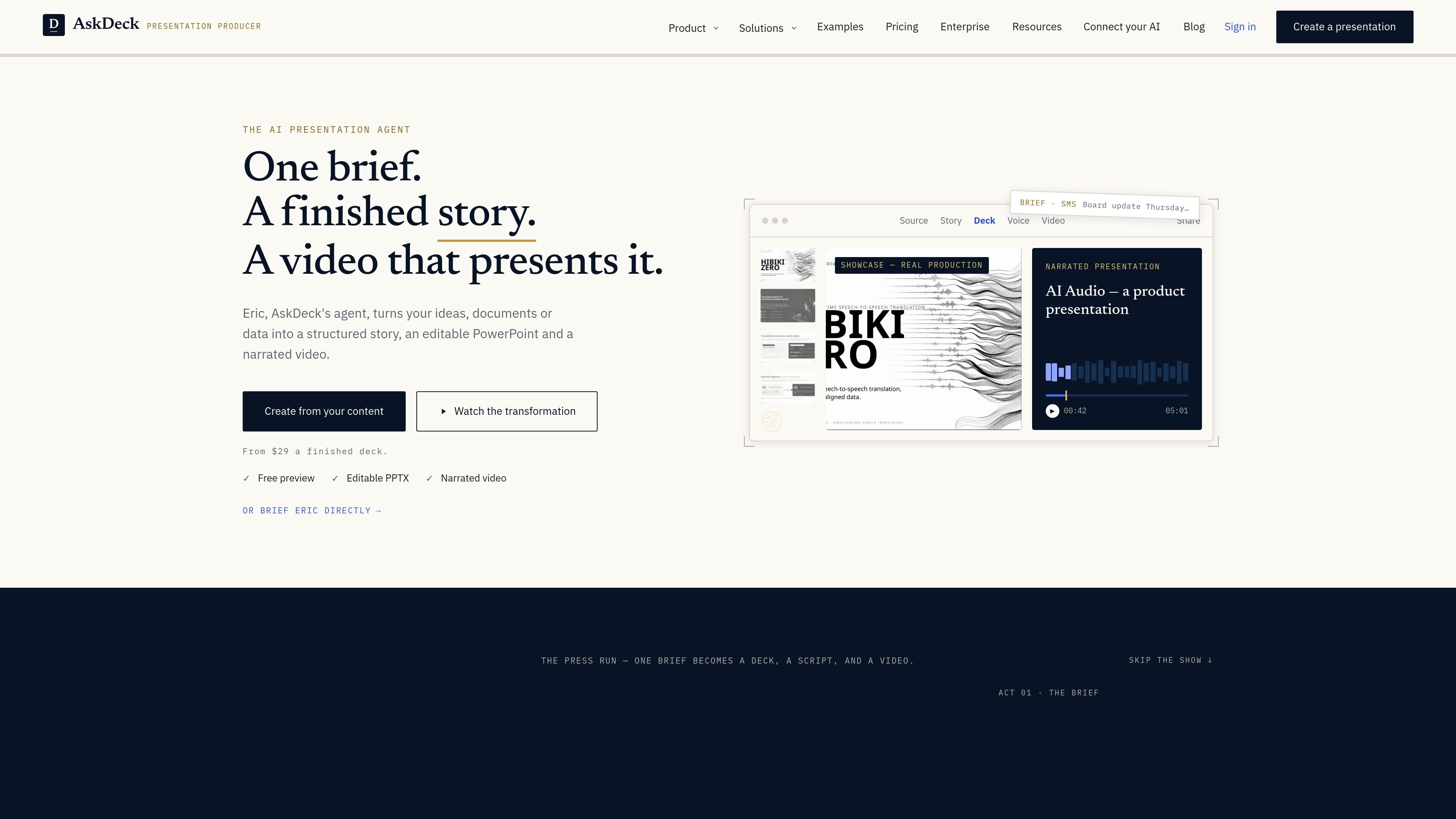
AskDeck is an AI presentation production service built around an agent named Eric. It accepts a brief and supporting material, develops a presentation narrative, and returns an editable PowerPoint rather than only a generated slide canvas. The service also produces a narrated video for presentations that need to be shared asynchronously.
Users can start from documents, data, links, notes, or an existing deck. The listed workflow moves from briefing and story shaping to deck creation, narration, captions, motion, delivery, and revision. Briefing is available through the web, phone, SMS, and email, with an MCP connection for Claude, Claude Code, Cursor, and ChatGPT to start decks and check builds from those AI environments.
Brief a presentation through the web form, phone, SMS, email, or an AI client connected through AskDeck's MCP endpoint.
Turn source documents, data, links, notes, or an existing deck into a structured story and slide sequence before production.
Receive a native, editable PowerPoint with speaker notes and support for brand colors, fonts, logos, and voice through a brand kit.
Generate narration, captions, motion, and synchronized video from a deck, including conversion of uploaded slides into a narrated presentation.
Request changes in plain language and keep the deck, script, and video aligned through the revision process.
Translate decks through the production pipeline while preserving the layout, charts, and art direction; Pro pricing lists support for 12 languages.
Provide product and customer context to create account-ready presentation materials and narrated follow-up content for sales communication.
Turn procedures and policies into presentation-led learning modules, with narration and video for people who cannot attend a live session.
Convert business updates and operating information into QBRs, board decks, and video briefings for executive audiences.
Supply research and analysis to produce client-ready presentations and readouts for consulting and professional-services work.
Upload an existing presentation to reformat it into a master template or turn the slides into a narrated video with voiceover, motion, and captions.
You can brief Eric through the guided web form, a phone call, SMS, or email. You can also upload an existing deck for formatting or conversion to a narrated video. The first preview is watermarked and free, and no account is needed to start through the listed briefing channels.
AskDeck can return an editable PowerPoint, speaker notes, and a narrated video with captions and motion. The workflow can also include a story structure, script, and revisions that keep the outputs aligned.
The pay-per-deck option is $29 per finished deck after a free, watermarked preview. Pro is listed at $99 per month for three decks, while Teams is $299 per month for up to five members and ten pooled team decks per month.
Yes. The site says you can provide a company template or master PowerPoint. AskDeck can build in the template or reformat an existing deck into its layouts, theme, colors, and fonts while keeping the words intact.
AskDeck lists an MCP connection for Claude, Claude Code, Cursor, and ChatGPT. After connecting one address, these AI clients can start decks, check builds, and browse the AskDeck library. ChatGPT requires a paid web plan, while the page says the other listed clients work on every plan.

Slidesgo is a presentation template platform for Google Slides, PowerPoint, and selected Canva workflows. It offers free and Premium templates, plus AI-assisted presentation creation and team-friendly access options.

ChatBA is a generative AI product for creating slide decks from prompts. The public site emphasizes instant presentation generation and includes help content for templates, sharing, and data sources.

Napkin AI transforma texto em visuais editáveis para apresentações, documentos e conteúdo partilhável. Geração a partir de texto e exportação para PPT, PNG, SVG ou PDF.

Beautiful.ai is an AI presentation platform for individuals, teams, and enterprises. It helps users create branded slide decks with Smart Slides, collaborative editing, and export options while reducing manual formatting work.

MagicSlides is an AI presentation generator that turns text, topics, documents, URLs, and videos into slide decks. It creates presentations in Google Slides by default and supports PowerPoint export, with multilingual output and AI-assisted editing.

Clipia.ai is an AI image and video generation platform with presentations, an agent workflow, and developer integrations. It helps creators, teams, and developers produce media and decks from prompts, briefs, or source files using a shared credit system.