
Voice-controlled Mac actions
Hold Control-Option-Space to speak, or configure a press-to-toggle mode. Atticus transcribes speech on the Mac and shows a review option when a toggle recording runs long.

Atticus is a free, open-source voice assistant for Mac that controls apps, windows, files, settings, and screen content through spoken requests. It uses Claude Code with an existing Claude Pro or Max plan, or Devin CLI with a Devin plan, and supports learned shortcuts and background agents.
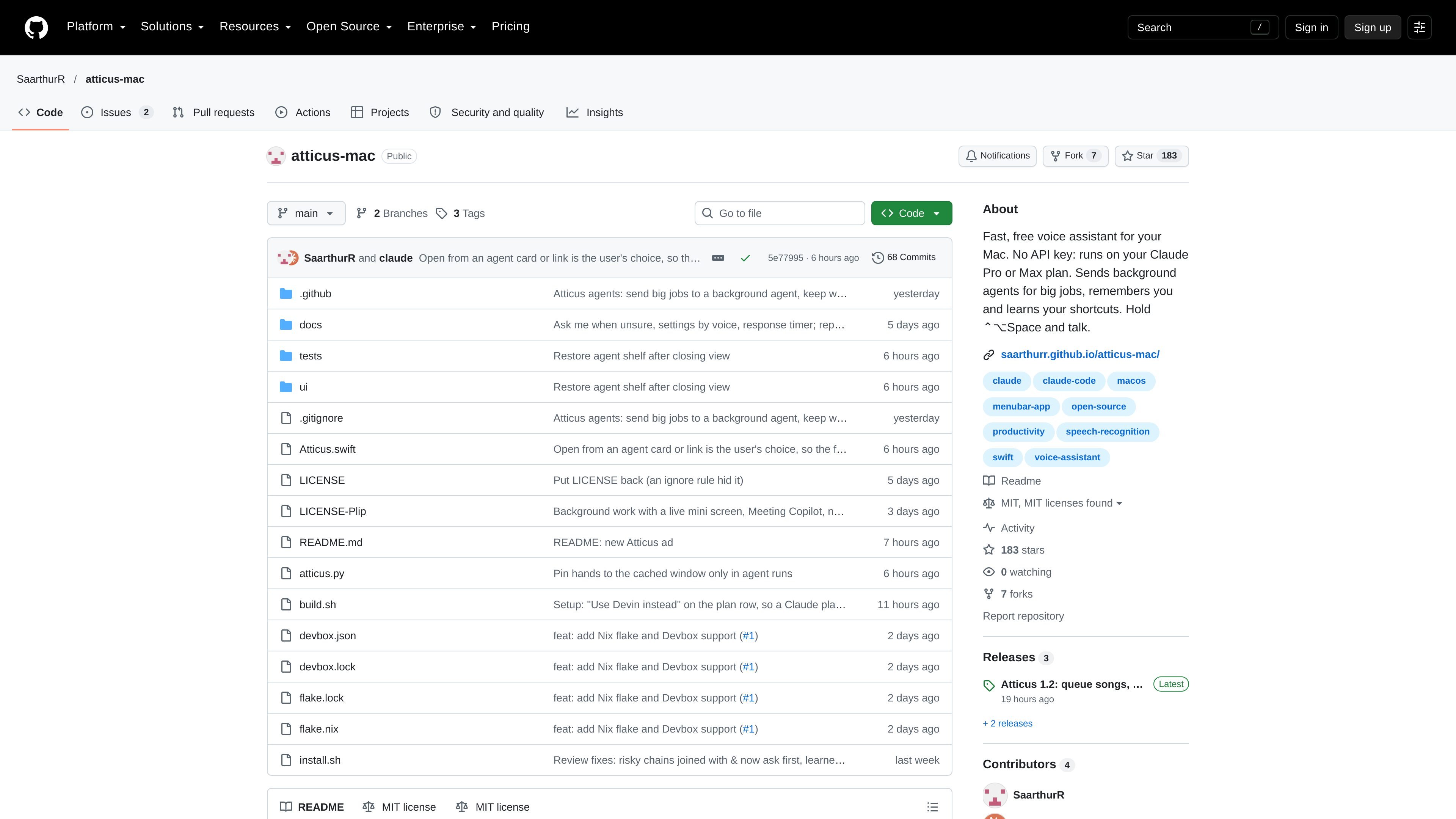
Atticus is a free, open-source voice assistant for macOS. Users invoke it with Control-Option-Space, describe an action, and can have it operate across apps, windows, files, settings, web pages, and screen content. It is intended for people who want to control routine Mac tasks by voice rather than by repeated manual interaction.
The assistant uses an existing Claude Pro or Max plan through Claude Code, or a Devin plan through the Devin CLI, so the repository says no separate API key is required. It also supports on-device speech transcription, persistent remembered information, learned shortcuts, and background agents for larger requests. The documented installer requires macOS 26 or later and Apple's command line tools.
Hold Control-Option-Space to speak, or configure a press-to-toggle mode. Atticus transcribes speech on the Mac and shows a review option when a toggle recording runs long.
Use native Accessibility controls to interact with apps, windows, files, settings, web pages, and screen content, including clicking, scrolling, and typing.
Saved facts, rules, and corrections carry into later requests. Users can edit the stored information in Settings and define phrases that trigger multi-step actions.
Longer requests can be delegated to background agents while the user continues working. A chip displays progress, live steps, and a mini screen; spoken instructions can steer a running agent.
Safe mode places AI commands in Claude Code's sandbox, asks before destructive or external actions, blocks commands such as rm, sudo, disk tools, and shutdown, and records exact commands in the ask log.
Built-in actions can skip AI for tasks such as opening apps, moving windows, searching the web, and playing music. The repository reports an app-opening time of 0.08 seconds and a learned shortcut example improving from 5.5 seconds to 0.4 seconds.
Arrange applications across multiple displays, bring a window forward, or open a program using a spoken request. Repeated arrangements can be saved as a learned shortcut.
Search files by their contents and open a matching document on another screen, which is useful when the file name or location is not known.
Ask Atticus to inspect visible code or summarize an article on screen. For messages, it can read the email, draft a response, and insert it at the cursor without sending it.
Delegate a larger research or shopping task to a background agent, monitor its progress, and refine the request while continuing other work.
Define a phrase such as “focus mode” to close one app and open another, then reuse that phrase as a personal workflow shortcut.
Atticus is installed from Terminal with the repository's install script. The script requires macOS 26 or later and Apple's command line tools, then downloads the source, builds the app, and opens it. The setup window guides the remaining configuration.
Atticus uses Apple's on-device speech recognition to turn voice into text, so the audio does not leave the Mac. The resulting request is confirmed before AI tools or learned shortcuts run.
The repository says Atticus runs through Claude Code using an existing Claude Pro or Max plan, or through the Devin CLI with a Devin plan. The specific AI client is selected in Settings → AI client.
Yes. Atticus can run actions such as opening apps, moving windows, searching files, controlling supported on-screen interactions, and playing music without using AI in some cases. It can also learn repeated actions as shortcuts.
Atticus is designed for an individual Mac user rather than documented team administration. The available evidence does not describe multi-user management, shared workspaces, or team controls.

Gemma AI is a phone call reminder app that calls you with scheduled reminders instead of push notifications. It helps people who want a more direct way to stay on schedule, with Google Calendar sync and conversational call interactions.

Spotit é um app para macOS que lê sua tela em outro app e destaca exatamente onde clicar, com perguntas por voz e orientação na tela.

ConscioussAI is an AI assistant for macOS, Windows, iOS, and Android that helps execute tasks across apps, files, the browser, and messages. It is aimed at people who want permission-based help on both desktop and mobile.

Flunkey is a voice-first productivity layer for Windows that converts speech into text, AI-assisted outputs, and remembered context. It is built for users who want to capture ideas and actions without leaving the app they are working in.

Malyatko is a baby tracker for logging feeding, sleep, growth, teething, and milestones in one app. It works on iPhone, Apple Watch, and widgets, with no sign-up, offline use, and family sharing through iCloud.

Uma plataforma de IA tudo-em-um que combina ferramentas para imagem, vídeo, voz, escrita e chat para melhorar a criatividade e a colaboração.