
Autonomous application exploration
AI agents navigate a live web application, inspect workflows, and discover features and potential issues without requiring predefined test steps.

Aurick is an autonomous AI QA tool that explores web applications, generates and runs tests, and reports bugs with supporting evidence. It is designed for developers, QA teams, and product teams that want to investigate coverage and regressions without writing test scripts.
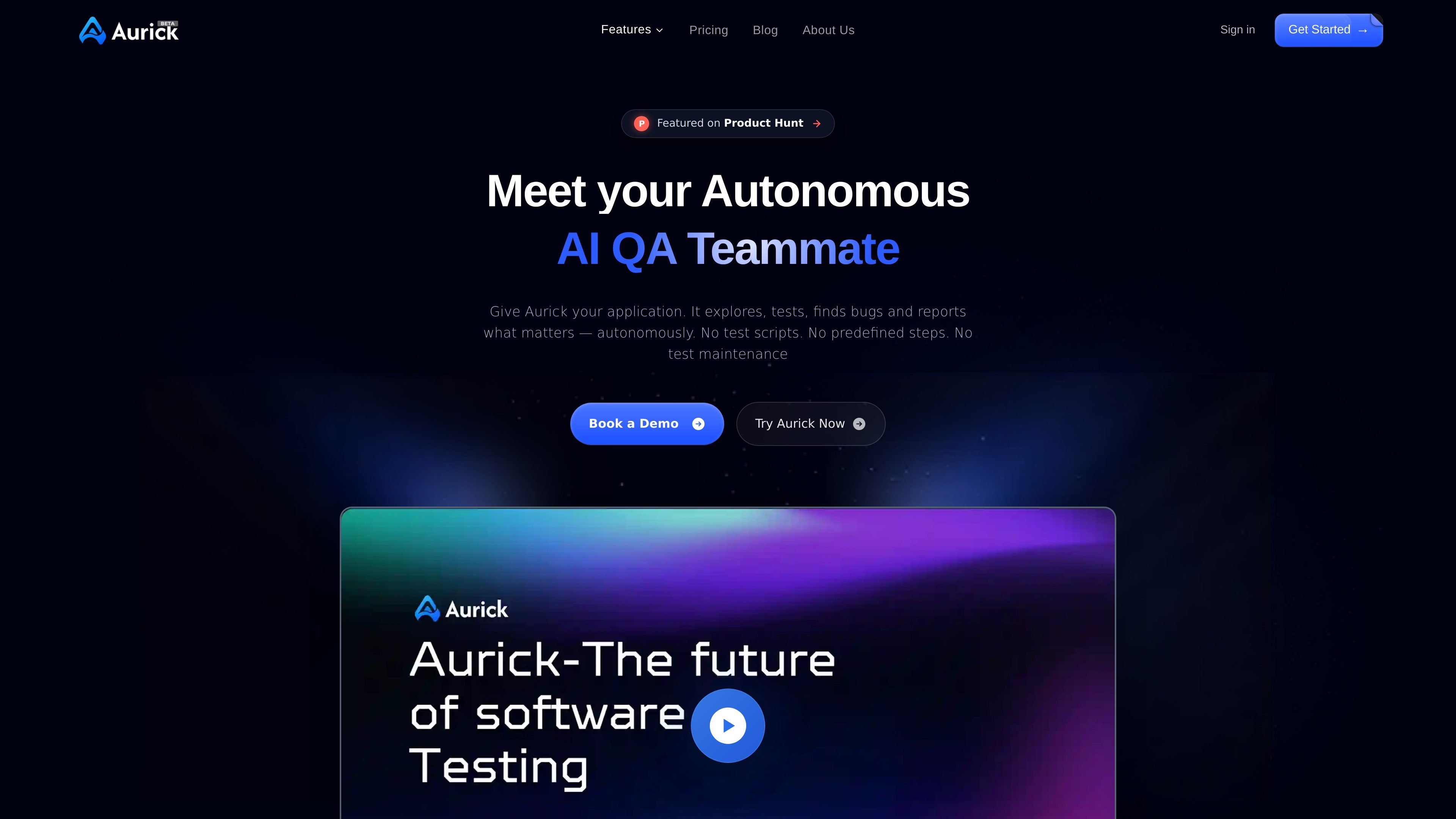
Aurick is an autonomous AI quality-assurance tool for testing web applications. It explores a live product, identifies user journeys, generates test cases, executes those cases, and reports functional or visual issues without requiring users to write test scripts or define selectors.
Its workflow combines autonomous exploration with a conversational testing interface. Teams can review what was tested, inspect evidence such as logs and screenshots, ask follow-up questions about failures, and rerun or extend coverage for scenarios such as authentication, forms, checkout, and other end-to-end workflows.
AI agents navigate a live web application, inspect workflows, and discover features and potential issues without requiring predefined test steps.
Aurick turns discovered flows into test cases, including multi-step journeys such as login, checkout, form submission, and other core interactions.
Generated tests run step by step against the product, with support for interactions such as forms, modals, alerts, toasts, dynamic dropdowns, and autocomplete fields.
The system records test activity and provides pass/fail results, logs, screenshots, browser snippets, and replay or playback evidence for investigation.
When an issue is detected, Aurick creates an issue report with context and reproduction steps; the site also describes conversational follow-up with the agents that found the problem.
Multiple AI agents can work in parallel, and users can ask natural-language questions about coverage, regressions, failed scenarios, and release readiness.
Have Aurick explore authentication journeys, including valid and invalid credentials, field validation, redirects, and error handling, then review the resulting evidence.
Test a complete purchase path from product selection through cart and payment, including validation errors, loading states, and successful or failed transitions.
Generate coverage for multi-step forms, conditional modals, alerts, toasts, dropdown search, autocomplete, and other asynchronous interface behavior that is time-consuming to check manually.
Ask for coverage or issues from a recent test run or deployment, inspect reproduction steps, and use the results to support release-readiness decisions.
Run multiple agents against different workflows or ask questions about test coverage, critical-path status, and recurring regressions to give developers, QA managers, and product managers a shared quality view.
Aurick explores a live web application, identifies user flows, generates test cases, executes them, and reports results with logs, screenshots, recordings or replays, and reproduction steps. Users can also ask questions about test runs and reported issues through its conversational interface.
No manual test scripts, selectors, or predefined steps are required for the autonomous testing workflow described on the site. Aurick is presented as a zero-setup product, although the site directs new users to book a demo or contact the company for onboarding.
The site says Aurick can identify functional issues, broken flows, missing elements, failed API responses, unexpected redirects, unhandled errors, and visual problems such as overlapping elements or broken layouts.
Test results include pass/fail details, logs, screenshots, and playback or replay evidence. Reported issues can include reproduction steps and recommendations, while higher-tier plans describe more detailed or customizable reports.
Aurick is offered in Explorer, Pro, Team, and Enterprise plans. The public pricing page lists fixed monthly plans for the first three tiers and custom pricing for Enterprise; available credits, executions, projects, and reporting features vary by plan.

ByteAsk is a terminal-first AI coding agent for C and C++ that edits repositories and verifies changes with the real compiler, debugger, sanitizers, and tests before showing a diff. It offers a free tier plus paid plans, with editor connectors and zero-retention handling described in the source.

Manta AI is an autonomous web app testing tool for teams that want to map application behavior, catch regressions, and generate tests without writing scripts or maintaining selectors. It works from a URL and supports plain-English test flows, run results with screenshots, and scheduled or deployment-triggered checks.

EAS Observe is a production performance monitoring tool for Expo and React Native apps. It shows startup metrics, session timelines, release markers, and errors inside the Expo dashboard.

Traccia is an agent observability and governance platform that adds OpenTelemetry-native tracing, policy enforcement, prompt evaluation, and compliance evidence for AI workflows. It supports frameworks including LangChain, CrewAI, OpenAI Agents SDK, AutoGen, and LlamaIndex.

Hoplite is a cloud coding agent platform for teams that want to run software tasks in isolated sandboxes with repository context and imported local setup. It offers published Pro, Scale, and Enterprise plans.

Latitude Agent Score evaluates AI agent performance using production traces across outcome, reliability, cost, speed, and safety. It helps engineering teams investigate the sessions behind a score, turn recurring failures into evaluations, and verify fixes after release.