
Broad resource coverage
Browse productivity tools, apps, AI tools, courses, books, newsletters, templates, browser extensions, and other resource types from one directory.

Best Productivity Resources is a hand-curated directory of productivity apps, websites, AI tools, courses, books, templates, and other resources. Search, filters, categories, and collections help individuals and teams find options for focus, task management, learning, organization, and related goals.
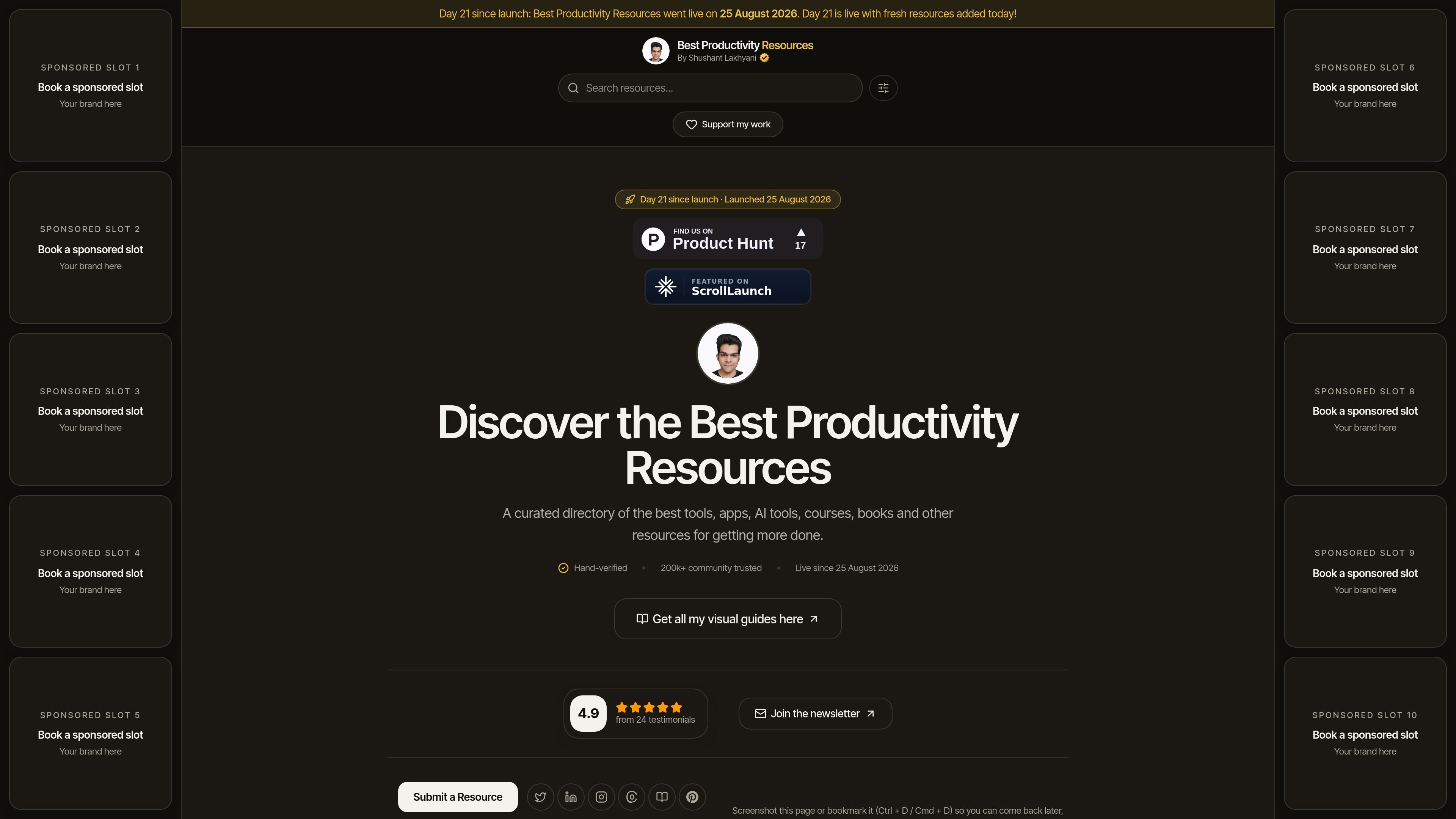
Best Productivity Resources is a hand-curated directory for discovering tools and learning resources related to productivity. It covers software and web resources such as task-management and calendar products, AI tools, browser extensions, courses, books, newsletters, templates, and other formats.
The site helps readers start with a work goal or resource type, compare a maintained shortlist, and then visit the original source for more information. Its directory supports search and filters for categories, types, tags, platforms, and pricing, while collections provide shorter recommendations for specific contexts such as deep work, studying, creative work, and distributed teams.
Browse productivity tools, apps, AI tools, courses, books, newsletters, templates, browser extensions, and other resource types from one directory.
Search the directory by text and narrow results using resource type, category, tags, platform, and pricing filters.
Explore resources by outcomes such as task management, deep work, time management, note-taking, automation, learning, and remote work.
Use short, opinionated collections for needs including deep work, free resources, AI productivity, students, creators, remote workers, and entrepreneurs.
Each directory link goes directly to the original product or resource website rather than to a separate product landing page on the directory.
The curator reviews listings by hand, and the site says new resources are added regularly.
Start with an outcome such as protecting focused work time, managing tasks, building habits, taking notes, or reducing distractions, then browse the relevant category or goal bundle.
Use filters and curated lists to compare options across apps, web apps, AI tools, browser extensions, courses, books, and other formats before visiting a vendor site.
Browse collections tailored to students, creators, remote workers, entrepreneurs, or people seeking free resources when the context matters as much as the feature set.
Return to the directory for newly added resources, featured tools, articles, visual guides, and the weekly newsletter when researching productivity practices over time.
No. The directory is intended for discovering and comparing resources; for current prices, plans, availability, or vendor support, follow the link to the resource's original website.
Yes. The directory includes filters for resource type, productivity category, tags, and pricing, while the search page supports full-text search with filters across the directory.
Resources can be submitted through a LinkedIn message to Shushant Lakhyani. Submissions are reviewed by hand before inclusion.
The site states that featured placements, sponsored slots, and some outbound links may be paid or affiliate links. It also states that payment does not buy inclusion in the curated directory or a more favourable description.

Goldfish is an AI memory app for macOS that helps you reply, write, summarize, and continue using the context already on your Mac. It stores memory locally and writes in your tone.

ArtDeck is a visual reference board app for iPhone, iPad, and Mac that lets artists collect mixed reference material on one canvas and study it with ToolBox lenses. It works offline, supports optional iCloud sync, and is sold as a one-time purchase with no account required.

Biji é uma plataforma versátil projetada para aumentar a produtividade por meio de ferramentas e recursos inovadores.

Malyatko is a baby tracker for logging feeding, sleep, growth, teething, and milestones in one app. It works on iPhone, Apple Watch, and widgets, with no sign-up, offline use, and family sharing through iCloud.

Redline is a budgeting tool for Claude Code that paces sessions to stay within time, token, cost, or plan-percentage limits. It uses Claude Code’s native hooks and statusline to help sessions finish with a usable result instead of stopping abruptly.

Claude Overlay is a Windows desktop overlay for Claude Code that reads your screen so you can ask questions, inspect content, and request edits without leaving the current app. It runs on your existing Claude subscription through the Claude CLI, so no separate API key is required.