
Local-first memory
Keeps conversations in a local SQLite journal and stores durable knowledge in editable Markdown files under ~/.bits, so users can inspect, change, or remove it.

Bits is an open-source, local-first AI agent that runs on your computer, journals work in SQLite, and stores durable memory in editable Markdown files. It helps individuals and teams run routines, maintain interactive artifacts, and connect agent tools through MCP.
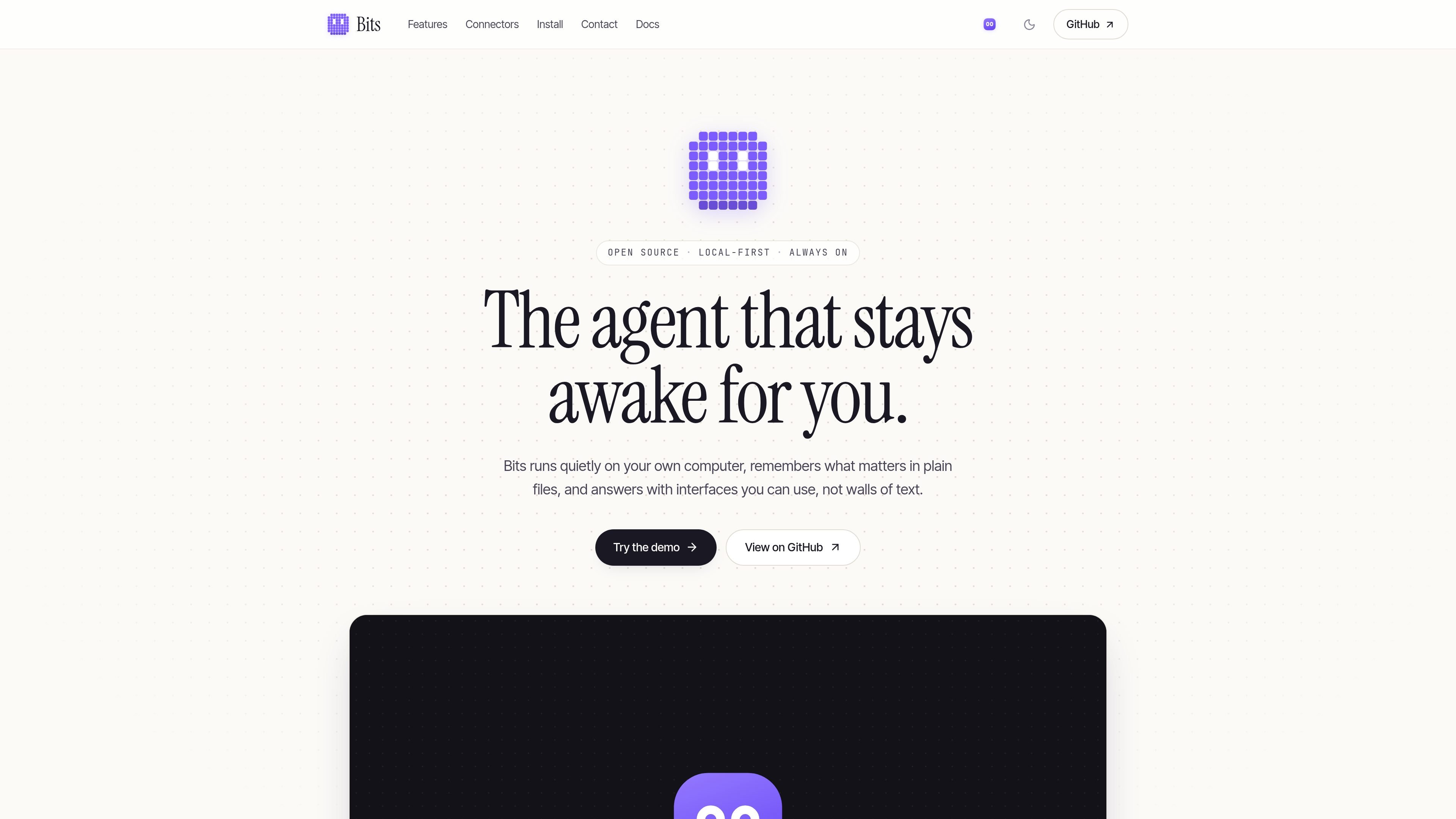
Bits is an open-source, local-first agent that runs as a daemon on a user's computer. It keeps conversations in a local SQLite journal, stores longer-term knowledge in Markdown files, and retrieves relevant information when needed rather than keeping every prior detail in the active prompt.
The product is designed for persistent assistance across routine work. It can run scheduled-style routines such as a morning brief, retain structured artifacts like reading lists, and expose artifact actions through WebMCP so Bits and compatible agents can interact with them. Model calls can use hosted providers or local models; the site states that local Ollama or LM Studio models keep those calls on the user's machine.
Keeps conversations in a local SQLite journal and stores durable knowledge in editable Markdown files under ~/.bits, so users can inspect, change, or remove it.
Journals each task step before the next one runs, then condenses long conversations and moves lasting facts into memory files for later retrieval.
Runs routines such as a morning brief and can keep a daemon active in the background, including through an optional login service.
Builds small apps for lists, trackers, and planners with Agentable UI. These artifacts retain their own data and expose actions as WebMCP tools.
Supports model choices from Anthropic and OpenAI, as well as local models through Ollama and LM Studio, subject to the configured model setup.
Lets other MCP-compatible agents use Bits tools and lets users connect MCP servers manually through ~/.bits/connectors.json.
A morning brief routine can present calendar items, weather, and headlines, while the agent remains available for follow-up questions during the day.
Use a persistent list artifact to add books, change reading status, and let Bits or another WebMCP-compatible agent operate on the same structured data.
For research tasks, Bits can journal intermediate steps, condense a long-running conversation, and save durable findings for later retrieval.
A user can run Bits on a laptop, home server, or personal cloud and connect MCP servers manually when their workflow needs tools beyond the built-in examples.
Teams can inspect the MIT-licensed code, host the Node process on their own infrastructure, and configure the model provider that fits their environment; the site does not provide detailed team administration features.
Bits runs locally as a Node process with a SQLite journal and stores its memory and other data under ~/.bits. The documented quick start requires Node 24 or later and pnpm, followed by configuring an API key or a local model setting.
Yes. The site documents local models through Ollama and LM Studio, and also lists Anthropic and OpenAI models. Model selection is configured with an API key or a BITS_MODEL=local:<model> setting.
Bits can run on a laptop, home server, or a user's own cloud. The site documents an optional service installation for keeping the daemon running at login and an optional desktop tray icon and keyboard overlay.
Bits creates artifacts such as trackers, lists, and planners using Agentable UI. Their actions are exposed as WebMCP tools, allowing interaction from the page, through Bits, or through compatible agents such as Claude and Codex.
The site says one-click connectors for Gmail, Calendar, Slack, GitHub, Drive, and Notion are coming soon. Until then, users can connect MCP servers manually through ~/.bits/connectors.json.

Lasso is an ecommerce product data platform for enriching catalog records, processing supplier files, generating product content, and monitoring competitors. It combines a web app with a REST API, SDK, and MCP server for teams and developers.

Goldfish is an AI memory app for macOS that helps you reply, write, summarize, and continue using the context already on your Mac. It stores memory locally and writes in your tone.

ArtDeck is a visual reference board app for iPhone, iPad, and Mac that lets artists collect mixed reference material on one canvas and study it with ToolBox lenses. It works offline, supports optional iCloud sync, and is sold as a one-time purchase with no account required.

Malyatko is a baby tracker for logging feeding, sleep, growth, teething, and milestones in one app. It works on iPhone, Apple Watch, and widgets, with no sign-up, offline use, and family sharing through iCloud.

Struere is an AI-native platform for turning spreadsheet data into structured operational software with dashboards, alerts, and automations. It is aimed at teams that want to replace manual spreadsheet workflows without building custom tools from scratch.

Gemma AI is a phone call reminder app that calls you with scheduled reminders instead of push notifications. It helps people who want a more direct way to stay on schedule, with Google Calendar sync and conversational call interactions.