
Photo-based virtual try-on
Shoppers upload a photo, select a product, and preview the garment on their own image before purchasing.

Clothsy AI adds a photo-based virtual try-on to fashion product pages. Shoppers upload a photo and preview garments on themselves, while Shopify and WooCommerce stores can use existing product imagery and configure the Try it on button within the shopping flow.
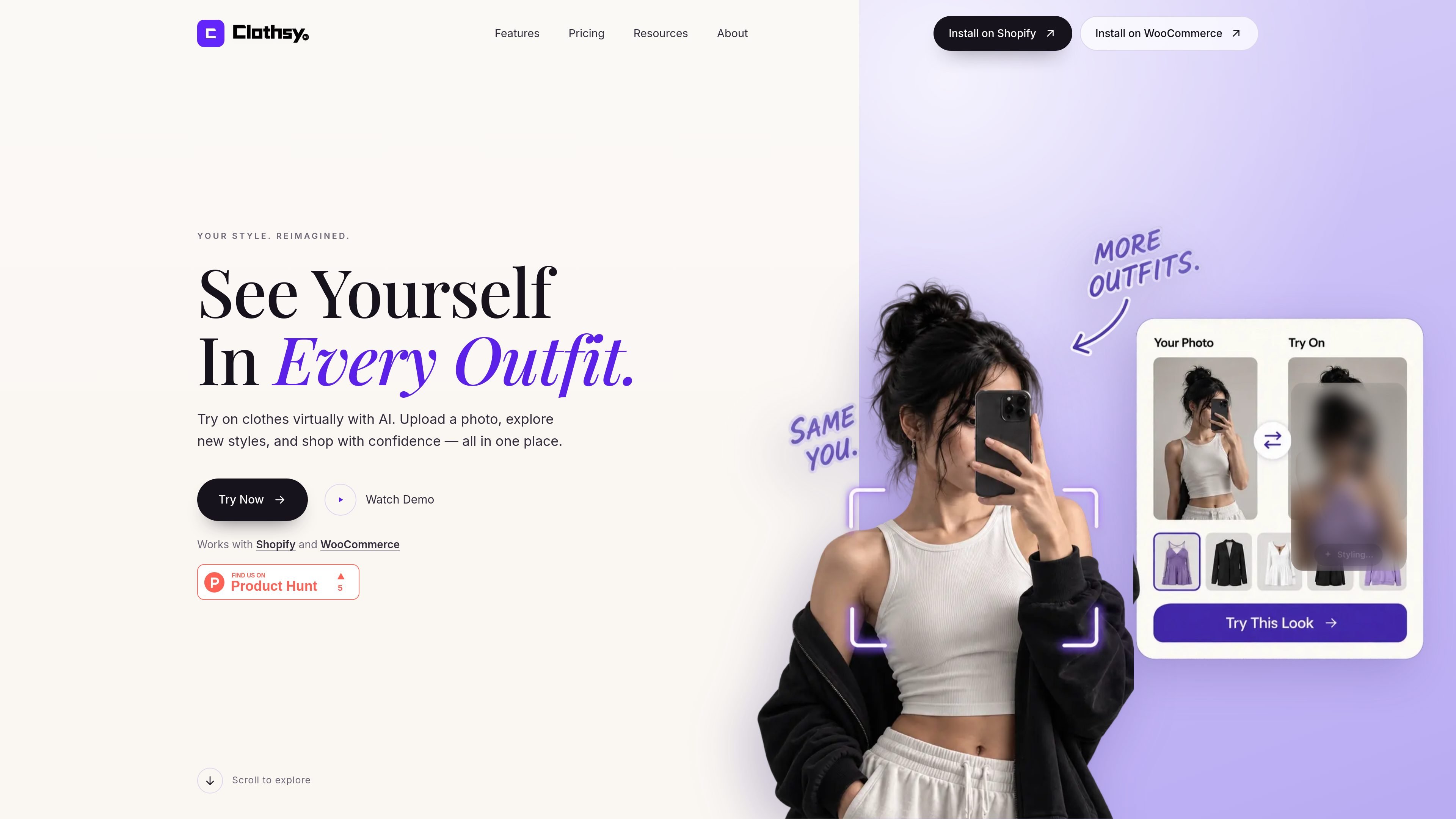
Clothsy AI is a photo-based virtual fitting room for online fashion stores. It lets shoppers upload a photo, choose an item on a product page, and preview how the garment could look on them before buying.
The service is designed to add the fitting step to an existing ecommerce workflow rather than replace product imagery. It works with current product photos, places a Try it on button beside Add to cart, and supports store setups on Shopify and WooCommerce. Results depend on the shopper's photo and the garment, so the preview is an aid to shopping rather than a guaranteed representation of fit.
Shoppers upload a photo, select a product, and preview the garment on their own image before purchasing.
The Try it on control is placed beside Add to cart on product pages, giving shoppers access within the existing buying flow.
Stores can use their existing product photos rather than arranging new photoshoots or creating 3D scans.
On Shopify, stores can position the Try it on block on the product template. WooCommerce stores can use the default placement, a block, or a shortcode.
The button's label, button colour, text colour, and corner radius can be adjusted to match the store interface.
Plans include lead capture and analytics, with support levels varying by plan; the pricing page lists standard support for Starter through Pro and priority support for Scale.
Add an on-page preview to product detail pages so shoppers can evaluate an item on their own image before adding it to the cart.
Use the embedded button and existing catalog imagery to introduce a virtual fitting step without commissioning new garment photography or 3D assets.
Place the try-on control within Shopify or WooCommerce templates so customers can compare looks while browsing the catalogue.
Use the included lead-capture and analytics capabilities to support store evaluation of shopper engagement with virtual try-on.
Yes. The Basic plan is free and includes 15 try-ons per month. Paid plans range from $19.99 per month for 250 try-ons to $199 per month for 4,250 try-ons. Prices are listed in USD.
The monthly allowance is the limit, with no surprise charges. When it is used up, shoppers see a message to check back next month. Stores can upgrade to a larger plan. Failed try-ons are returned to the allowance.
On Shopify, the Try it on block can be placed on the product template. On WooCommerce, the button appears below Add to cart by default, with a block or shortcode option also available.
Shoppers upload one clear photo, choose a product, and select Try it on. Clothsy places the garment on the shopper's photo. Results can vary depending on the photo and garment.
The service works with existing product photos and does not require a new photoshoot, a 3D scan, or a shopper app download. A clear photo with the shopper standing upright, facing the camera, and keeping the shoulders in frame is recommended.

Lasso is an ecommerce product data platform for enriching catalog records, processing supplier files, generating product content, and monitoring competitors. It combines a web app with a REST API, SDK, and MCP server for teams and developers.

DailyPlay.ai is a behavioral growth platform that uses AI site scanning and micro-games to help brands improve engagement and conversion. It supports web, mobile, and other digital touchpoints, with a one-line script setup and a free engagement scan.

EchoTik é uma plataforma de análise de dados de e-commerce do TikTok projetada para ajudar vendedores e criadores de e-commerce a tomar decisões baseadas em dados para seleção de produtos e análise de mercado.

Wisry is an AI advertising studio for ecommerce brands that researches competitor ads, develops evidence-backed campaign concepts, and generates static and video creatives. It also supports editing and connected campaign workflows for Meta and Google.

PicCopilot is an AI content platform for e-commerce that turns product photos into marketing visuals, model shots, videos, and social content. It offers a free plan plus paid tiers for templates, model swap, virtual try-on, and batch-oriented creation.

Krev AI is an ecommerce platform with role-based AI employees for market research, creative production, ad planning, and social publishing. It is built for brands that want product and brand context carried through connected growth workflows.