
Inline autocomplete in Mac apps
Cotypist predicts your next words inline as you type, so suggestions appear in the app you are already using instead of a separate chatbot window.

Cotypist is a Mac autocomplete app that suggests words inline as you type in other apps. It runs on Apple Silicon Macs, works on-device, and is built to reduce typing without leaving your current workflow.
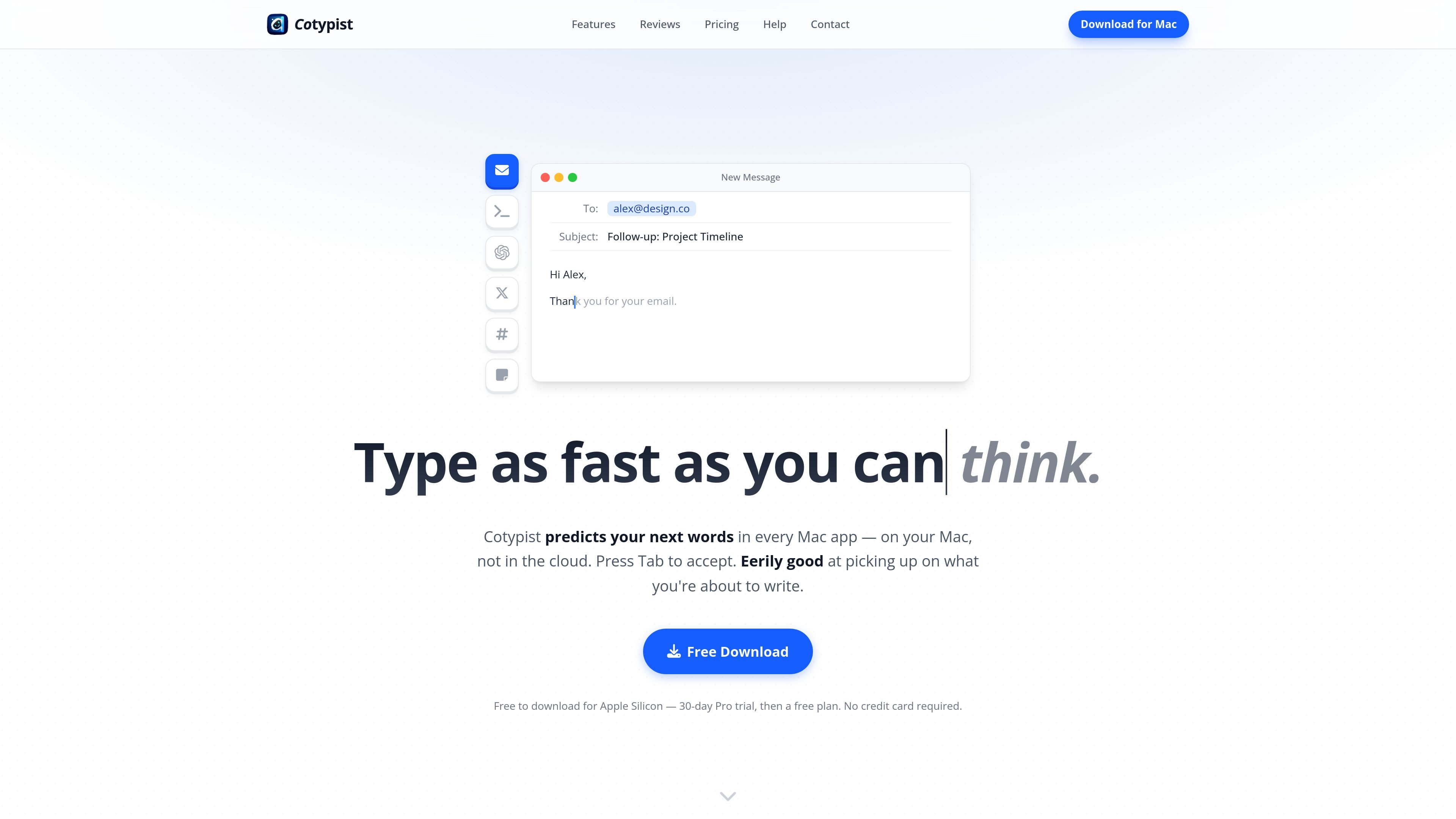
Cotypist is a smart autocomplete app for Mac that suggests the next words as you type in other apps. It is built to keep you in your current workflow: suggestions appear inline, you accept them with Tab, and the app learns from the words, names, and phrasing you use over time.
The product is designed to run on Apple Silicon Macs and process writing locally on the device rather than in the cloud. The site positions it as a way to reduce typing, avoid app switching, and help with everyday writing tasks such as email, chat, prompts, documentation, and social posts.
Cotypist predicts your next words inline as you type, so suggestions appear in the app you are already using instead of a separate chatbot window.
Press Tab to accept the next word or the whole line, or keep typing to ignore a suggestion and let Cotypist adapt to what you intended to write.
The app runs on your Mac rather than in the cloud, which the site says keeps your writing private and lets it work offline.
Cotypist checks the text field you are actively typing in and can optionally use surrounding screen context to make suggestions more relevant.
It can correct typos inline, offer emoji suggestions, and work across different languages and writing contexts.
The pricing page describes customization options such as completion length, global writing instructions, per-app instructions on Pro, and model selection based on your Mac.
Draft replies faster in Mail, Slack, or support tools by accepting completed words as you type, instead of switching to another AI assistant or retyping the same phrases.
Use Cotypist while writing prompts for ChatGPT, Claude, or coding agents to reduce keystrokes and keep the prompt-building flow inside the same app.
Speed up repetitive writing in documentation, marketing copy, and social posts by letting the app learn recurring terms, names, and phrasing.
Catch and fix typos inline as you write, which is useful when you want a cleaner draft without dealing with separate pop-ups or later cleanup.
Support multilingual or physically challenging typing situations, including non-native English writing and one-handed use, by reducing the amount of manual typing required.
Cotypist runs locally on Apple Silicon Macs. The onboarding flow shows a DMG install, moving the app to Applications, then opening it and following the setup instructions. Accessibility permission is required for autocomplete to work; Screen Recording is optional and can be skipped or revoked later.
Yes. The pricing page says every new install starts with a 30-day Pro trial, with no credit card required. After the trial, accounts move to the Free tier automatically and settings remain intact.
Cotypist is Mac-only today and runs entirely on Apple Silicon Macs. The site also says it works in every Mac app and most text fields, so it is not available for Windows or Linux at this time.
Cotypist is designed for one person’s use. The Plus plan covers one Mac, and Pro covers up to three Macs on the same subscription, but the site says subscriptions are not shared between different people.
Cotypist uses standard macOS permissions. Accessibility is required, while Screen Recording is optional and helps it understand surrounding context; passwords are automatically blocked by macOS unless a user explicitly reveals them in an app or website.

Scite é uma plataforma de pesquisa com IA para descobrir artigos, verificar contexto de citações e obter respostas com base em literatura científica.

Biji é uma plataforma versátil projetada para aumentar a produtividade por meio de ferramentas e recursos inovadores.

ProWritingAid is a writing assistant for storytellers that offers grammar checking, style editing, paraphrasing, and story analysis inside popular writing apps. It includes a free plan, paid tiers, and tools for chapter critique, manuscript review, and collaborative editing.

Paperpal 是一款面向学术写作的 AI 工具,提供文献阅读、语言润色、引用、查重、AI 检测和投稿前检查。它适合需要在英文论文和学术材料上进行写作、修改与合规自检的学生、研究人员和教师。

Sanota is an app that turns spoken memories, reflections, and interviews into clear written stories. It supports personal storytelling, family history, and shared memories, with guided prompts and subscription pricing.

Carbon Voice is an asynchronous voice messaging app for teams and individuals, with transcripts, AI catch-up, and cross-device access. It helps people and agents communicate without needing a live call.