
On-device AI tune
EQK analyzes playback on the Mac itself, adjusts tone as the song plays, and stores the learned result locally instead of sending audio to the cloud.
EQK is a Mac equalizer that analyzes playback locally, remembers song- and app-specific tuning, and keeps the data on your Mac. It is designed for people who want per-app audio control with headphone correction and a lighter manual EQ workflow.
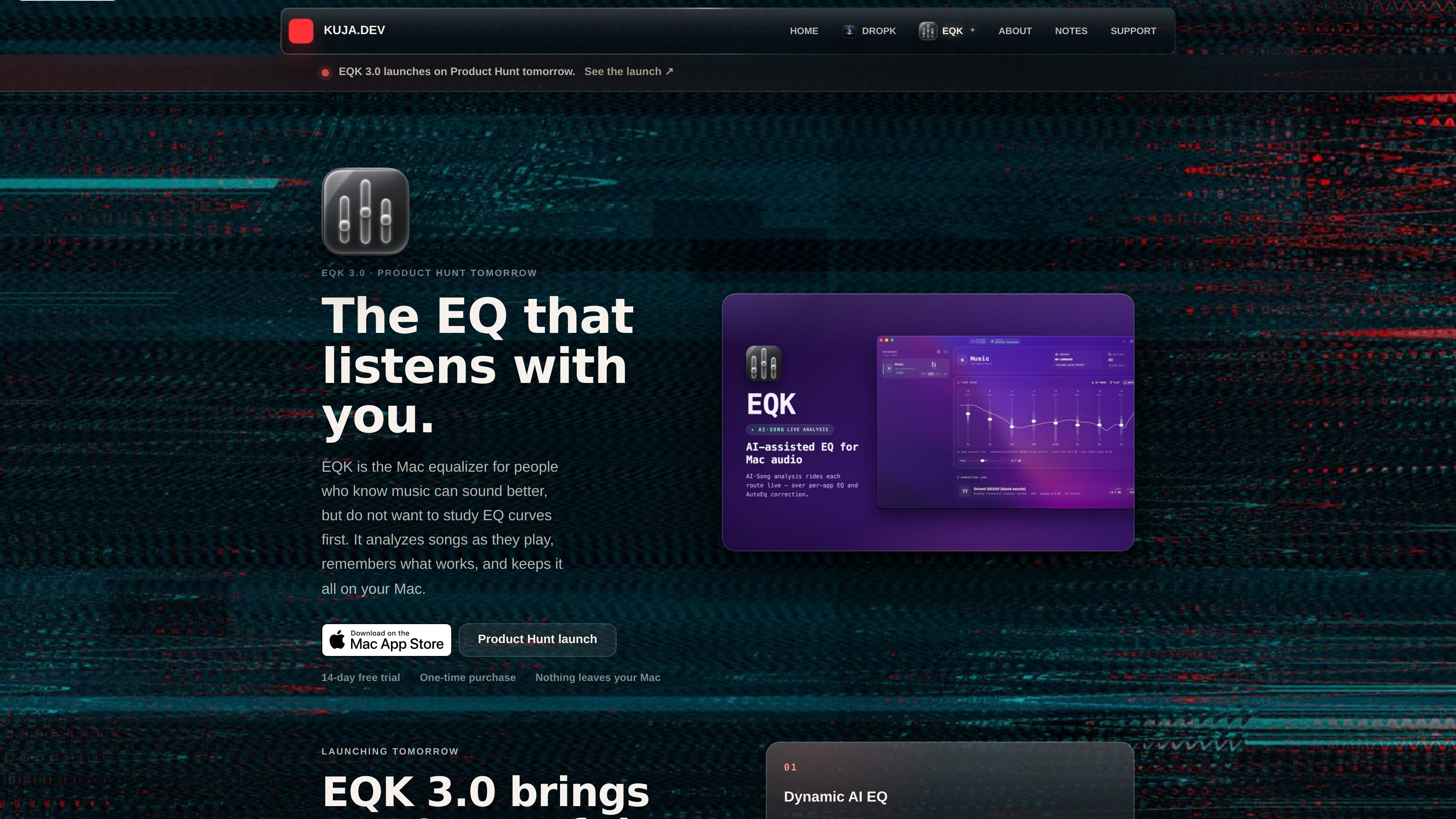
EQK 3.0 is a Mac equalizer built around on-device, song-aware tuning. It analyzes playback locally, remembers what works per song and per app, and keeps the resulting data on the Mac rather than sending listening information away.
The product is aimed at people who want more control over music playback without having to work through a traditional, technical equalizer workflow first. EQK combines per-app routing, local song memory, headphone correction, and a manual EQ desk so users can compare, adjust, and revisit tuned audio in one place.
EQK analyzes playback on the Mac itself, adjusts tone as the song plays, and stores the learned result locally instead of sending audio to the cloud.
The app remembers song-specific and app-specific EQ data so a later play can start from a learned profile rather than a blank slate.
Routes can be tied to a source app, output device, correction profile, activity mode, EQ settings, and playback state, which makes each route act like its own desk channel.
EQK includes a built-in optimizer that checks for broken song profiles, incompatible layouts, and leftover app-created data, then clears it on demand or on a schedule.
The manual describes a bundled library of 3,985 headphone correction profiles, separate from custom EQ or community imports.
EQK supports importing AutoEQ or EqualizerAPO parametric .txt files as editable saved presets, while keeping vetted correction profiles distinct from community files.
Route a music player such as Apple Music, Spotify, TIDAL, or another supported app through EQK, then let AI Tune learn how that track should sound on repeat plays.
Use the local player for FLAC, ALAC, WAV, or MP3 files when you want EQK's tuning workflow without enabling app capture permissions.
Load a bundled correction profile or import a vetted-equivalent preset, then keep headphone correction separate from creative EQ so you can adjust tone without changing the correction layer.
Set up routes for video, podcast, or local-player apps so playback stays isolated by app and remembers output device, EQ, and activity mode.
Run the optimizer when song memory or saved layouts seem inconsistent, or when you want EQK to clear leftover data from older versions.
EQK is designed for macOS 14.6 and later. The guide says it is available through the Mac App Store or as a notarized direct download, and both Intel and Apple silicon Macs are supported.
For app routing, EQK asks for System Audio Recording permission so it can process the selected app's audio. The local player can play FLAC, ALAC, WAV, and MP3 files without that permission.
EQK supports dedicated music, video, podcast, and local-player apps that macOS can expose as their own isolated audio sources. Normal browser tabs are excluded; a site saved as its own app may appear separately, depending on the browser.
EQK's AI Tune analyzes playback locally and saves song memory and route settings on your Mac. It also supports headphone correction profiles, but correction and creative EQ are kept as separate layers.
The source describes a 14-day free trial build, a one-time purchase, and an App Store version for ongoing use. It also notes that direct-site purchasers can switch to the App Store version and keep using the app, with license recovery handled through support.

CAMB.AI Streams dubs live audio in multiple languages in real time for broadcasts on platforms like YouTube, Twitch, and X. It plugs into existing live workflows using common streaming protocols and avoids a post-production step.

Video Effects SDK adds real-time webcam effects such as background blur, background replacement or removal, denoising, framing, beautification, and color grading. It is built for teams shipping live video experiences on web, desktop, and mobile platforms.

LALAL.AI is an AI audio processing platform for stem separation, voice cleanup, and voice transformation. It supports browser-based upload, preview, and download workflows for audio and video files, plus premium and enterprise options.

Optimo is a free, open-source CLI for optimizing and converting images and videos with format-specific commands built on ImageMagick and FFmpeg. It helps developers prepare web assets, batch process media, and automate compression from the shell or a Node.js script.

Kits AI is an AI music production platform for voice cloning, vocal generation, and vocal processing. It offers a Free plan, paid tiers, and a Windows desktop app for producers and creators working with studio-style audio workflows.

Converleon is an offline file converter for Mac that handles images, video, audio, documents, PDFs, and archives without uploading files. It supports batch conversion, preset-based compression, and common workflows like HEIC to JPG, MOV to MP4, and HTML to PDF.