
Game-specific onboarding pages
Lists active playtests on the homepage and individual onboarding pages for specific games, giving players a clear entry point into available sessions.

PLAYtester is a game playtesting platform that connects players with onboarding sessions for specific games and gives developers a way to gather feedback and player data. It supports Steam account connection, prerequisite checks, and a developer dashboard for organizing playtests.
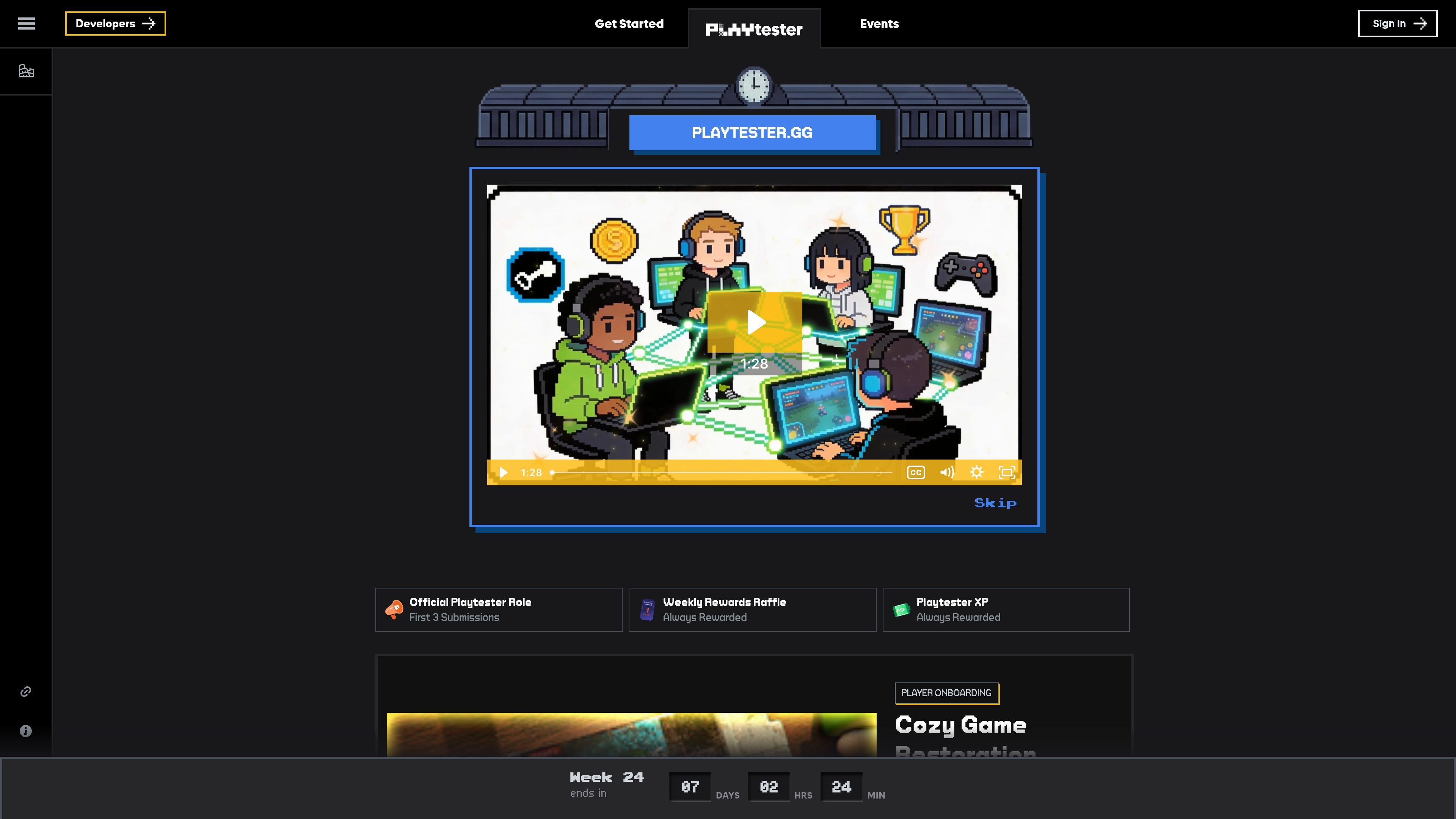
PLAYtester is a game playtesting platform that helps developers run structured player onboarding sessions and collect feedback from players. The homepage positions it as a way to help build the game you'd love to play, and the live playtest pages show individual games seeking feedback on combat, progression, co-op, exploration, story, and other core systems.
The site combines player-facing onboarding pages with developer tooling and community submission paths. Players can connect Steam, check prerequisites, and join a playtest window, while developers are directed to a Forge dashboard for setup and player data collection and to Discord for submitting a game for playtesting.
Lists active playtests on the homepage and individual onboarding pages for specific games, giving players a clear entry point into available sessions.
Shows reward language such as the Official Playtester Role, First 3 Submissions, Weekly Rewards Raffle, and Playtester XP on playtest pages.
Includes a Steam connection step on onboarding pages, indicating account linking is part of the playtest flow.
Shows a player limit and a prerequisite check on onboarding pages, so access is gated before participation.
Highlights a Forge dashboard for developers to set up playtests and gather player data.
Directs developers to submit games through Discord, making submission part of the site’s community workflow.
A player wants to join a live onboarding session for a specific game, connect Steam, check prerequisites, and submit feedback on the experience.
A developer wants to open a playtest to players, define the player window, and collect feedback on gameplay systems through the site’s onboarding flow.
A team needs focused reactions to one aspect of a game, such as combat, co-op, story, or progression, rather than broad general impressions.
A developer wants a centralized place to manage playtests and gather player data while using the community’s submission path to launch new sessions.
PLAYtester is a game playtesting platform that connects players with specific onboarding playtests and asks them to share feedback through the site.
The public pages show a Steam connection step for playtests such as the player onboarding flows, so Steam account linking is part of the playtest signup process.
The homepage says players can earn the Official Playtester Role, rewards for the first 3 submissions, weekly rewards raffle entries, and Playtester XP; the exact reward details depend on the playtest.
The source pages highlight a Forge dashboard for developers to set up playtests and gather player data, with playtest submission handled through Discord.
The collected pages do not show a full public pricing table; the pricing route currently surfaces a private-or-missing profile message, so pricing details are not clear from the source.

ByteAsk is a terminal-first AI coding agent for C and C++ that edits repositories and verifies changes with the real compiler, debugger, sanitizers, and tests before showing a diff. It offers a free tier plus paid plans, with editor connectors and zero-retention handling described in the source.

GameGrad turns PDF study material into quiz questions that appear inside arcade games, so users can practice active recall while they play. It offers a free tier with one PDF and a Pro plan with more uploads, more questions, and answer explanations.

DailyPlay.ai is a behavioral growth platform that uses AI site scanning and micro-games to help brands improve engagement and conversion. It supports web, mobile, and other digital touchpoints, with a one-line script setup and a free engagement scan.

Manta AI is an autonomous web app testing tool for teams that want to map application behavior, catch regressions, and generate tests without writing scripts or maintaining selectors. It works from a URL and supports plain-English test flows, run results with screenshots, and scheduled or deployment-triggered checks.

EAS Observe is a production performance monitoring tool for Expo and React Native apps. It shows startup metrics, session timelines, release markers, and errors inside the Expo dashboard.

Traccia is an agent observability and governance platform that adds OpenTelemetry-native tracing, policy enforcement, prompt evaluation, and compliance evidence for AI workflows. It supports frameworks including LangChain, CrewAI, OpenAI Agents SDK, AutoGen, and LlamaIndex.