
AI form generation
Describe a form in plain language and Formester can draft questions, field types, validation rules, and conditional logic. The draft remains editable before publishing.

Formester is a web-based online form builder for forms, surveys, quizzes, and payment-enabled workflows. It supports drag-and-drop building, AI-assisted form creation, integrations, and collaboration for teams and creators.
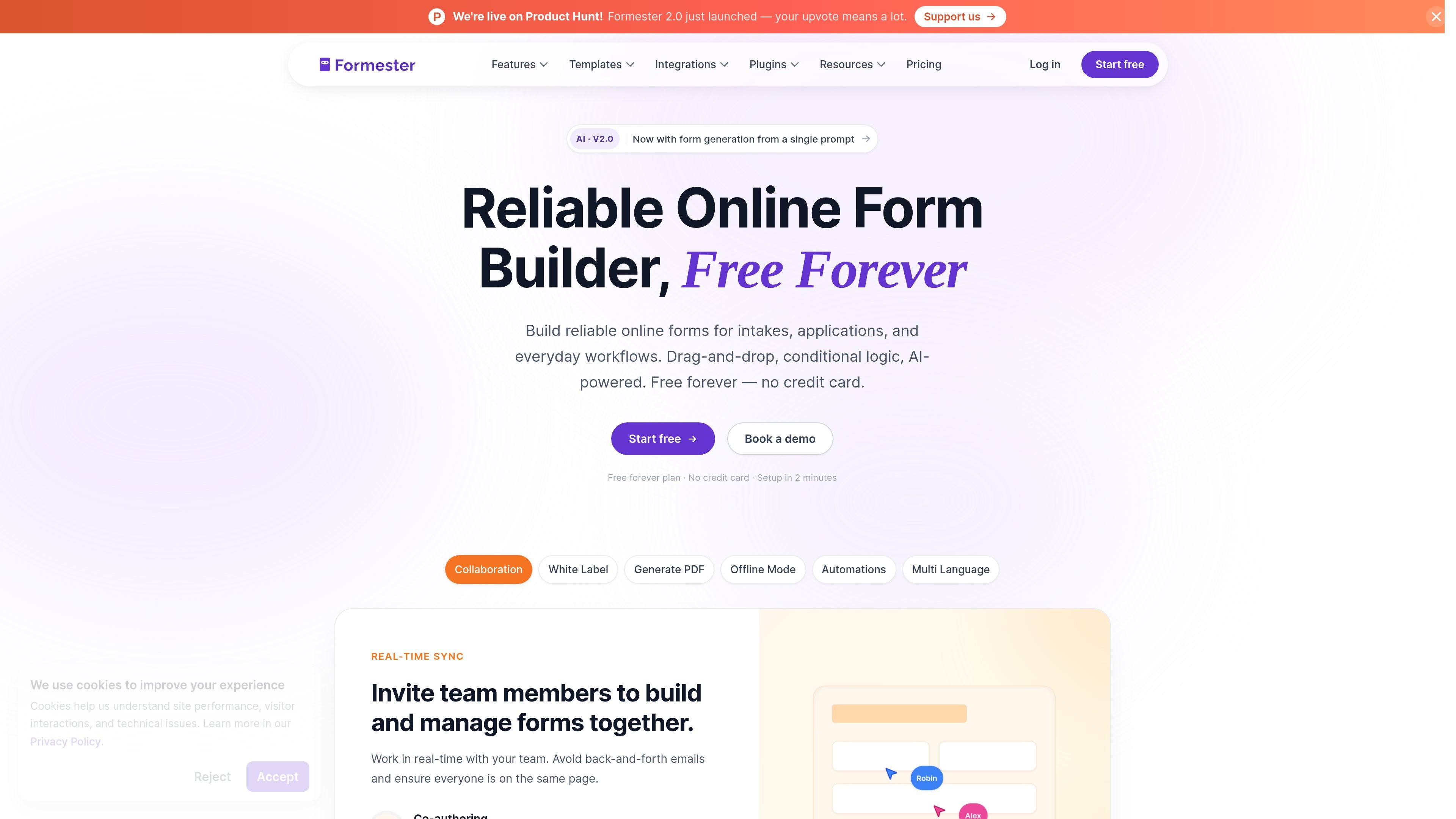
Formester is an online form builder for creating forms, surveys, quizzes, and payment-enabled workflows. The site positions it for teams and creators who want to collect data, accept payments, and automate follow-up tasks without coding.
Its main workflow starts with drag-and-drop building or AI generation from a prompt. Users can then add conditional logic, integrations, branding, collaboration, offline support, and submission outputs such as PDFs, depending on the plan and feature set shown on the site.
Describe a form in plain language and Formester can draft questions, field types, validation rules, and conditional logic. The draft remains editable before publishing.
Build forms with drag-and-drop fields and conditional rules that show or hide questions based on user input. The pricing page also lists pre-built themes and quiz auto-scoring.
Accept payments inside forms through Stripe, PayPal, or Authorize.net. The payments page says checkout is PCI compliant and does not add extra fees from Formester.
Connect forms to external tools and workflows through native integrations, webhooks, and a typed API. The site highlights connections for CRM, notes, spreadsheets, email, scheduling, docs, storage, and e-signature tools.
Work on forms with a team using real-time collaboration, granular permissions, and co-authoring. The pricing page also lists save-and-resume submissions and viewable partial submissions on higher plans.
Adapt forms for wider audiences with multi-language support, AI translation, custom branding, custom domains, and PDF generation. The site also mentions offline mode and auto-generated PDFs from submissions.
Create intake forms, application forms, and everyday data-collection workflows with drag-and-drop fields or an AI-generated first draft.
Collect ticket sales, donations, orders, or membership payments inside the form instead of sending people to a separate checkout page.
Use conditional rules to show or hide questions based on prior answers, which is useful for surveys, registrations, and guided workflows.
Route submissions into connected tools, send follow-up emails, or sync data to spreadsheets, CRMs, task apps, and document tools.
Have multiple people build, review, or fill forms together with permissions, real-time collaboration, and save-and-resume submission flows.
Yes. The Free plan includes unlimited forms and unlimited responses, along with AI form creation, card-style forms, quiz auto-scoring, drop-off analysis, custom email notifications, and payment collection. Paid plans add branding removal, conditional logic, integrations, collaboration, and advanced features.
Formester’s pricing page shows a free plan, Personal, Business, and Enterprise options. Personal and Business are shown as paid plans, while Enterprise is a contact-sales option for custom requirements.
The site says form responses can be collected through embeddable forms, direct links, or QR codes. It also highlights real-time collaboration, offline support, and workflow automation for follow-up emails and routing.
The product pages highlight native connections to 50+ tools and mention webhooks and a typed API. The integrations page also describes support for 8,000+ apps.

GameGrad turns PDF study material into quiz questions that appear inside arcade games, so users can practice active recall while they play. It offers a free tier with one PDF and a Pro plan with more uploads, more questions, and answer explanations.

Make Real is a Next.js app that turns hand-drawn wireframes into working HTML prototypes using the tldraw SDK and AI models. It helps users sketch on a canvas, generate code, and review the result in an embedded preview.

ClawEase is an AI business operator that captures requests across calls, email, SMS, WhatsApp, LINE, and web forms, then completes booking and service workflows in existing web systems. It is aimed at appointment-based businesses that need intake, follow-up, and execution without API changes.

VForms lets you place questionnaires directly inside YouTube videos so viewers answer in context instead of switching to a separate form. It is aimed at collecting feedback and insights through timestamped, embeddable video forms.

Speculos is a deployment tool for Claude Code that publishes what you built to a shareable URL. It supports private, org-wide, or public apps and adds team controls for company domains, data connections, and customer-cloud deployments.

Awish is an AI-powered no-code automation platform that turns natural-language requests into automated workflows across connected apps. It serves individuals and teams that want to automate repetitive tasks, chat-based assistants, and workflow updates without manual configuration.