
Screen, audio, and webcam capture
Capture a full display, a single window, or a selected area on macOS, with optional webcam, microphone, and system audio in the same recording.

Glisio is a macOS screen recorder and cinematic editor that captures screen, system audio, mic, and webcam together, then adds auto-zoom and local MP4 export. It is aimed at people making demos, tutorials, and launch videos who want a simpler recording workflow on Mac.
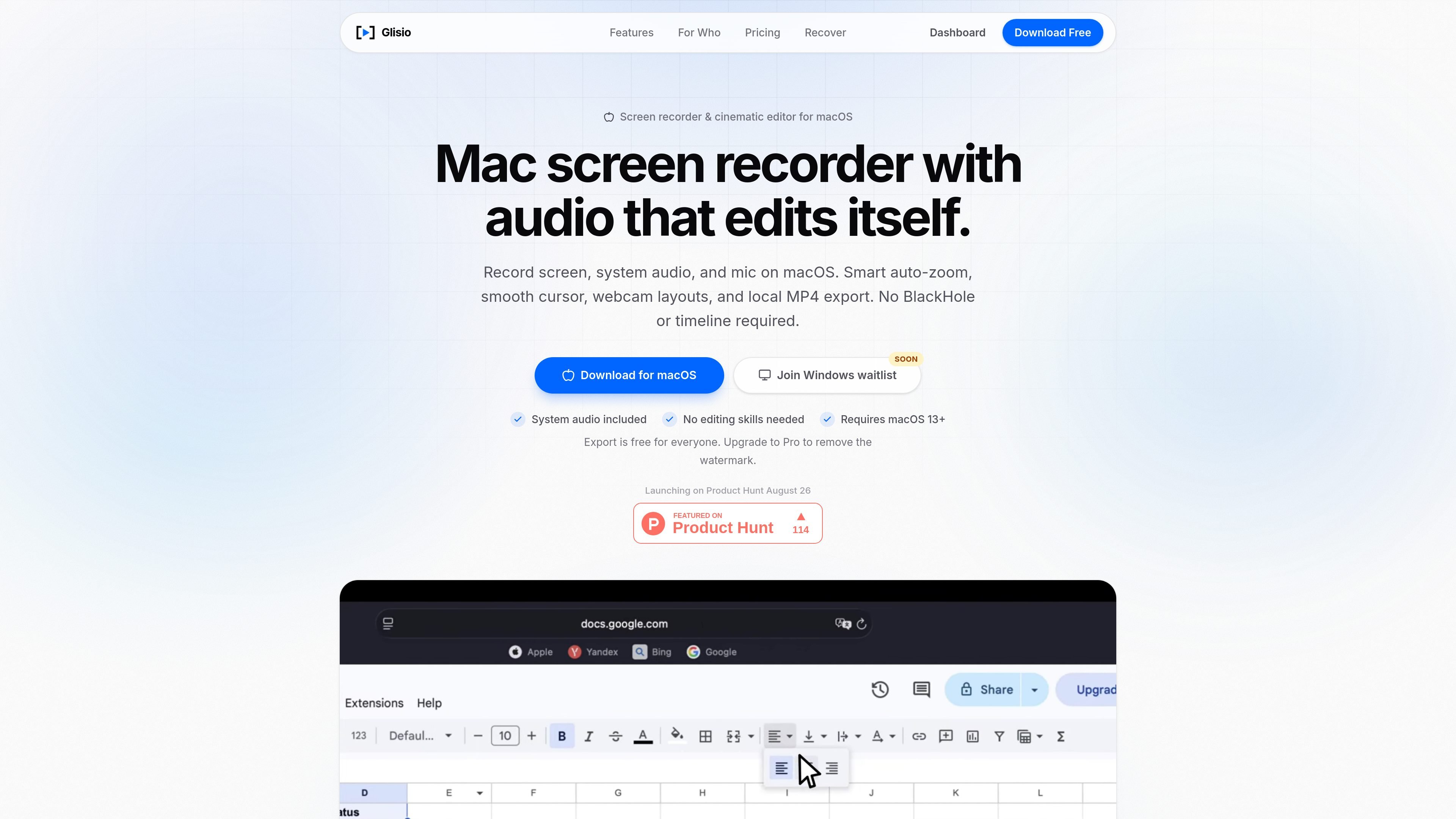
Glisio is a macOS screen recorder and cinematic editor for making polished software demos, tutorials, launch videos, and technical walkthroughs. It records the screen together with system audio and microphone input, then applies features such as auto-zoom, cursor smoothing, and webcam layouts inside the same app.
The product is designed for people who want a more guided recording workflow without using a traditional video editor or separate audio routing tools. It supports local export on the Mac, offers a free tier with watermark-protected exports, and includes a Pro option that removes the watermark.
Capture a full display, a single window, or a selected area on macOS, with optional webcam, microphone, and system audio in the same recording.
Glisio tracks cursor and click activity and generates zoom and pan motion automatically, so you do not need to build a timeline by hand for basic camera movement.
Fast or shaky cursor movement is smoothed into a cleaner motion after recording, which helps screen demos look easier to follow.
Choose from five webcam layouts and adjust size, shape, border, and position to fit the recording.
Edit clips in one place with split, cut, speed control, zoom adjustments, click highlights, background music, audio cleanup, and auto-save.
Export MP4 video in native, vertical, or square aspect ratios, with presets for YouTube, X, LinkedIn, TikTok, and Reels.
Record a product demo or sales walkthrough with screen, voice, system sounds, and webcam in one take, then tidy the recording with auto-zoom and basic editing before sharing it with prospects.
Turn a feature announcement or app update into a short launch video, using cursor highlights, zooms, and multiple aspect ratios to adapt the same recording for different platforms.
Create lesson videos or technical walkthroughs where important on-screen actions stay visible through automatic zooming, cursor smoothing, and easy speed adjustments.
Record documentation explainers or DevRel content without moving footage into a separate editor, then export a clean MP4 for publishing.
Make one recording and repurpose it for vertical, square, or widescreen social formats without rebuilding the project from scratch.
Yes. Glisio lets you record, edit, and export for free, but exports include a small Glisio watermark until you upgrade to Pro.
No. Glisio records and exports locally on your Mac using Apple's ScreenCaptureKit and a native macOS export pipeline. Your recordings stay on your machine unless you choose to share them.
Glisio requires macOS 13 (Ventura) or later. The site says Apple Silicon and Intel Macs are supported.
Glisio exports MP4 files at up to 60fps. You can also render from the same recording in widescreen, 9:16 vertical, or 1:1 square formats.
Glisio supports recording an optional webcam track, microphone input, and Mac system audio together with the screen. The editor also includes webcam layout controls.

Zella is a screen recorder and on-device AI video editor for Mac and iPhone. It helps creators record screens or cameras, automatically clean up footage, add captions, reframe clips, and export videos without uploading the core project to the cloud.

Jupitrr Cut is a free iOS and Android teleprompter and recording app for scripted talking-head videos. It records scenes separately, lets users retake individual lines, trims pauses, and stitches the takes into a jump-cut video.

MeetStream is a meeting bot API for Zoom, Google Meet, Microsoft Teams, and Webex. It helps developers record, stream, and analyze meetings programmatically, with usage-based pricing and a $5 free credit to start.

Tavus is an AI video platform for building real-time, face-to-face agents, digital twins, and AI companions. It combines APIs, custom replicas, and multilingual conversational workflows for developers and teams.

HiringPartner.ai is an autonomous AI recruiting platform for sourcing, screening, and interviewing candidates 24/7. It supports ATS-connected workflows, bulk resume uploads, and reviewable interview outputs for hiring teams.

CAKIE is a Mac app for recording your screen and voice for an AI agent. It adds a transcript and screenshot highlights, then lets you copy a prompt and paste or attach the context in another AI app.