
Visual front-end editing
Edit text directly in the browser, move elements visually, or leave comments to guide changes.

Inspector is a visual front-end editor that connects to AI coding agents like Cursor, Claude Code, and Codex. It supports local React, Next.js, and Vite workflows on MacOS.
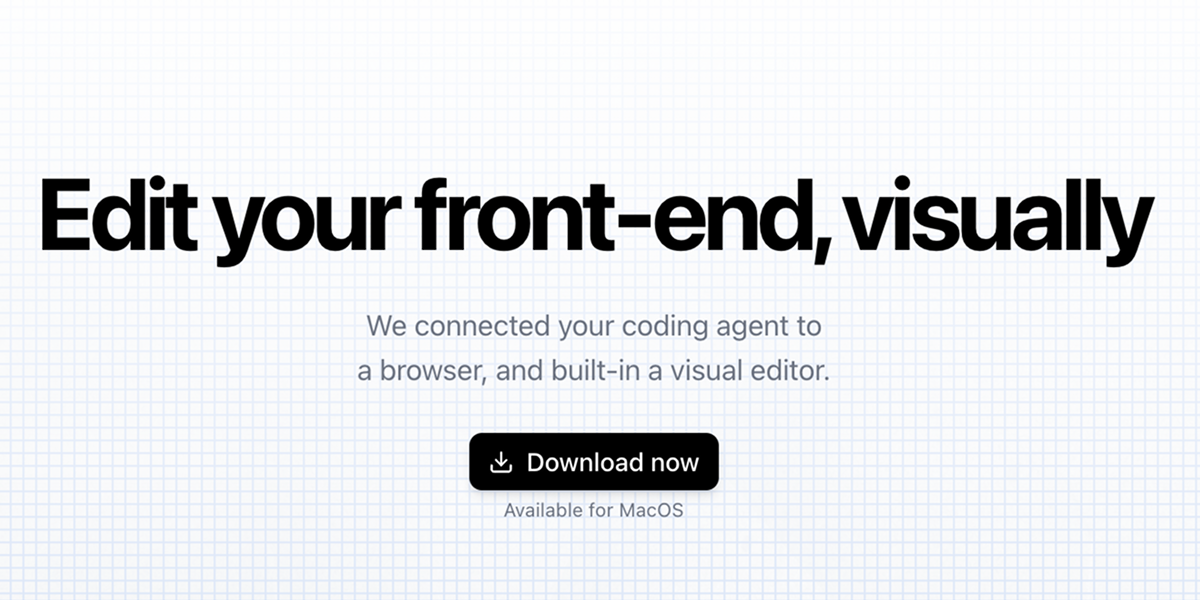
Inspector is a visual front-end editor for working on production web apps through an AI coding agent. The site describes it as a browser-connected editor that lets you click to edit text, drag elements, and apply changes back to your codebase.
It is positioned for local development workflows and names React, Next.js, and Vite as supported app types. The product also connects with Claude Code, Codex, and Cursor, so changes can move between the visual editor and the coding agent you already use.
Edit text directly in the browser, move elements visually, or leave comments to guide changes.
Connect Inspector to Claude Code, Codex, or Cursor so changes can flow into your coding workflow.
Inspector is described as completely local and connected to any local codebase, so edits happen against your own project files.
The product says it works with React, Next.js, and Vite apps.
The changelog shows a design panel for adjusting padding, margin, font size, typography, layout, stroke, gradients, background colors, and shadows.
Inspector also supports opening files in many editors, with the changelog listing Cursor, VS Code, JetBrains IDEs, Sublime Text, Xcode, Zed, Fleet, Windsurf, Trae, and terminal/file openers.
Use Inspector to change copy, adjust layout, and review the result visually before the update is written back to the codebase.
Use the design panel to refine spacing, typography, backgrounds, and shadows when you need more precise visual control than code-only edits.
Use the agent connection to bridge visual edits with your preferred coding assistant when building or refining app screens.
Use Inspector on a local React, Next.js, or Vite project when you want to edit front-end work without leaving your codebase.
Use the external editor and file-opening options to move quickly between Inspector and desktop development tools.
Inspector is a visual front-end editor that connects to AI coding agents. The source material names Cursor, Claude Code, and Codex as supported agent accounts.
The documentation says you can click to edit text, drag elements, and see changes applied to your codebase automatically.
The source material lists React, Next.js, and Vite apps as supported targets.
The home page says Inspector is available for MacOS.

ByteAsk is a terminal-first AI coding agent for C and C++ that edits repositories and verifies changes with the real compiler, debugger, sanitizers, and tests before showing a diff. It offers a free tier plus paid plans, with editor connectors and zero-retention handling described in the source.

Ghost é um assistente de IA para terminal, para conversar, gerar código e executar tarefas no prompt. Traz modelos gratuitos, funciona no Linux, macOS e Windows e é open source.

Vi3ecode is a maintained development environment for working with AI coding agents. It keeps project context, terminal, Git, memory, flows, review, and communication connected around the agent you already use.

Devin is an AI coding agent and software engineer that helps developers and engineering teams plan and execute complex software tasks. It is available through desktop, cloud, JetBrains, and CLI surfaces, with plans for individuals, teams, and enterprises.

CreateOS Sandbox is an isolated compute environment for running code and agent workloads inside Firecracker micro-VMs. It is designed for workflows that need machine-level isolation, private networking between sandboxes, and programmatic control through SDK, CLI, or MCP.

hob is an independent workspace for coding agents that keeps agent sessions, terminals, history, and follow-up work organized around the tools and providers you already use. It is aimed at developers who want local control over routing, history, and workspace structure rather than a bundled model stack.