
Per-model ML cache analysis
Scans model caches one model at a time and distinguishes between models you actually loaded and models that were only downloaded.

Jharu is a free, open source disk cleaner for macOS and Windows that targets AI model caches, developer package data, and app leftovers. It helps users review reclaimable space and move selected items to the Trash or Recycle Bin instead of deleting them permanently.
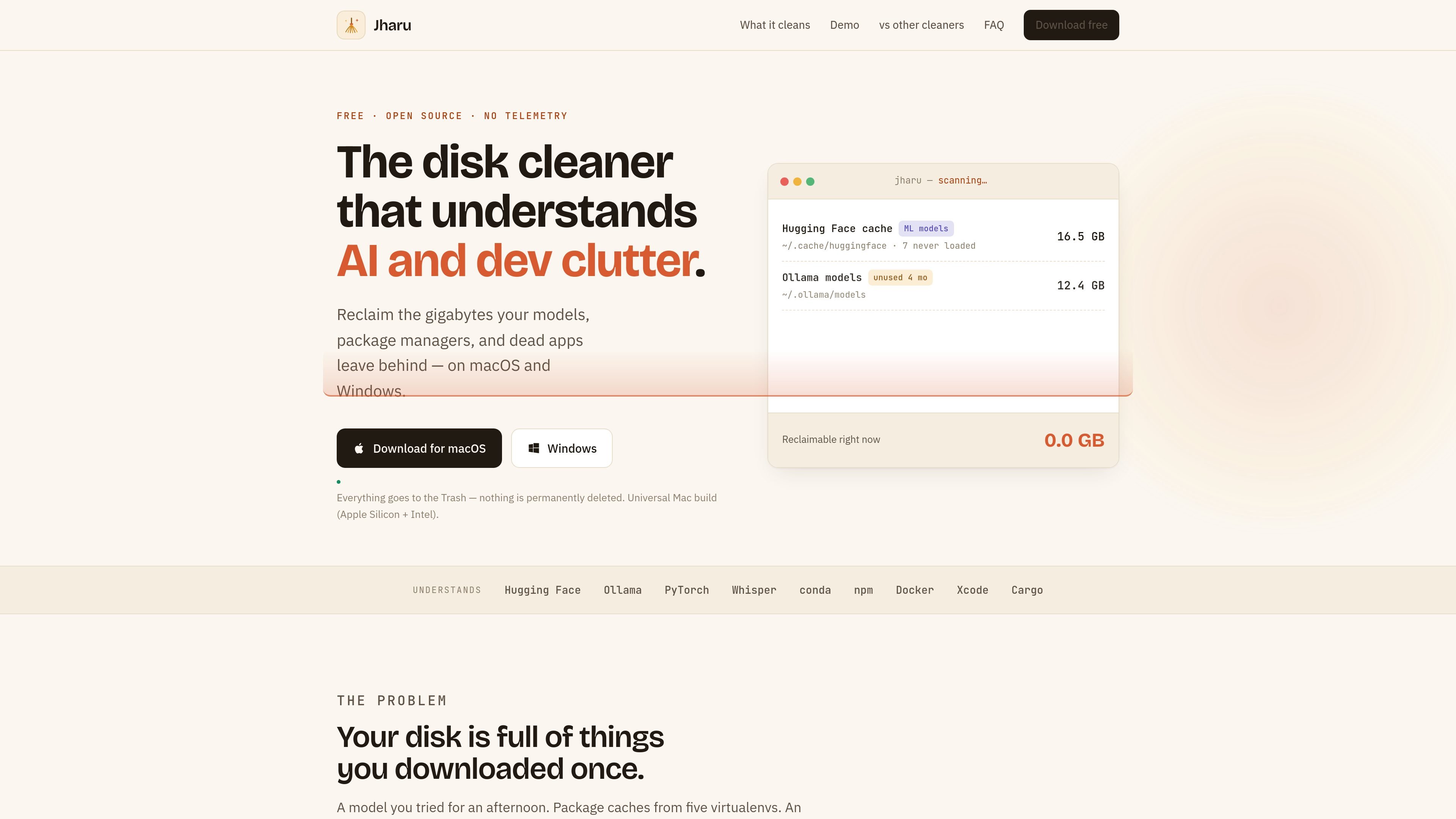
Jharu is a free and open source disk cleaner for macOS and Windows that focuses on AI and developer clutter. It is built to reclaim space from model caches, package managers, app leftovers, and other data that generic cleaners often treat as ordinary folders.
The product examines what data actually is, not just how much space it uses. It lists Hugging Face, Ollama, Whisper, conda, npm, Docker, Xcode, and Cargo-related clutter, then lets you review reclaimable items and move selected data to the Trash or Recycle Bin with a plain-language explanation of what each action means.
Scans model caches one model at a time and distinguishes between models you actually loaded and models that were only downloaded.
Shows all reclaimable data in a treemap so you can see what is taking space and drill into folders by clicking the map.
Moves cleaned items to the Trash on macOS or the Recycle Bin on Windows instead of deleting them permanently.
Removes an application together with support files, caches, and preferences it left behind; on Windows it runs the app's own uninstaller first.
Finds virtual environments and conda environments and shows how much duplication is present across a machine.
Keeps some items intact by design, including shared Ollama layers, and shows rather than clears prefetch and protected locations.
Review Hugging Face, Ollama, and Whisper models individually, identify which ones were never used, and remove the ones you no longer need without guessing from folder size alone.
Inspect npm, conda, pip, and cargo-related storage to understand how much duplicated package data is taking up space across developer tools and environments.
Locate app leftovers such as support files, caches, and preferences after uninstalling software, then clear them from the Trash or Recycle Bin with the app’s uninstaller workflow on Windows.
Find virtualenv and conda environments on a machine that has accumulated multiple Python setups and see the storage cost of duplicated dependencies.
Use the treemap view to find the largest reclaimable folders quickly when the machine feels full but the source of the space use is not obvious.
Yes. Jharu is described as completely free and open source under the Apache 2.0 license, with no subscription, paid tier, ads, or telemetry.
Jharu is not AI-powered in the sense of making deletion decisions with machine learning. It is rule-based, but it is designed to understand AI-related clutter such as Hugging Face, Ollama, PyTorch, and Whisper caches.
Open the ML models tab. It shows downloaded models individually, their sizes, and whether they have been loaded since download. You can move unneeded models to the Trash, and they will re-download if your code asks for them again.
No. Jharu says every clean moves items to the macOS Trash or Windows Recycle Bin, and that operating-system locations are protected and cannot be cleaned.
Yes. The site states that Jharu runs on macOS and Windows, with a universal Mac build for Apple Silicon and Intel and a standard 64-bit Windows installer.

Codex Plugins bundle reusable skills, app integrations, and MCP servers into workflows you can install in the Codex app or use from Codex CLI. They help extend Codex with connected-service tasks, reusable instructions, and shared team workflows.

Snapmark is a VS Code extension that lets you annotate clipboard screenshots before pasting them into AI chats. It supports blur redaction, numbered callouts, and automatic resizing for large images.

PDFTools is a browser-based suite of free and premium PDF utilities for editing, conversion, and document handling. It helps users work on PDFs locally in the browser without uploading files to a server.

Open Computer Use is an open-source Computer Use service wrapped as MCP for macOS, Linux, and Windows. It helps AI agents and MCP clients run desktop automation workflows through client setup commands or manual MCP configuration.

CloudFuze provides a guided workflow for migrating Claude conversation history and context into Gemini for organizations moving their AI assistant. It helps IT teams preserve user continuity by moving exported conversations into Google Drive and making them accessible in Gemini Gems.

Osaurus is a native macOS AI agent platform for Apple Silicon that keeps models and data on your Mac. It can also connect to ChatGPT, Claude, or Gemini when a task needs a cloud model.