
Capture conversations and thoughts
Record a meeting with everyone’s consent, or save a short thought while the context is still fresh.

Kairn is an iPhone productivity app that turns consented meeting recordings or quick thoughts into reviewable suggestions for people, tasks, and dates. Users edit and approve those suggestions before saving them to iPhone Contacts, Reminders, or Calendar.
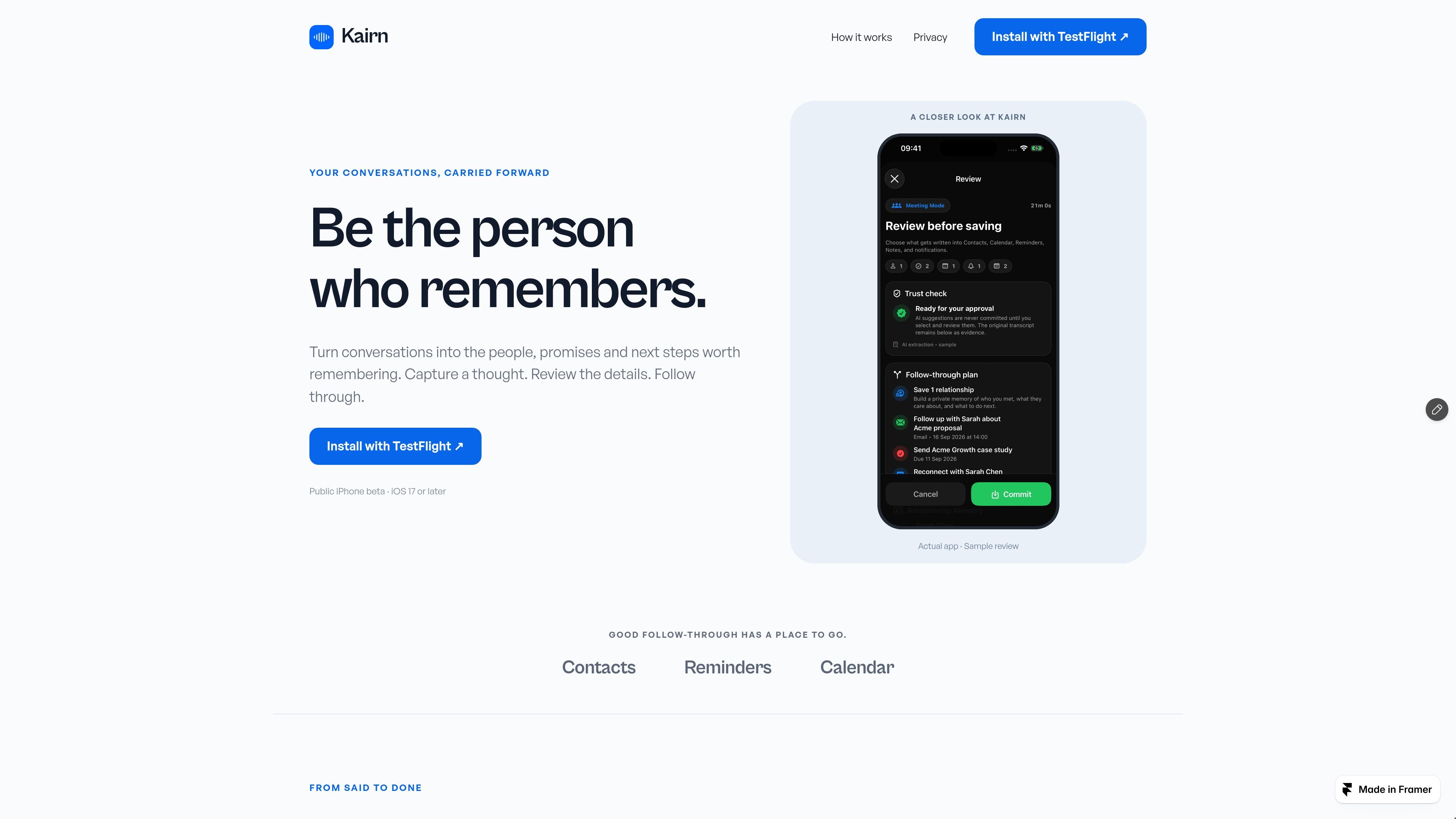
Kairn is an iPhone app for carrying conversations forward into follow-up actions. It turns a recorded meeting or a quick personal thought into suggested people, promises, tasks, and dates, with the aim of helping users remember what they offered and what needs to happen next.
The workflow is deliberately review-based: capture the moment, inspect and edit Kairn’s suggestions, then approve what should be saved. Approved contacts, reminders, and calendar events are sent to the corresponding iPhone apps, while the conversation context remains in Kairn. Kairn is currently presented as a public TestFlight beta for iPhone users running iOS 17 or later.
Record a meeting with everyone’s consent, or save a short thought while the context is still fresh.
Kairn identifies people, tasks, and dates from captured context and presents them as suggestions.
Review the suggested details and edit them before committing anything to your device.
Save approved people to Contacts, tasks to Reminders, and dates to Calendar on your iPhone.
Keep the surrounding context in Kairn while turning approved details into follow-up actions.
Record a meeting with consent, then review the people, commitments, and dates that should become follow-up actions rather than relying on memory alone.
Save a thought immediately after an interaction while names, promises, or next steps are still clear, then turn the useful details into approved iPhone records.
When you offer to send a proposal or other material, use the extracted promise and date as a reviewed reminder so the follow-up has a defined next step.
Use the review stage to correct names, task wording, or dates before they reach Contacts, Reminders, or Calendar.
Kairn is available as a public iPhone beta through TestFlight. The site states that it requires iOS 17 or later; users install TestFlight, accept the invite link, and begin testing.
You can record a meeting with everyone’s consent or save a quick thought while it is fresh. Kairn then presents suggested people, tasks, and dates for review.
No contact, calendar event, or reminder is added until you review and approve Kairn’s suggestions. The site also says Kairn asks for consent before sending audio and text for processing.
Approved contacts, reminders, and events can be saved to the iPhone. The site does not document additional integrations or export options.

Liam is an AI copilot for managing inboxes, writing replies, prioritizing email, and scheduling meetings. It is offered free for individuals, with custom pricing for teams and enterprise.

Flunkey is a voice-first productivity layer for Windows that converts speech into text, AI-assisted outputs, and remembered context. It is built for users who want to capture ideas and actions without leaving the app they are working in.

MeetStream is a meeting bot API for Zoom, Google Meet, Microsoft Teams, and Webex. It helps developers record, stream, and analyze meetings programmatically, with usage-based pricing and a $5 free credit to start.

Gemma AI is a phone call reminder app that calls you with scheduled reminders instead of push notifications. It helps people who want a more direct way to stay on schedule, with Google Calendar sync and conversational call interactions.

Tactiq is an AI note taker for Google Meet, Zoom, and Microsoft Teams that transcribes meetings live and turns them into summaries, action items, and follow-up outputs. It is built around a Chrome extension and supports team workflows through sharing and integrations.

garden-md is an open-source Node.js CLI that turns meeting transcripts into a local company wiki. It links entities across transcripts, keeps the original text intact, and renders the result as a browsable wiki.