
Live shortcut overlay
Hold a modifier to show the front app's current menu shortcuts, grouped by menu. Search the panel, favorite or hide entries, and click a row to run the corresponding menu command.

Keysi is a macOS utility that shows the current keyboard shortcuts for the app you are using, with search, click-to-run commands, custom keymaps, and cheat sheets. It helps developers, designers, editors, and other keyboard-focused users find and practice shortcuts without repeatedly browsing menus.
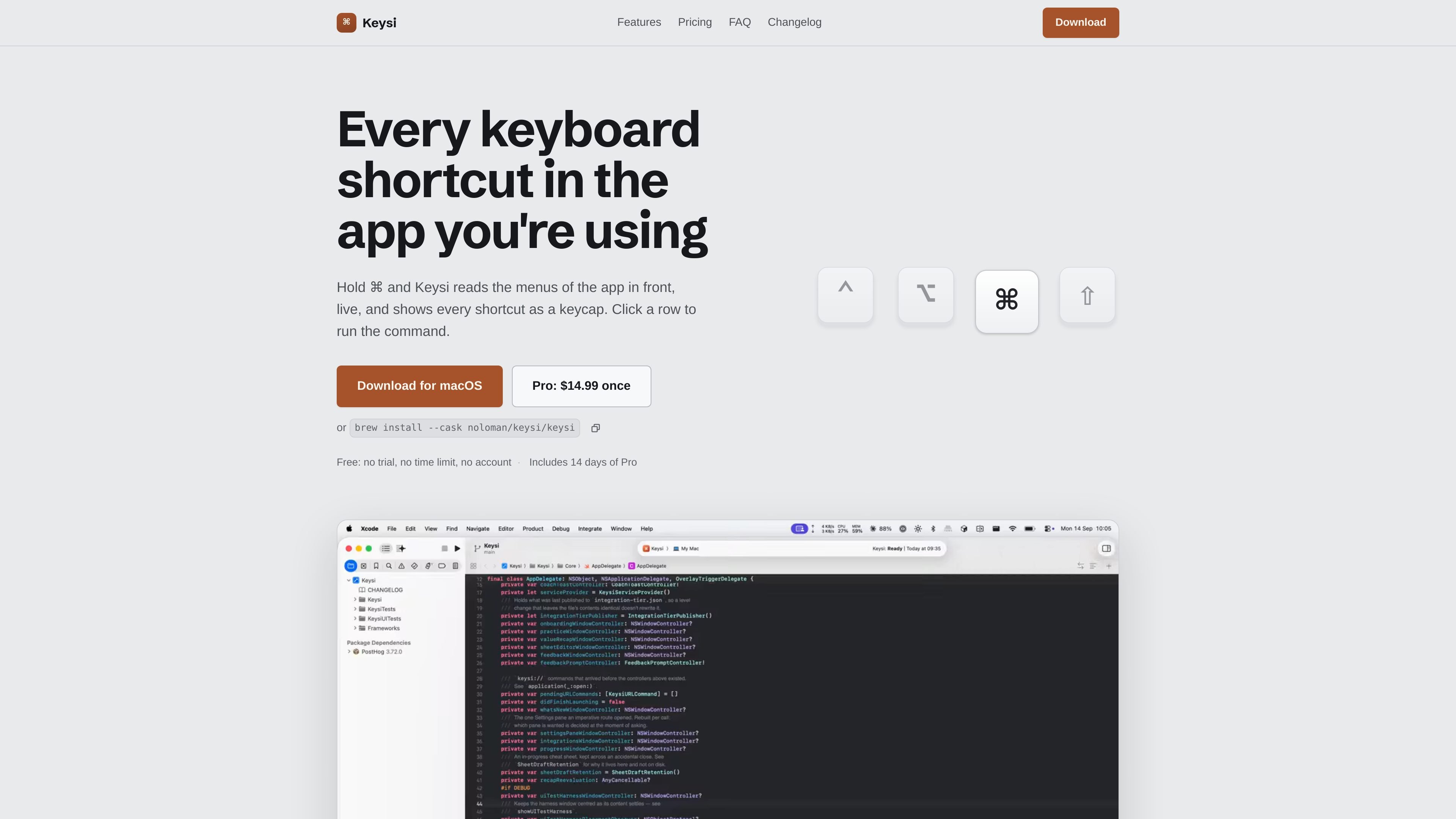
Keysi is a macOS shortcut reference and learning utility for the app currently in front. Hold a modifier key to display that app's menu commands and shortcuts, grouped by menu; the panel supports search, favorites, hiding, and click-to-run actions. It reads the current menu structure rather than relying only on a static shortcut list.
The app also brings together custom keymaps, cheat sheets, shortcut conflict checks, and learning tools. It is designed for people who work in keyboard-heavy applications such as development environments, design tools, office apps, terminals, and video editors, and want to find or practice commands without repeatedly opening menus.
Hold a modifier to show the front app's current menu shortcuts, grouped by menu. Search the panel, favorite or hide entries, and click a row to run the corresponding menu command.
Read custom bindings from supported tools such as VS Code, Cursor, JetBrains IDEs, Xcode, Sublime Text, Zed, and Final Cut Pro, including some multi-step bindings that menus do not expose.
Use built-in sheets for tools and apps including Vim, tmux, Emacs, Helix, Zellij, Figma, Slack, Discord, Linear, and others. Edit your own sheets or import JSON files after reviewing their contents.
Keysi identifies shortcuts that macOS, another running app, or Keysi itself will capture first. It also lists macOS system shortcuts from the Mac's own settings.
Coach gives a reminder after you choose a menu command that has a shortcut, while Practice Mode revisits missed shortcuts using intervals of one, two, four, eight, and sixteen days. Pro also tracks menu trips and shortcut use.
Open Keysi through Raycast, Alfred, a terminal command, Shortcuts, Siri, Spotlight, Services, or a keysi:// URL. Export shortcut sheets as Markdown or PDF, and sync settings, favorites, and appearance through a folder you choose.
Open the overlay while working in Xcode, VS Code, a JetBrains IDE, or another supported development tool to see menu shortcuts alongside the keymap you have remapped. This is useful when a command is not represented accurately by the app's menus.
Use built-in or custom sheets for Vim, tmux, Emacs, Helix, Zellij, and terminal applications when the relevant bindings are not ordinary macOS menu commands. Spotlight indexing can also surface custom sheet entries.
Check shortcuts while using design, office, or creative software such as Figma, Excel, Word, Logic, or Final Cut Pro. The current menu structure helps when an app update changes available commands.
Use Coach and Practice Mode to turn repeated mouse or menu selections into keyboard habits. Coach reminds you after a matching menu selection, while Practice revisits shortcuts at increasing intervals.
Trigger shortcut panels, searches, practice, or exports from Raycast, Alfred, the terminal, Shortcuts, Siri, or Services when the workflow starts outside Keysi.
Keysi runs on macOS 14 or later. It is signed and notarized, and it requires Accessibility access to read the front app's menu bar and run a menu item when you click a row.
Hold Command, Option, Control, or Shift for the configured delay to open the overlay. You can also enable a double-tap of Command, Option, or Control, use the menu bar item, or open the panel through Raycast, Alfred, the terminal, Shortcuts, Siri, Spotlight, Services, or a keysi:// URL.
Yes. Keysi can export an app's shortcuts as Markdown or a printable PDF. A desktop picture export is available in Pro.
Keysi can read remapped keymaps from supported editors and development tools, including VS Code, Cursor, JetBrains IDEs, Xcode, Sublime Text, Zed, and Final Cut Pro. It can also import cheat sheets from JSON or let you create your own.
The free version has no time limit and includes the shortcut overlay, search, favorites, click-to-run, built-in cheat sheets, custom sheets, keymap reading, conflict warnings, Markdown and PDF export, and settings sync. Pro adds Coach, Practice Mode, progress tracking, and related Pro workflows; the site lists Pro at $14.99 as a one-time purchase.

Goldfish is an AI memory app for macOS that helps you reply, write, summarize, and continue using the context already on your Mac. It stores memory locally and writes in your tone.

ArtDeck is a visual reference board app for iPhone, iPad, and Mac that lets artists collect mixed reference material on one canvas and study it with ToolBox lenses. It works offline, supports optional iCloud sync, and is sold as a one-time purchase with no account required.

Biji é uma plataforma versátil projetada para aumentar a produtividade por meio de ferramentas e recursos inovadores.

Malyatko is a baby tracker for logging feeding, sleep, growth, teething, and milestones in one app. It works on iPhone, Apple Watch, and widgets, with no sign-up, offline use, and family sharing through iCloud.

Redline is a budgeting tool for Claude Code that paces sessions to stay within time, token, cost, or plan-percentage limits. It uses Claude Code’s native hooks and statusline to help sessions finish with a usable result instead of stopping abruptly.

Claude Overlay is a Windows desktop overlay for Claude Code that reads your screen so you can ask questions, inspect content, and request edits without leaving the current app. It runs on your existing Claude subscription through the Claude CLI, so no separate API key is required.