
Parallel tool calls
Run file reads, searches, terminal commands, and other agent actions at the same time so the assistant spends less time waiting between steps.

Kilo is a free, open-source AI coding assistant for VS Code that supports parallel agents, inline code review, and cross-platform session continuity. It works with hosted, BYOK, and local models, including 500+ model options.
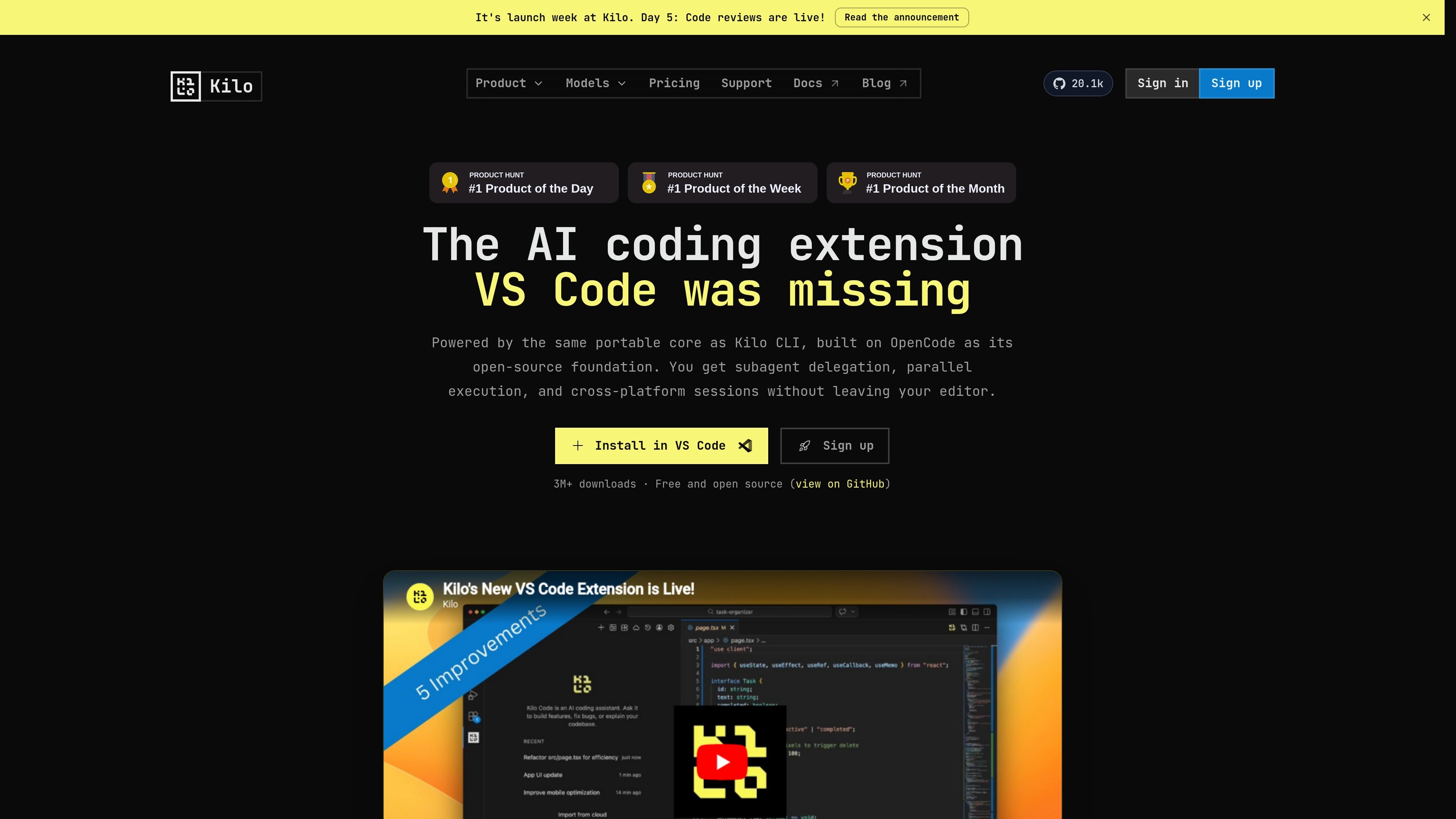
Kilo is an AI coding assistant for VS Code built on the same portable open-source core as Kilo CLI. The rebuilt extension focuses on agentic coding workflows that let you delegate tasks, review changes, and move sessions across products without rebuilding context.
The VS Code version emphasizes parallel execution, subagent delegation, inline review, worktrees, and access to more than 500 models. It is positioned as a free and open-source extension that users can install from the VS Code extensions view or the Visual Studio Marketplace.
Run file reads, searches, terminal commands, and other agent actions at the same time so the assistant spends less time waiting between steps.
Break work into specialist agents for implementation, testing, docs, or review, then merge results back into a single outcome.
Create separate git worktrees per agent when you want isolation, or keep multiple agents on the same worktree for read-heavy collaboration.
Review edits inside VS Code with unified or split diff views, line-level comments, and structured review context sent back into chat.
Compare outputs from different models on the same prompt to help with refactors, architecture decisions, and open-ended tasks.
Move sessions between VS Code, the CLI, Slack, and cloud-related Kilo surfaces because they share a portable core.
Use parallel subagents to split implementation, tests, and documentation into separate tracks, then merge the results when the pieces are ready.
Run file diffs, comment on exact lines, and send structured feedback back to chat when you need to inspect or approve agent changes before applying them.
Create separate worktrees or shared workspaces when multiple agents need isolation for risky changes or coordinated collaboration on the same repository.
Compare multiple model outputs on the same prompt when the task is ambiguous and you want to see different approaches before choosing one.
Start a task in the CLI, continue it in VS Code, or share it into Slack when you want the same session to move across surfaces.
Kilo Code is installed as a VS Code extension. The product page says to search for “Kilo Code” in the VS Code extensions view or install it from the Visual Studio Marketplace, then sign up and start using it.
Auto Model is Kilo’s routing layer. It chooses between model options based on the tier you select and the task at hand, so you can keep working without manually switching models for every request.
Yes. The VS Code page says Kilo supports hosted models, bring-your-own-key setups, and local models, and the pricing page says you can use Kilo without a paid inference plan if you already have your own providers or local models.
The rebuilt extension supports parallel tool calls, parallel subagents, custom subagents, worktrees, inline code review, model comparisons, and cross-platform sessions with the CLI and other Kilo surfaces.
The April 2026 update notes that code indexing is temporarily unavailable in the new extension and is being worked on. It also says checkpoints are now called snapshots.

AakarDev AI helps teams manage AI provider access, project-level setups, logs, and analytics from one dashboard. It supports BYOK workflows and lists providers including OpenAI, Google Gemini, Anthropic, Groq, Mistral AI, and Perplexity AI.

Devin is an AI coding agent and software engineer that helps developers and engineering teams plan and execute complex software tasks. It is available through desktop, cloud, JetBrains, and CLI surfaces, with plans for individuals, teams, and enterprises.

Benchspan is an AI agent security platform that discovers agents, blocks prompt injection and data exfiltration in real time, and supports pre-launch red teaming. It is aimed at teams running agents in production and includes Python and TypeScript SDKs.

ByteAsk is a terminal-first AI coding agent for C and C++ that edits repositories and verifies changes with the real compiler, debugger, sanitizers, and tests before showing a diff. It offers a free tier plus paid plans, with editor connectors and zero-retention handling described in the source.

CreateOS Sandbox is an isolated compute environment for running code and agent workloads inside Firecracker micro-VMs. It is designed for workflows that need machine-level isolation, private networking between sandboxes, and programmatic control through SDK, CLI, or MCP.

Codex Plugins bundle reusable skills, app integrations, and MCP servers into workflows you can install in the Codex app or use from Codex CLI. They help extend Codex with connected-service tasks, reusable instructions, and shared team workflows.