Kitbitz icon

Kitbitz

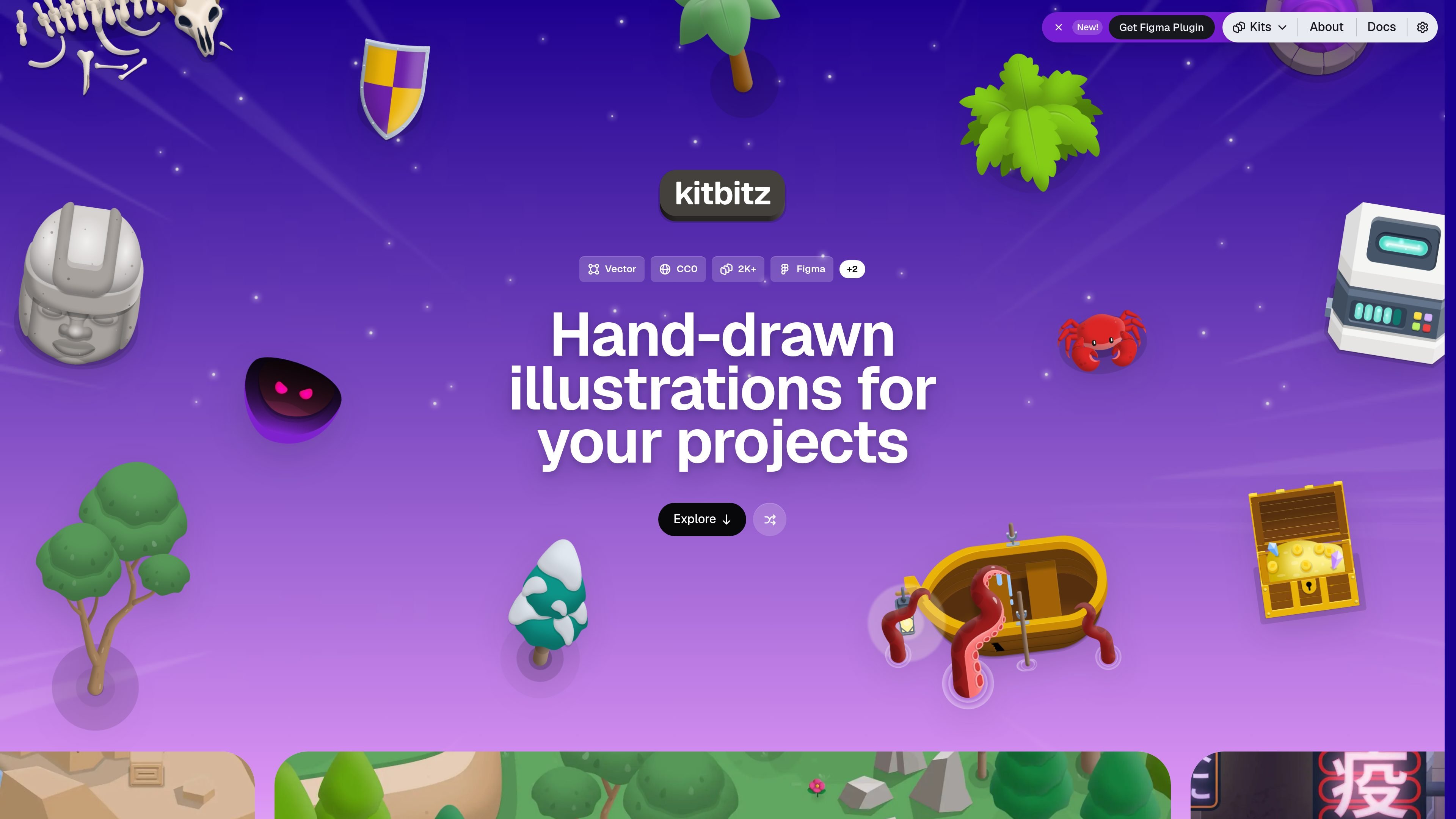
Kitbitz is a public library of hand-drawn illustrations for games, maps, and playful scene design. It offers SVG and PNG downloads, CC0 licensing for the original artwork, and access on the web, in Figma, or through MCP.

Kitbitz

Overview

Kitbitz is a public library of hand-drawn illustrations for game, map, and playful scene design. The homepage describes 2,043 assets across 13 kits, with free SVG and PNG downloads and CC0 licensing for the original artwork.

The service is organized around themed kits such as nature, dungeon, city, space, western, pirate, interior, winter, Halloween, ruins, cyberpunk, medieval, and Barbieland. Users can browse the catalog on the web, use the Figma plugin inside a design file, or connect through the public MCP server for AI-assisted catalog search and scene preparation.


Core capabilities

Large themed illustration catalog

The site presents a public catalog of 2,043 hand-drawn illustrations across 13 kits, covering themes such as nature, dungeon, city, space, western, pirate, interior, winter, Halloween, ruins, cyberpunk, medieval, and Barbieland.

Asset-level detail pages

Each illustration can be opened on its own page to inspect details such as kit, category, kind, material, and tags, which helps users choose assets that fit a scene before downloading.

SVG and PNG downloads

Available assets can be downloaded as SVG or PNG, letting users choose between editable vector artwork and transparent bitmap output depending on their workflow.

Web, Figma, and MCP access

The getting started docs say the same public catalog is available on the web, in Figma, and through MCP, so users can work in the environment that matches their process.

Figma plugin insertion

The Figma plugin searches the catalog without leaving the design file and inserts either an editable SVG or a transparent PNG directly into the document.

MCP support for AI workflows

The public MCP server supports search, metadata retrieval, related-asset discovery, scene curation, and download-manifest preparation for compatible AI clients.

Practical use cases

  • Building game and map scenes

    Browse themed kits and download vectors or PNGs when you need ready-made scene pieces for a game, map, or location-based project.

  • Designing inside Figma

    Use the Figma plugin to insert editable SVG or transparent PNG assets directly into design files without switching tools.

  • Selecting assets by detail and tag

    Open individual illustration pages to compare similar assets and review metadata before choosing the best fit for a scene.

  • AI-assisted asset retrieval

    Use the public MCP server with a compatible AI client to search the catalog, gather metadata, and prepare a download manifest for an assisted workflow.

  • Browsing the public catalog

    Work from the web catalog when you want to search and filter the complete public library without creating an account.

Pros and Cons

Pros

  • Large catalog with 2,043 illustrations organized into 13 themed kits.
  • Free SVG and PNG downloads for the original artwork.
  • CC0 licensing for the illustration assets, including commercial use without attribution.
  • Multiple access surfaces: web, Figma plugin, and MCP.
  • Asset pages provide useful metadata and related-illustration discovery.

Cons

  • The pricing page was not available, so there is no pricing or plan information to summarize from the site.
  • The public MCP server is read-only, which limits it to catalog access and preparation rather than direct editing.

FAQ

Can I use Kitbitz illustrations commercially?

Yes. The docs say the original illustration assets are released under CC0 1.0 Universal, which allows commercial use, editing, and remixing without attribution. The website, plugin, MCP server, and source code are separate proprietary software.

How can I access the illustration library?

The getting started docs say you can browse the catalog on the web, use the Figma plugin inside a design file, or use the public MCP server with compatible AI clients. The MCP server is read-only and can search the catalog, retrieve metadata, find related illustrations, curate a scene, and prepare a download manifest.

What file formats are available?

Browse the public catalog on kitbitz.art, open an illustration to inspect it, see related illustrations, and download any available format for that asset. The docs specifically mention SVG for editable vector artwork and PNG for transparent bitmap output.

Do I need an account to use Kitbitz?

The source material does not mention paid plans or account requirements for the public catalog. The docs state that no account is required to browse on the web.

Does Kitbitz support team collaboration features?

The public MCP server is read-only, so it is meant for searching, metadata lookup, and scene preparation rather than editing the library itself. The Figma plugin inserts assets into your design file, but the docs shown here do not describe collaboration controls or team limits.

Quick Facts

Product type
Hand-drawn illustration library
Domain
kitbitz.art
Catalog size
2,043 illustrations
Kits
13 themed kits
Formats
SVG, PNG
License
CC0 1.0 Universal for original illustration assets